


GhostLead00
Members
-
Joined
-
Last visited
Everything posted by GhostLead00
-
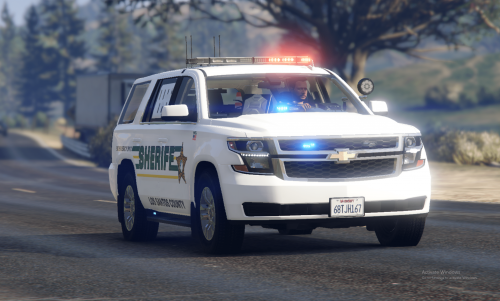 So is this a 2020 Tahoe or a 2018 Tahoe. Your description says 2018. But the Title says 2020? Thank you
 -
it still doesnt load... its up to date
-
it crashed just now trying to load in. it didnt give a log, because i didnt even log into game crashreport.log
-
Crash came from my gtav directory where both rage and lspdfr is installed. It still happens when i enter the game
-
RagePluginHook_03052020_053838.log
-
That is the one in my GTA 5 main folder
-
CrashReport_Justin_637240811836324795.txt
-
I actually got I figured. Thank you
-
When i click on the rage plugin hook shortcut or in my gta v files, it goes to loading screen and then it quits and says it has crashed.
-
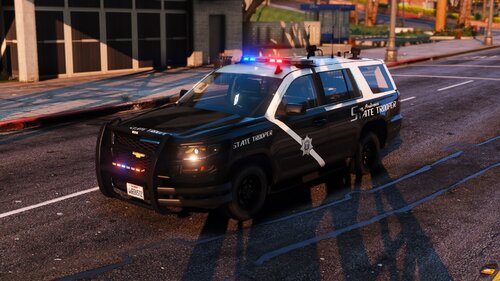 The pack is awesome only problem is the take down on the tahoe light up the rear instead of the front of the vehicle. Any way to fix that?
- 18 comments
- 7 reviews
-
ok thank you, i ended up getting it fix, it was a plugin that i had installed. Thanks for the help.
-
RagePluginHook_16032020_004140.log
