mr.chest
Members
-
Joined
-
Last visited
Everything posted by mr.chest
-
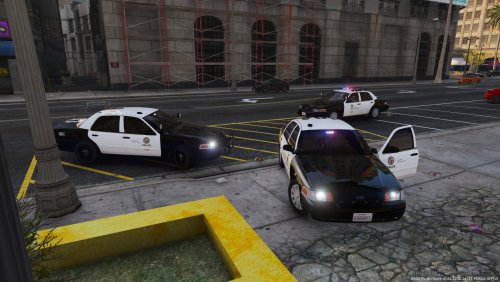 i love the cars now an lapd pack thats els and without having to put other skins on it my self.. great cars
- 28 comments
- 8 reviews
-
Hope the crashes will get fixed every one of them without closing the whole game ;D
-
crashing at hotel call same spots every callout kinda boring callouts need more updates
- 15 comments
- 12 reviews
-
its funny that the post date change everytime now it says its made on feb 3 yesterday feb 4 lol
-
-
i like that
-
so nice :)
-
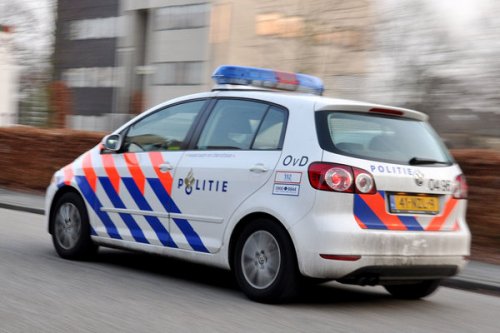 vrij zacht sirene mag harder.
 -
-
-
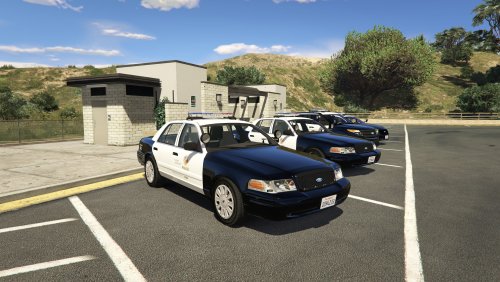 u should read.
 -
-
-
-
-
-
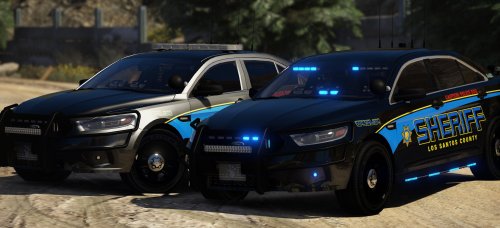 its really cool bad part is you forgot els file. when suspect is in the back hes head sticks out
- 66 comments
- 31 reviews
-
-
-
-
-
-
-
-