


BaronFyreWhine
Members
-
Joined
-
Last visited
Everything posted by BaronFyreWhine
-
 Well, "bud". I've owned: 3 '55 Chevy's (2 post cars, 1 2 door wagon), 1 '63 1/2 Mercury Marauder S55, 1 '66 Chevelle SS 396, 1, 64 Chevelle SS, 2 '57 Chevy's (I have one now), 1 '74 Corvette (Own it now), 1 '65 Corvair (Own it now), 1 '48 Dodge 5 Window Coupe with a 440 engine, 1 '49 Austin A40, 1, '51 Henry J with a 510 Caddy engine, 1 1927 Model T (fiberglass), 1 '69 440 Dodge Coronet, 1 '85 Fiero (Own it now), 1 '98 Lincoln Mark VIII (Own it now), several pickup trucks, 1 '84 Dodge Van, 1 '86 GMC Crew Cab Ramp Truck (Own it now), Aztec GT II VW Kit Car (Own it now).... And I built all of the ones that weren't stock. I've built my own computers for 20 years. So it should be easy "even for u" to figure out who knows more about how a car (pretend or real) should handle.
- 82 comments
- 17 reviews
-
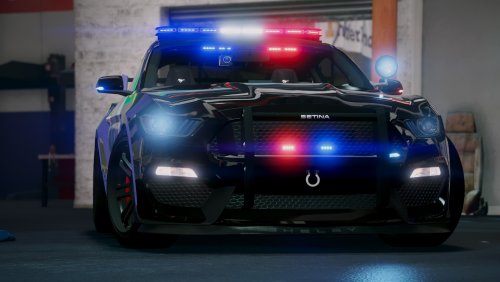
The model is great. The handling is horrible with a controller. Worst handling I've had in any car I've downloaded.
- 82 comments
- 17 reviews
