



December
Members
-
Joined
-
Last visited
Everything posted by December
-
-
 Hey man I never called you a leaker and all I asked was where you got the models in your screenshots from. Gotta love the professional response lol
 -
Well you need to be a EUP Patreon to access EUP 8.9 and I just checked and he isn't one so where did these models he use come from?
-
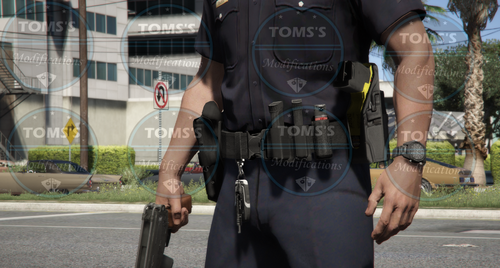 Could you do more closed pouches pleassssse
 -
 When can we expect these to be released?
 -
 Very cool. Maybe we could see a navy blue or other color options for other departments?
- 554 comments
- 46 reviews
-
-

- 1
-
-
 Oh its real nice it is very similar to Berkshire. I'm from Middlesex MA and these look real nice. Can't wait!
 -
if this is based of Essex it looks awesome!
-
-
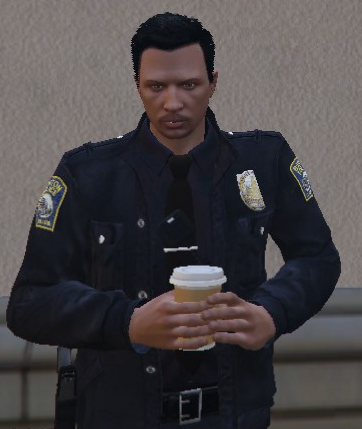 Are these meant to be realistic?
 -
-
 Just to add a little bit more realism maybe add what type of alarm it is such as Commercial Burglary alarm, rear entrance or Residential Alarm garage door motion etc.
- 546 comments
- 103 reviews
-
-
- 1
-
-
Alright thanks I'll look into it. Can't wait!
-
Is there anyway to make a different texture for the shield like a BCSO shield?
-
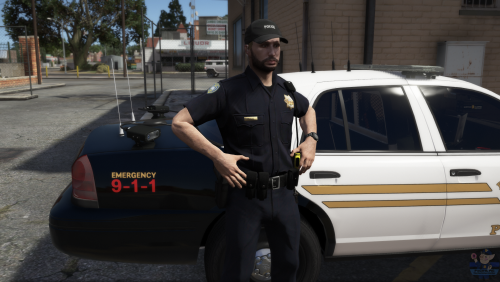 Is it possible to have a seperate download for just the .pngs because I was hoping to replace something else? If not that is totally understandable.
- 9 comments
- 5 reviews
-
-
I've installed it over and over but I have no idea why it does not work. Some callouts show up but a message says it may not work as expected. It worked perfectly before LSPDFR 0.4 but now it does not.
- 546 comments
- 103 reviews
-
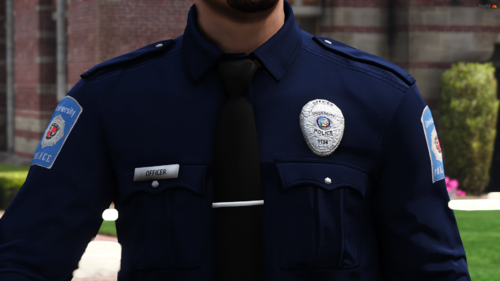
Not sure why but the officers don't have a badge on their shirt?
-
ELS does work. Make sure you remember script hook
-
Aight. The AI don't have badges either
-
Yeah I still have EUP and use it.
-
Use a trainer and customize it. That's what I've done. Also, does anyone else have no badge on the uniform? Just plain blue shirt? https://gyazo.com/031553e37d89d47ffbcf441d2b08e046
-
 where is the menu download
 -
 where can i download the character creator nvm
 -
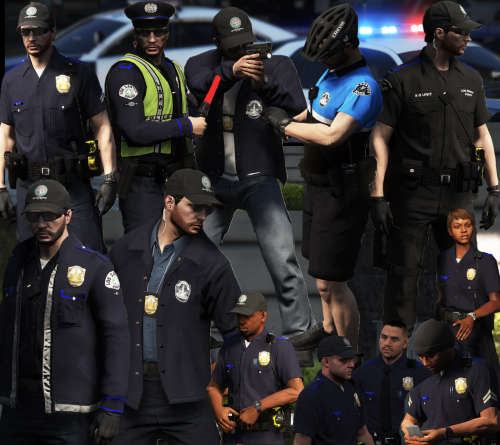 Amazing! The styles are modern and very stylish. I love how realistic everything is, being someone from this area. The install is very very easy, especially for an EUP install. Overall amazing. I hope to see more amazing in the future!
- 18 comments
- 8 reviews
-
-
- 1
-



