




devantespencer
Members
-
Joined
-
Last visited
Everything posted by devantespencer
-
I don't know what I'm doing wrong in regard to my vehicles not working. Right now i have vehicles in patchday25, which is police, fbi & police2. The vehicles i added to replace those do not spawn in game. I have the correct metas and everything else that came with the file in the correct sections. I also have a good gameconfig if that matters. Just some advice on what to do please . ISSUE RESOLVED!
-
Hello all, I just did a clean install of LSPDFR & GTA 5, but i keep getting a crash right when the game starts to Initialize. RagePluginHook.log
-
In LSPDFR-DATA-Custom I have an Agency for Sandy Shores Police Department as well as Harmony, but they seem too not ambiently spawn. Can someone help me out? RagePluginHook.log
-
Hello, if anyone had the extra time, could you be willing to create me a Lore- Friendly version of the Fulton County Sheriff's Office vehicle fleet for my game please. I have several pictures attached -Tahoes they just added the new livery so i couldn't find any pics but that one. But the tahoe comes in the black skin & the greyish blue color
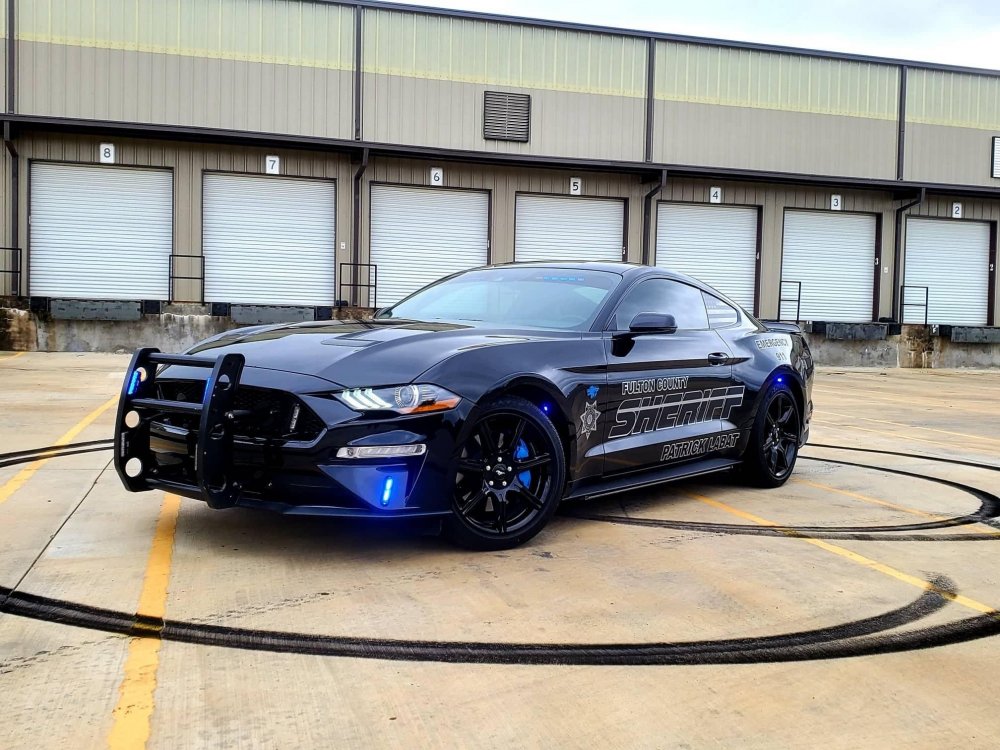
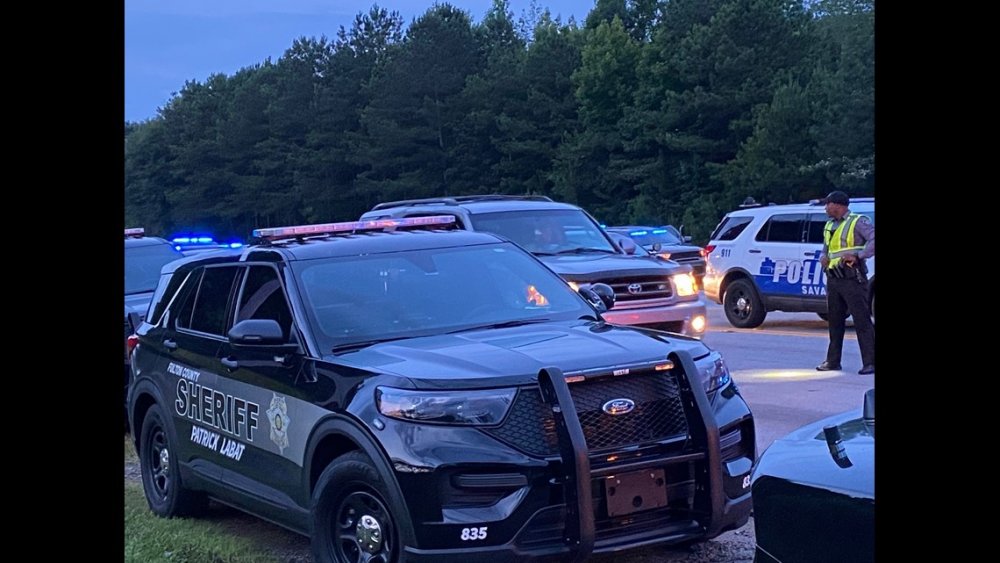
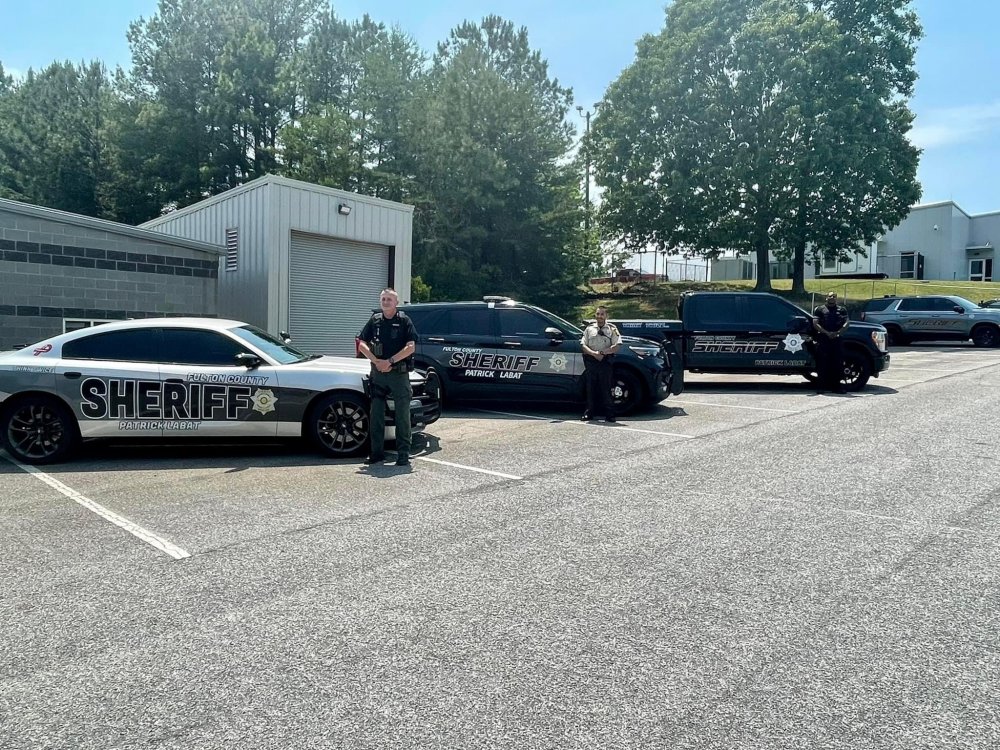
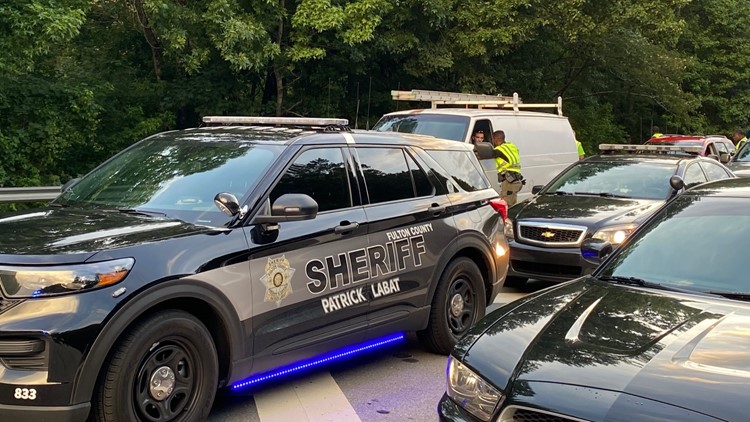
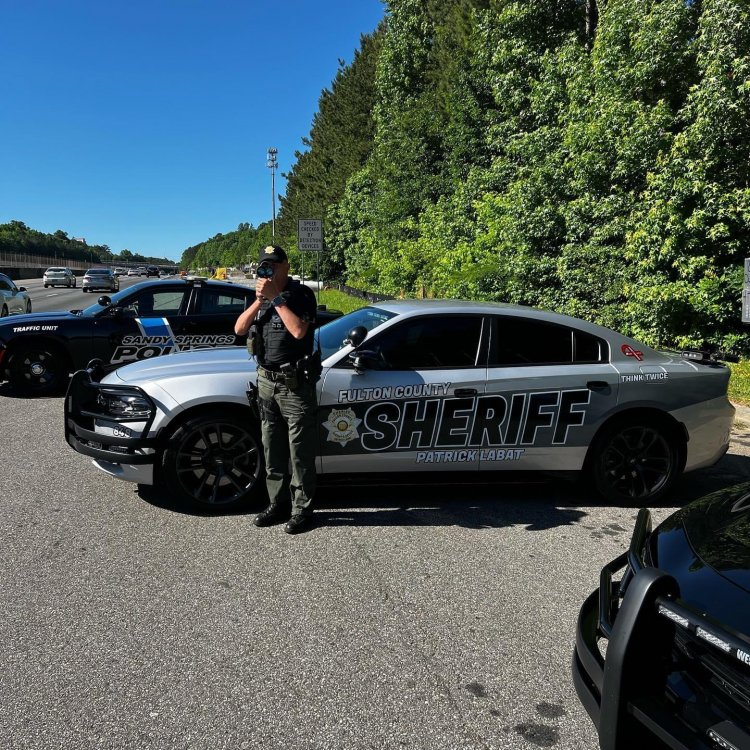
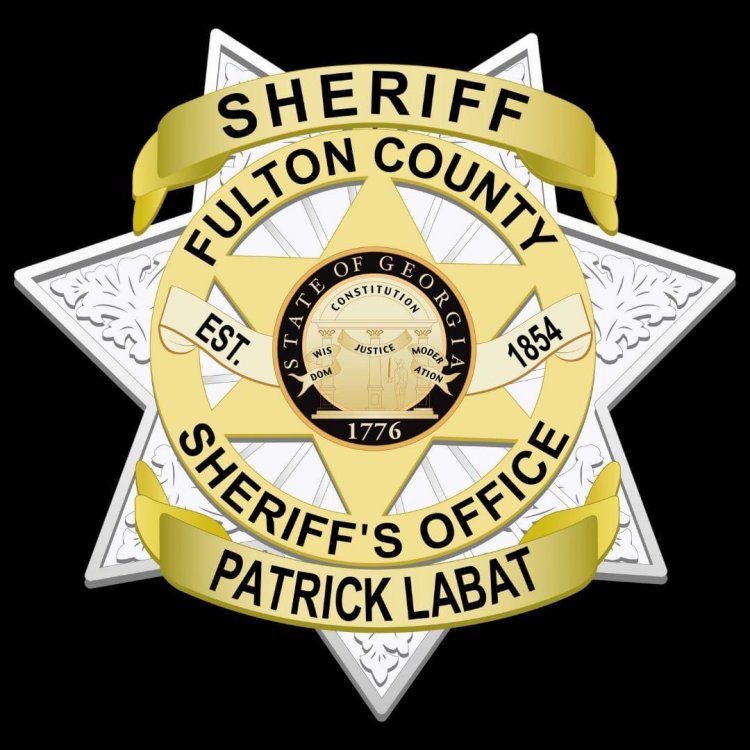
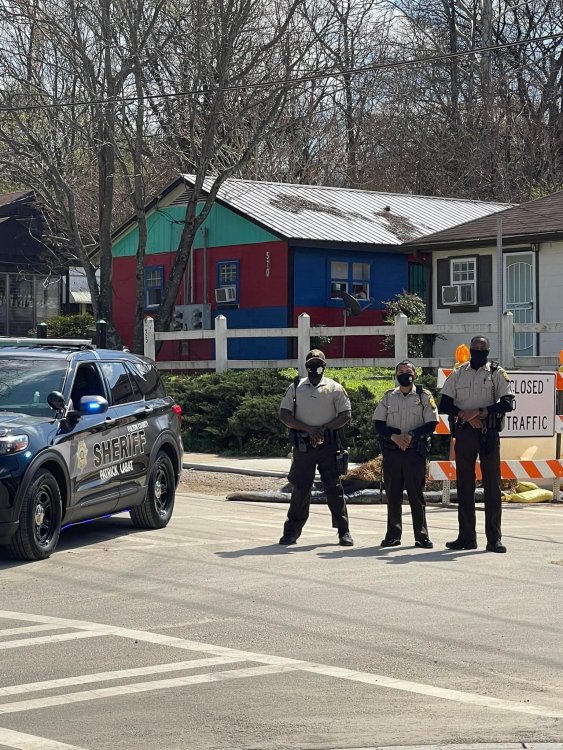
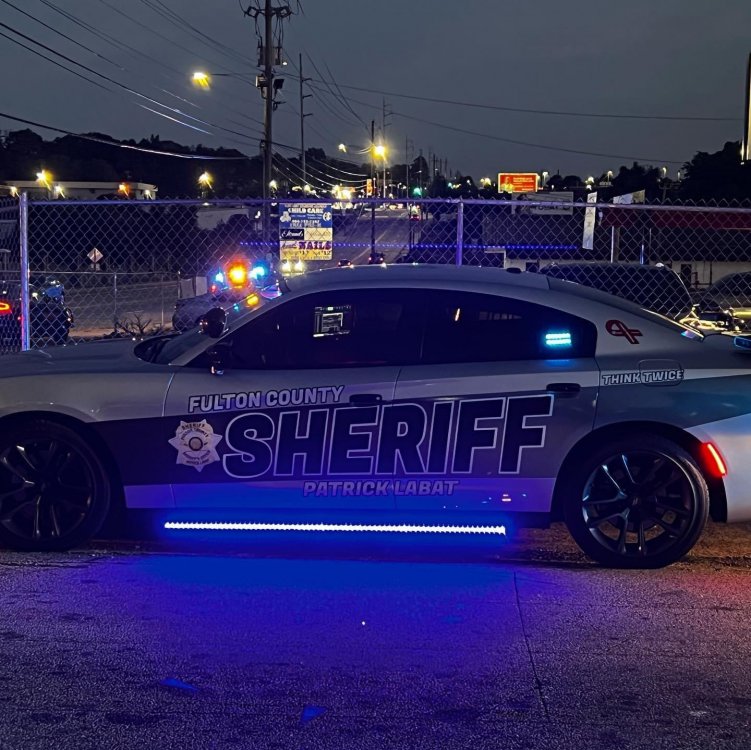
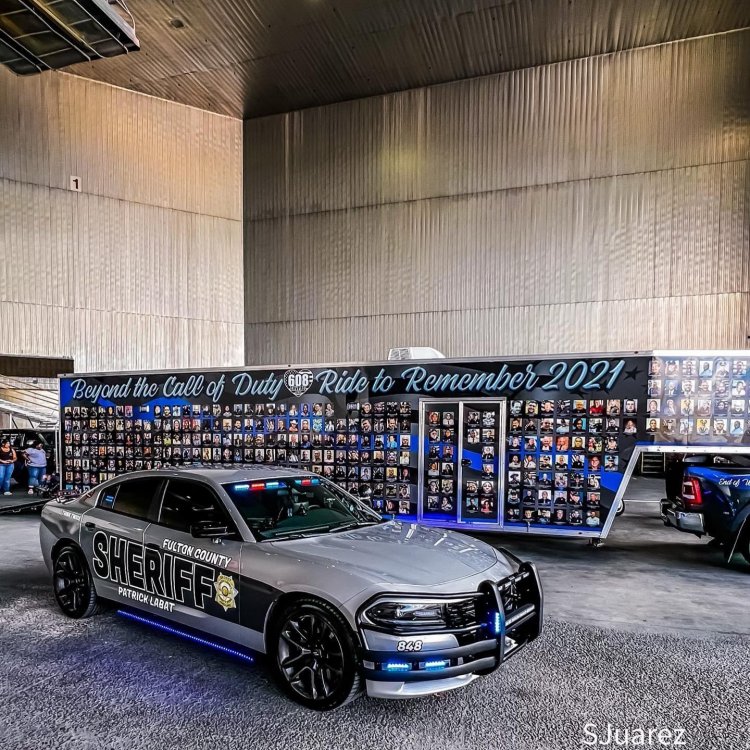
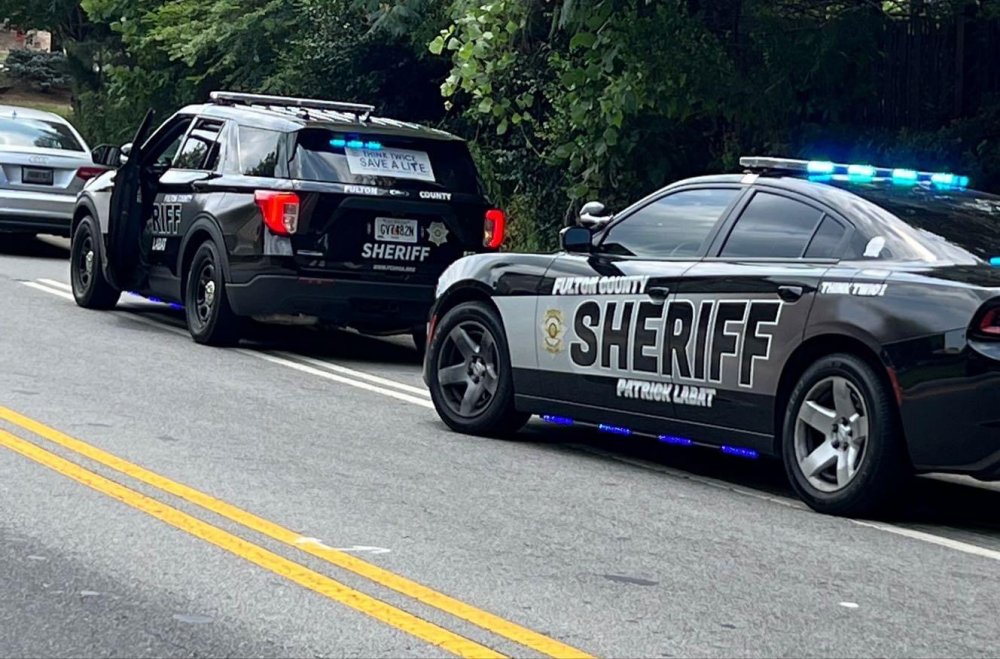
-
I'm looking to have the following agencies in my game for my personal use. 1. Clayton County Sheriff - All Blues 2. Clayton County Police- Red & Blue 3. Forest Park Police- All blues 4. City of Morrow- red & blue 5. Lake City Police- All blues if someone could definitely help me with this i will be very happy 😃
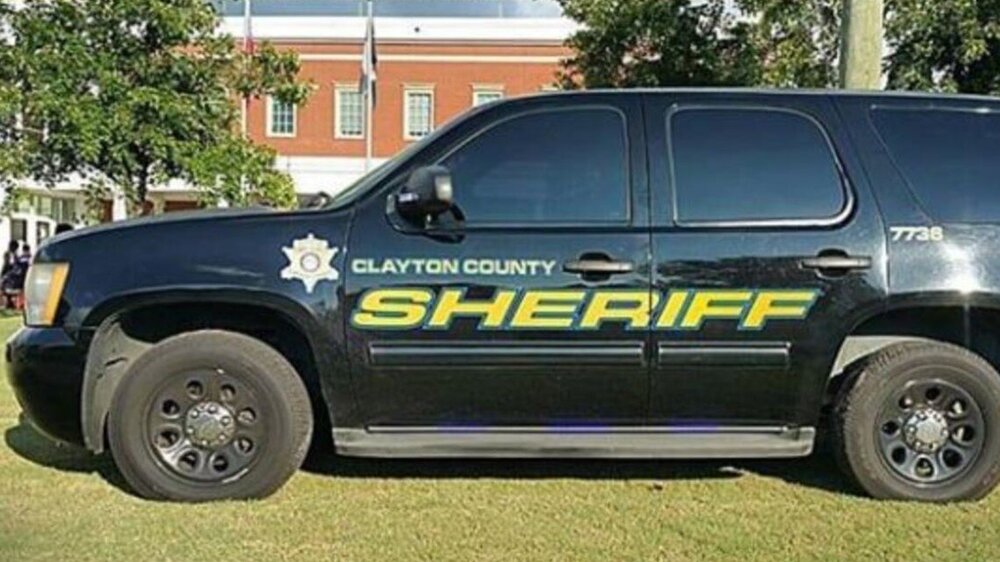
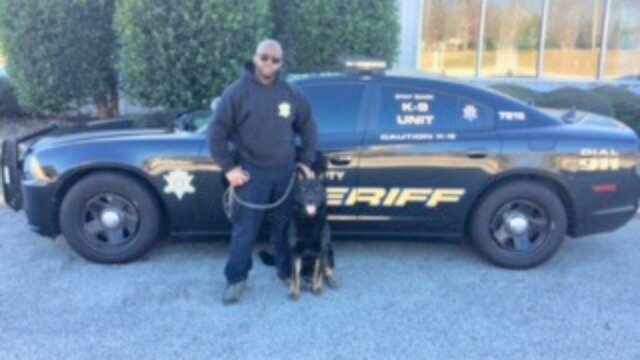
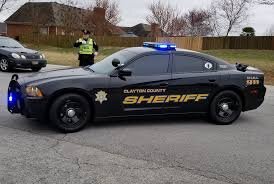


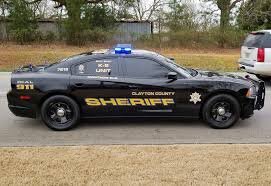
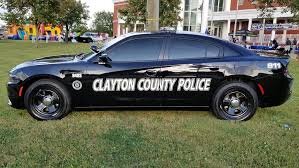

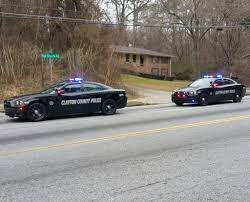
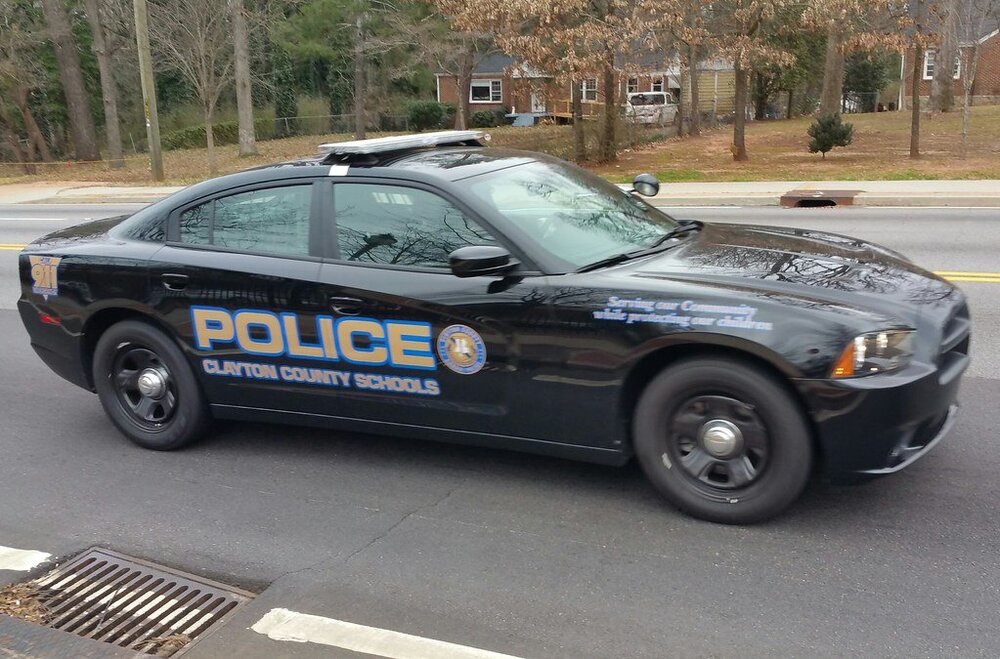
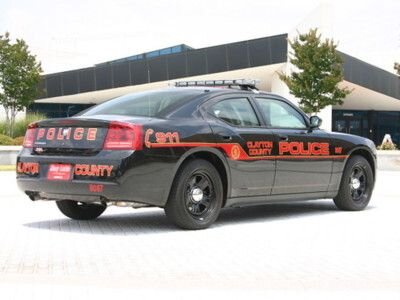
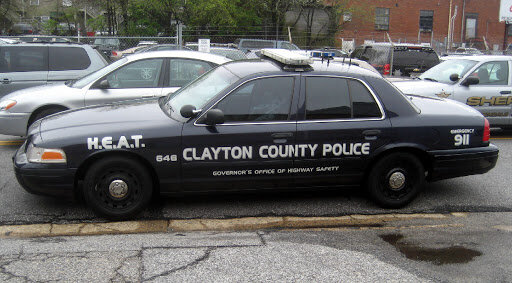
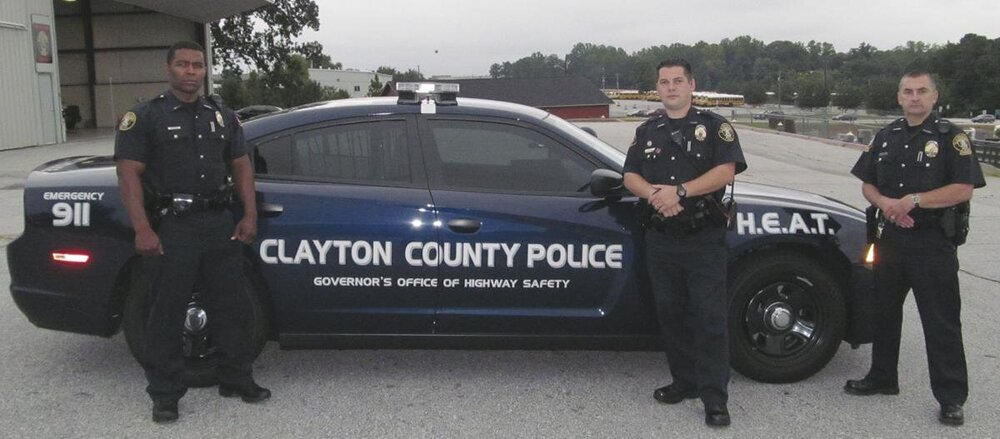
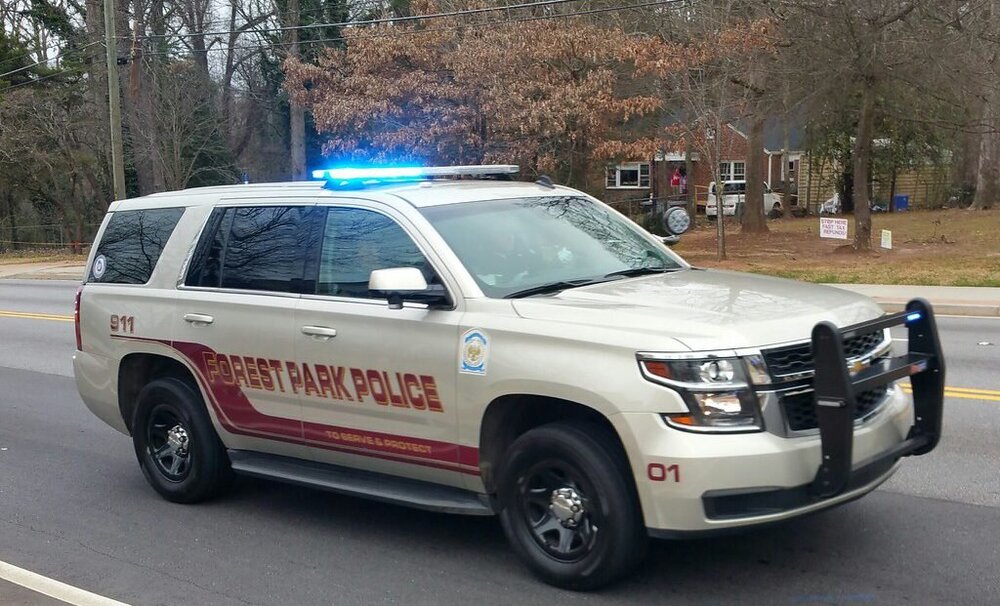
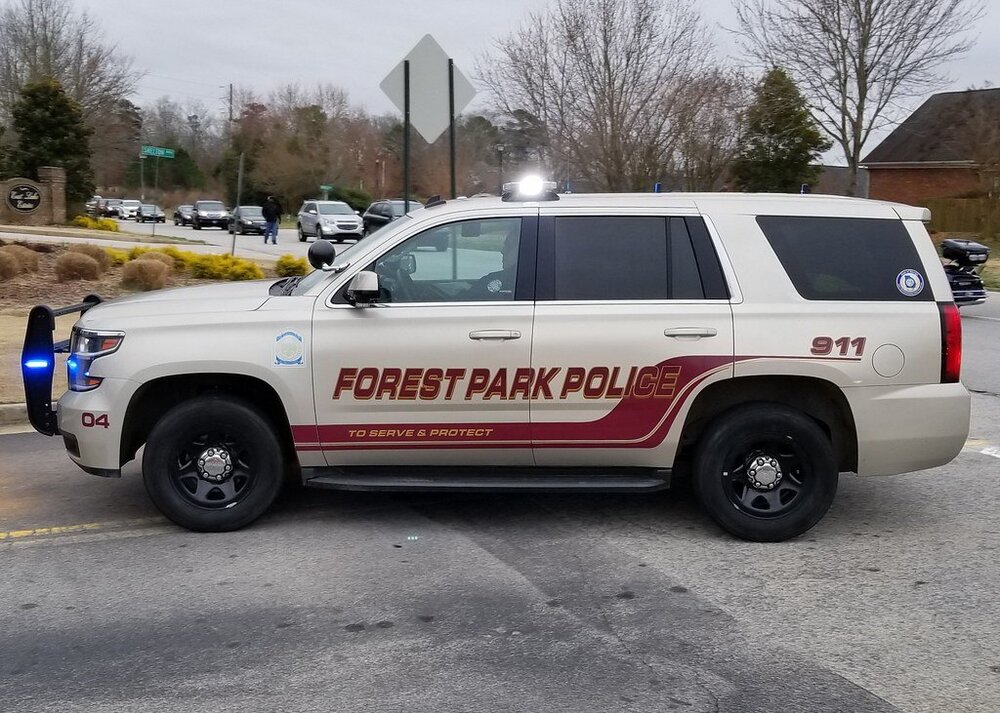
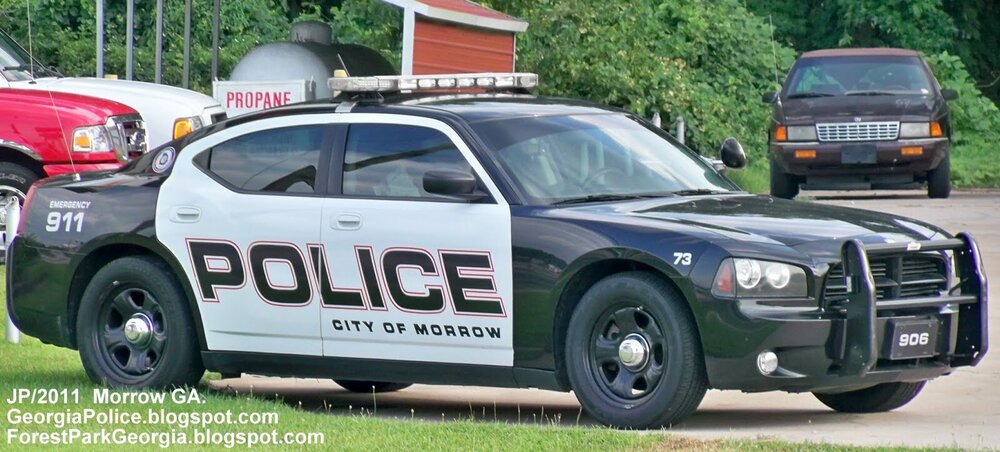
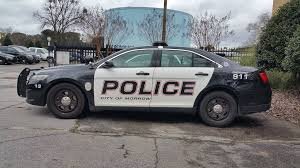
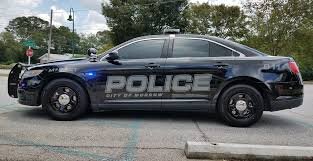
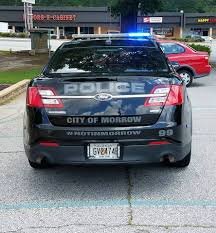
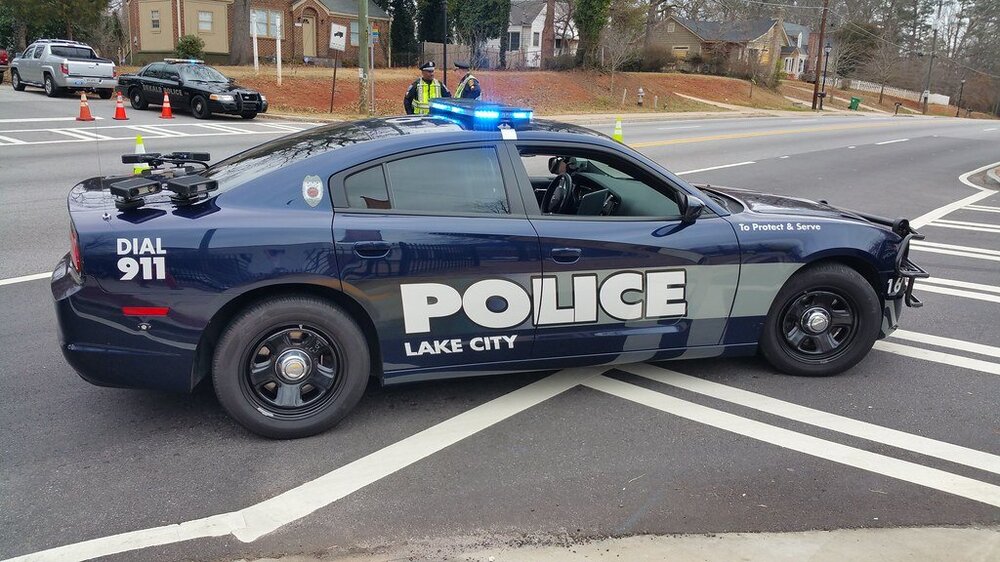
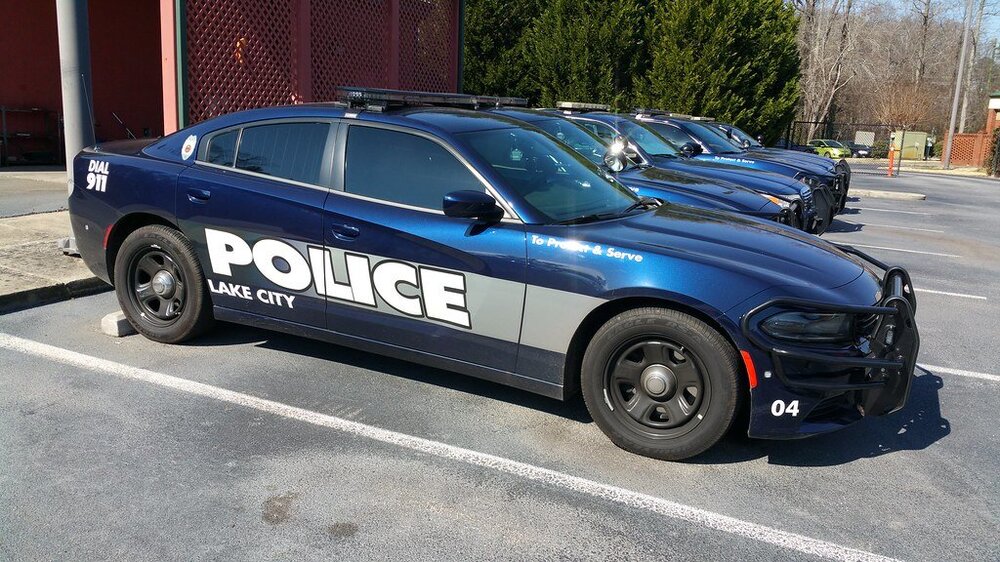
-
my error isn't pertaining to thatCould someone help me out with this one?Okay ive done a complete new install of the game, i'm thinking it has something to do with the ASI plugin ELS. Any solutions to that?I renamed it and tried to load it just regular old story mode and once it starts to load it crashes. So maybe its one of the vehicles your stating? I will screenshot everything I have within the GTA FileI have ELS Version 1.05 and yes I do have the latest ScriptHookV. I have it all in my main folderOkay so I have been having this issue for a couple of days now, for some reason the rage will not load a successful game without crashing right before the plugin pops up and says loaded. I haven't been able to use my ELS cars. I took Advancedhook out and the game loads just fine but of course ELS doesn't work. I'm not getting any error messages, but as soon as reinstalled Advancedhook boom game failure. Is it ELS that doesn't work or is it something else?okay, thanks for everything I think I may have fixed that but im running into another error somewhere.Ive checked them but each line that is 234 is different im gonna screenshotEverything loads fine, but as soon as I request any type of backup the game crashes, is there something I done wrong?Can someone please be helpful to me and have these done for me? These vehicles also have all blues!
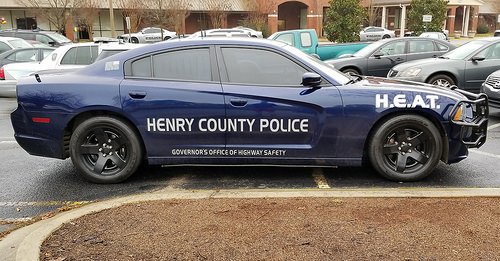
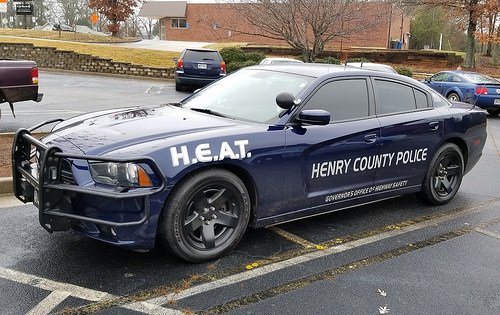
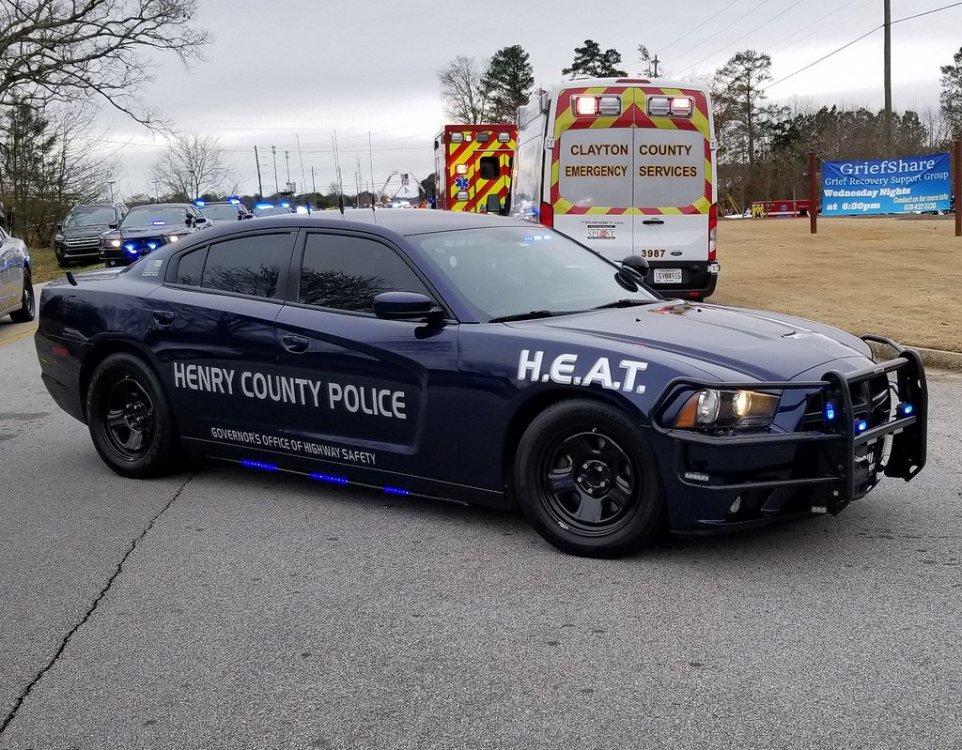
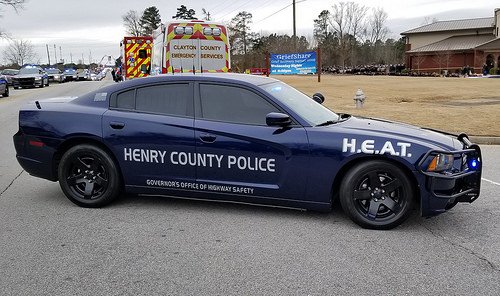
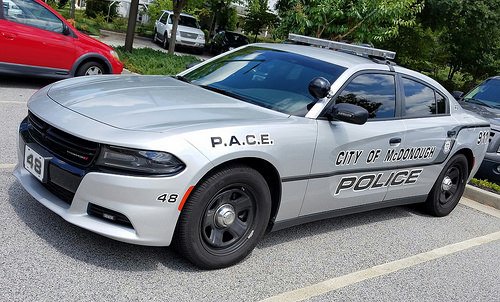
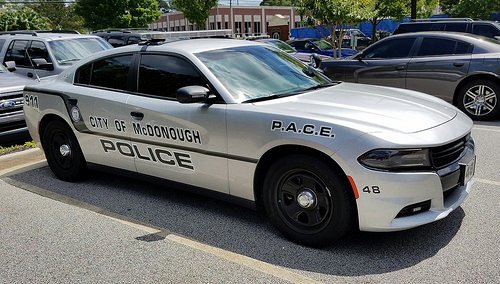

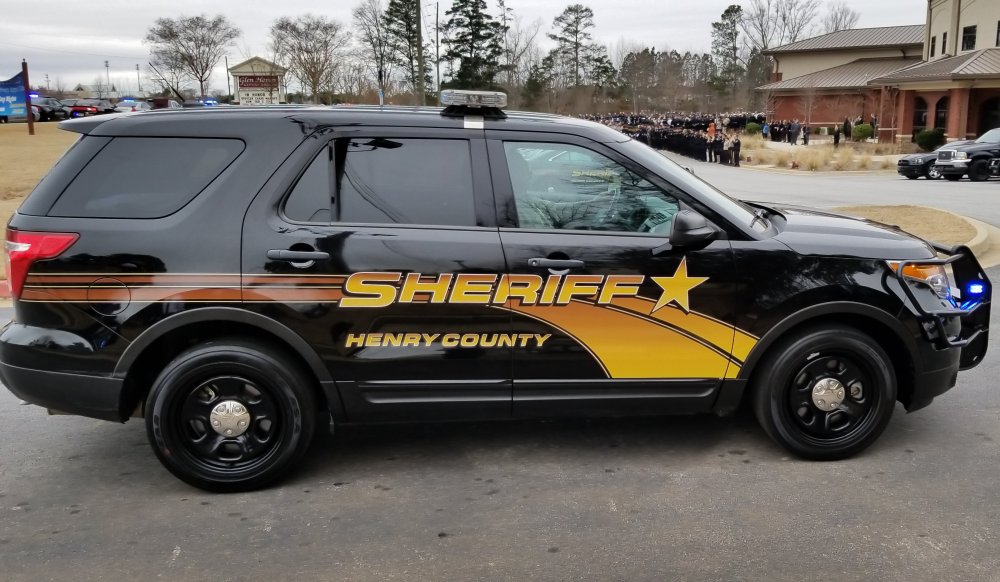
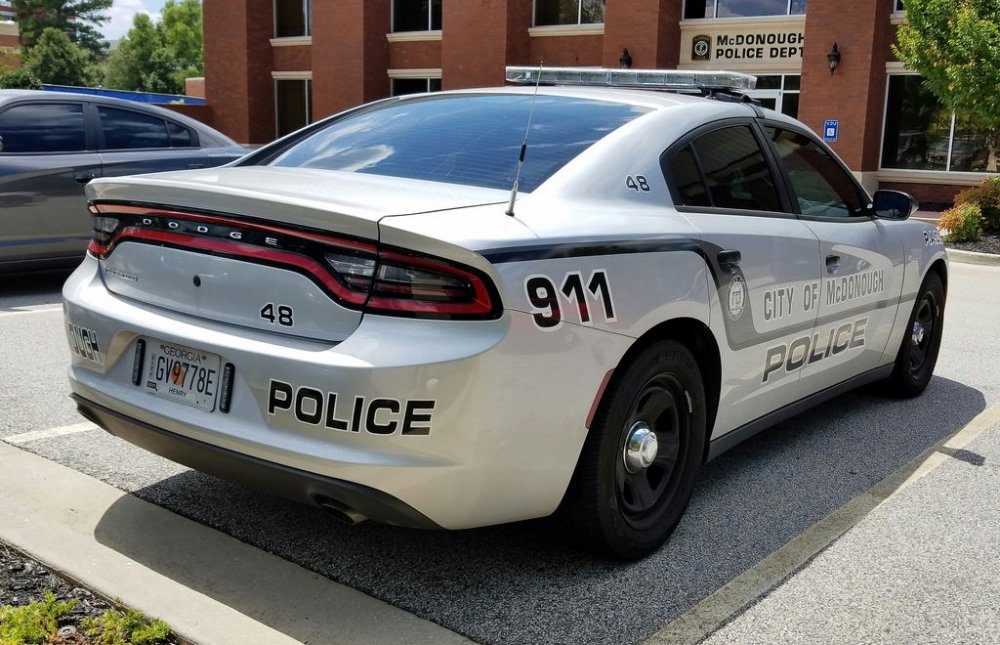 Can i see that tahoe?Okay, thank you! Will wait thenCan i see a picture if possible?Thank You Very Much!!!Hello, I would like 2 vehicles to be completed for my Henry County Sheriff Department in game, if someone could please do these vehicles, then I would be sooo happy. Thanks in advance to whomever decides to take on these 2 vehicles. On the Tahoe, I would like the Gang Suppression Unit as well as K9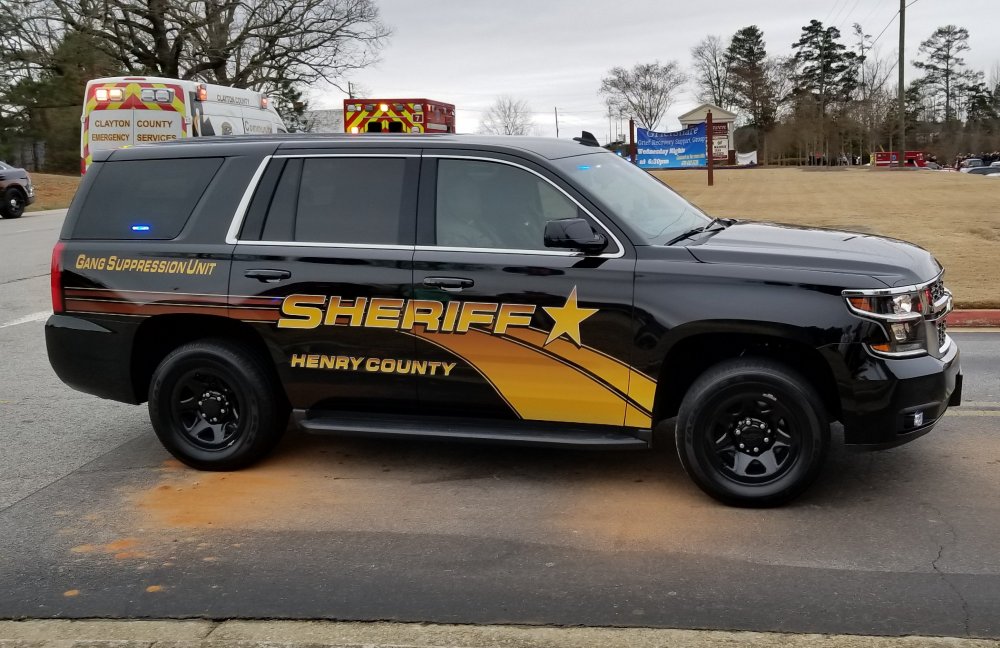
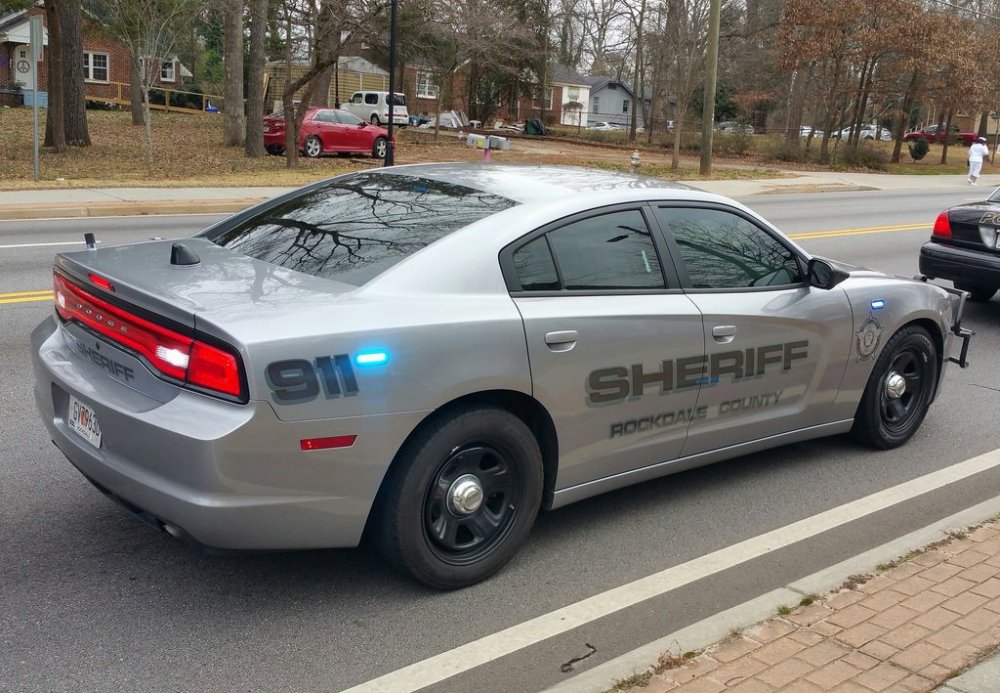
 If someone could please, make me these wonderful vehicles. Conyers is a 2015 charger and Rockdale is a 2014 Charger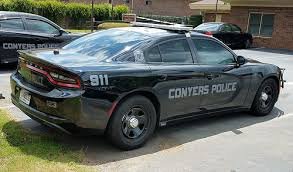
 For some reason ragehook will not stay in the GTA file, it keeps disappearing whenever I try to click it Can anyone be some of assistance ?


Account
Navigation
Search
Configure browser push notifications
Chrome (Android)
- Tap the lock icon next to the address bar.
- Tap Permissions → Notifications.
- Adjust your preference.
Chrome (Desktop)
- Click the padlock icon in the address bar.
- Select Site settings.
- Find Notifications and adjust your preference.
Safari (iOS 16.4+)
- Ensure the site is installed via Add to Home Screen.
- Open Settings App → Notifications.
- Find your app name and adjust your preference.
Safari (macOS)
- Go to Safari → Preferences.
- Click the Websites tab.
- Select Notifications in the sidebar.
- Find this website and adjust your preference.
Edge (Android)
- Tap the lock icon next to the address bar.
- Tap Permissions.
- Find Notifications and adjust your preference.
Edge (Desktop)
- Click the padlock icon in the address bar.
- Click Permissions for this site.
- Find Notifications and adjust your preference.
Firefox (Android)
- Go to Settings → Site permissions.
- Tap Notifications.
- Find this site in the list and adjust your preference.
Firefox (Desktop)
- Open Firefox Settings.
- Search for Notifications.
- Find this site in the list and adjust your preference.