Skip to content
View in the app

A better way to browse. Learn more.

LCPDFR.com

A full-screen app on your home screen with push notifications, badges and more.

To install this app on iOS and iPadOS
  1. Tap the Share icon in Safari
  2. Scroll the menu and tap Add to Home Screen.
  3. Tap Add in the top-right corner.
To install this app on Android
  1. Tap the 3-dot menu (⋮) in the top-right corner of the browser.
  2. Tap Add to Home screen or Install app.
  3. Confirm by tapping Install.

jefffla43

Members
  • Joined

  • Last visited

Everything posted by jefffla43

  1. howe do i get to move the red circle for the radar to move where i want it
  2. will i have to reinstall my plugins?
  3. is stop the ped the best option delete AM
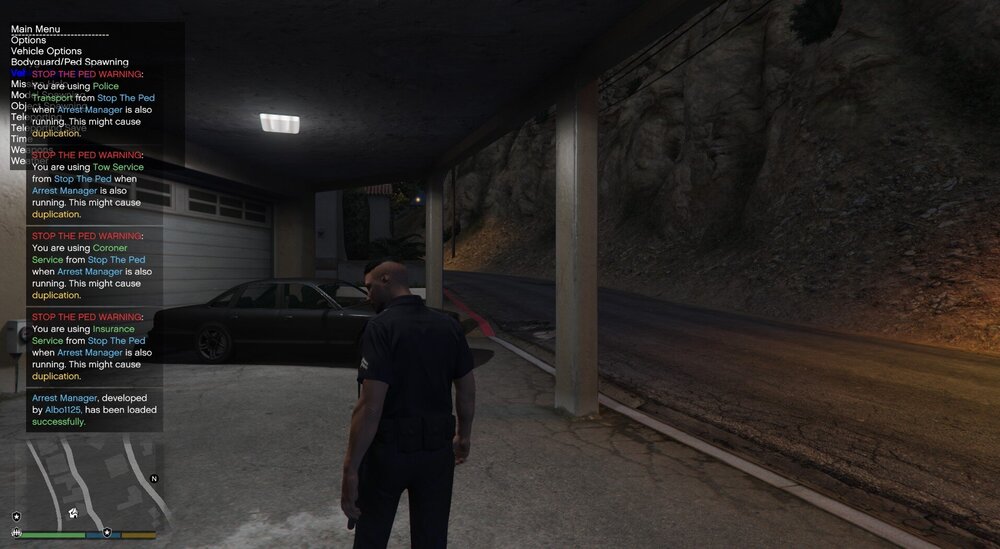
  4. how come i get this all the time
  5. thank you very much
  6. Is there a plugin to where the AI wont freak out when u pull them over drive up a hill lol ?
  7. is there a plugin to where the ai doesnt freak out when i pull them over and drive up a hill
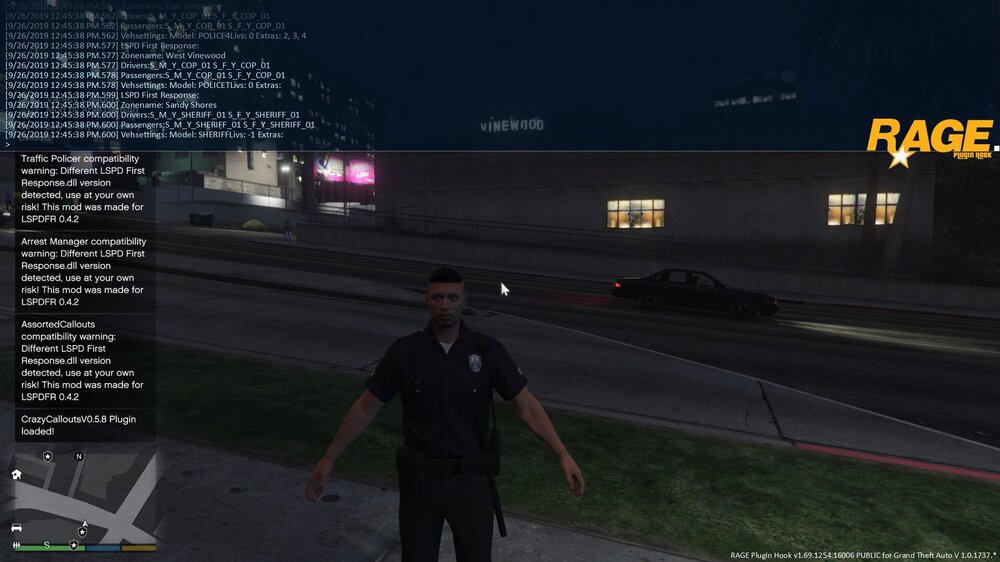
  8. hello i need help or a video to load and run correctly the new lspdfr wont run keeps crashing for me can u help me please thanks ......
  9. Can someone provide us with a riot script to where u have to control the town when a riot breaks out ?

Account

Navigation

Search

Search

Configure browser push notifications

Chrome (Android)
  1. Tap the lock icon next to the address bar.
  2. Tap Permissions → Notifications.
  3. Adjust your preference.
Chrome (Desktop)
  1. Click the padlock icon in the address bar.
  2. Select Site settings.
  3. Find Notifications and adjust your preference.