
CanadianCabinet
Members
-
Joined
-
Last visited
Everything posted by CanadianCabinet
-
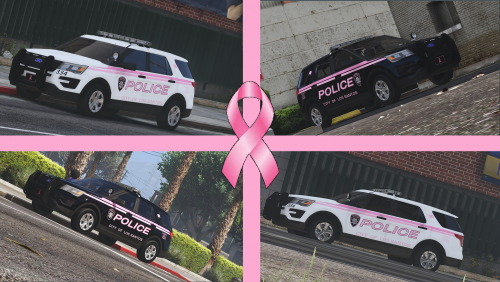 Awesome paint... Love the way the black goes with the pink.
 -
-
-
-
Hi, I'm trying to get a custom car color skin for a charger that I am using, I have charger_sign_1 and 2 to be my marked and unmarked, and I wanted to know how to get a third skin that I can change the color using a trainer, LS customs, etc. Thanks in advance!
-
Oh, okay. Thanks anyway.
-
Is there a way to use a different siren tone than the default police tones? For example, if I want to change a siren to the ambulance siren, can I set that without replacing the actual audio file?
-
That worked, thanks a ton! Turns out I just misspelled hwaycar.
-
Thanks for the help! And, finally, could I have an example on how to modify the backup.xml? I tried just now but it crashed my game so I reverted.
-
Thanks, but how do I edit .ymt files?
-
I downloaded the add-on version of TheHurk's CHP pack, and I wanted to know how to make them spawn patrolling, on the side of the road, etc. As long as the AI cops drive them I'm happy.
-
-
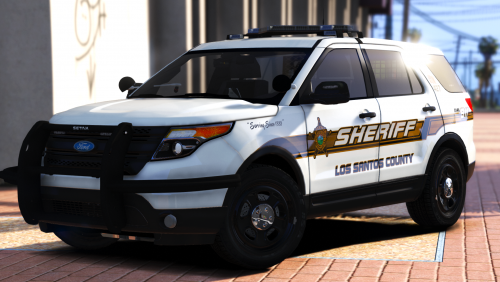 Can I have a link to either the 2016 or 2010 Tahoe's? I've looked everywhere but I can't find either.
- 16 comments
- 12 reviews
-
 Is there a way to get a custom texture? I've got a texture on, but it stays there for a split-second and is just replaced with your default one.
- 89 comments
- 63 reviews