
guggzilla
Members
-
Joined
-
Last visited
Everything posted by guggzilla
-
Reinstall
-
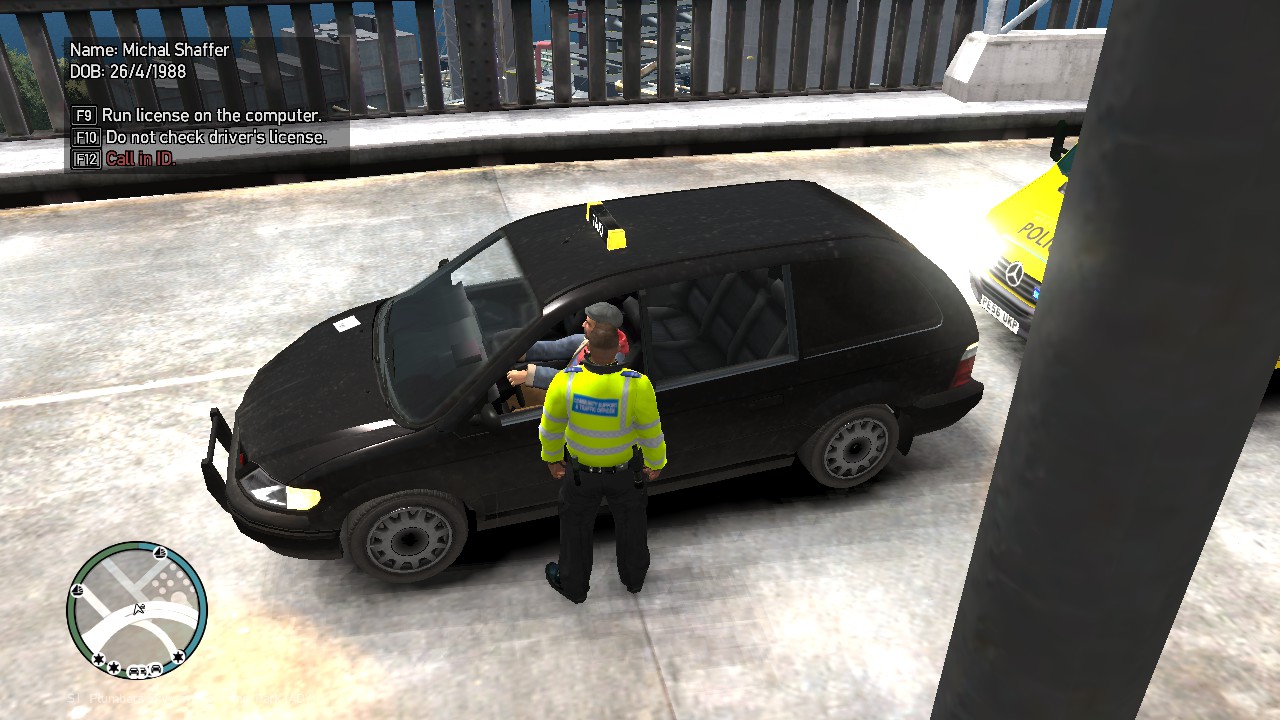
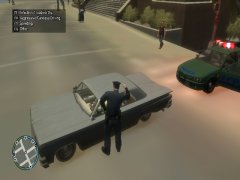
Just a series of random moments I captured while playing GTA IV
-
From the album: GTA IV Random Moments
-
From the album: GTA IV Random Moments
-
From the album: GTA IV Random Moments
-
From the album: GTA IV Random Moments
-
From the album: GTA IV Random Moments
-
-
From the album: GTA IV Random Moments
-
From the album: GTA IV Random Moments
-
-
-
Lower your graphics settings
-
Still going on? and sorry for inactivity currently prepping for exams have not been on this site at all It's possible that your settings are too high or a couple of files have gone wrong somehow
-
Ah okay. Go ahead when you can. i'll be here
-
Fresh install of LCPDFR? And if you wouldn't mind attaching your GTA IV directory 1] GO TO GTA IV MAIN FOLDER 2]CREATE A SHORTCUT OF YOUR LAUNCHGTAIV APPLICATION 3]GO TO PROPERTIES OF THE SHORTCUT 4]THEN GO TO THE SHORTCUT TAB ON THE PROPERTIES 5]IN THE TARGET BOX AFTER THE LAST " PUT A SPACE AND TYPE -AVAILABLEVIDMEM 6]RIGHT CLICK YOUR DESKTOP BACKGROUND AND GO DOWN TO SCREN RESOLUTION AND CLICK IT 7]CLICK THE SMALL BLUE TEXT THAT SAYS 'ADVANCED SETTINGS' 8]NOW JUST CHECK YOUR DEDICATED VIDEO MEMORY NOW BACK TO THE GTA IV PROPERTIES SHORTCUT PORTION: 9]TYPE IN THE NUMBER OF YOUR DEDICATED MEMORY AFTER -AVAILABLEVIDMEM 10]NOW CLICK APPLY 11]CLICK OK AND START UP YOUR GAME AS 'RUN AS ADMINISTRATOR' 12]ONCE AT THE MAIN MENU WHERE YOU CHANGE YOUR OPTIONS, GO TO GRAPHICS, AND AT THE BOTTOM YOUR NEW VIDEO MEMORY USAGE SHOULD BE THERE 13]NOW JUST ADJUST YOUR GRAPHICS WITHIN YOUR SELF GIVEN RANGE AND START YOUR GAME, IT SHOULD WORK Try this as well
-
You don't use OpenIV to edit a line. Go to your game directory find peds.ide and edit with notepad
-
remove dsound.dll or the other asi loader you have
-
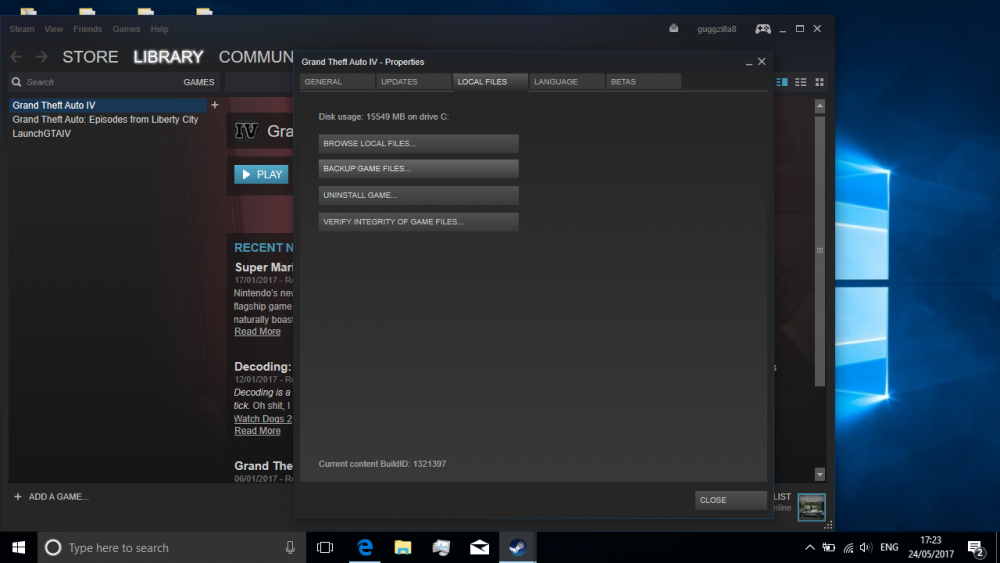
yeah you should. Go here, but you will need to downgrade to 1.0.7.0 again. This is the last resort. Click verify integrity of game files and let it perform the actions. This is a last resort.
-
Install these: .Net Framework 4.5, Microsoft Visual C++ Redist 2012 https://www.microsoft.com/en-gb/download/details.aspx?id=30679 https://www.microsoft.com/en-gb/download/details.aspx?id=30653 Install both if they haven't already been done. If the problems persist I recommend a fresh install through steam. remember to uninstall lcpdfr. I'll be here if you need more guidance
-
Yep that's a major requirement. Let me see if I can link them
-
Your log file seems to bring up an issue, yet I think it looks fine. I wouldn't recommend a fresh install yet. Have you downloaded all the Microsoft redistributable packages?
-
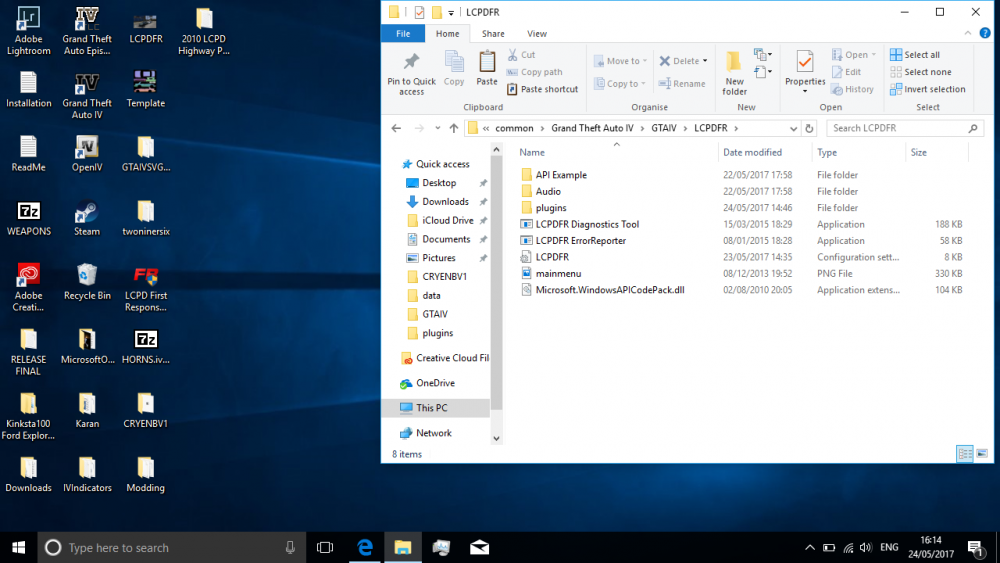
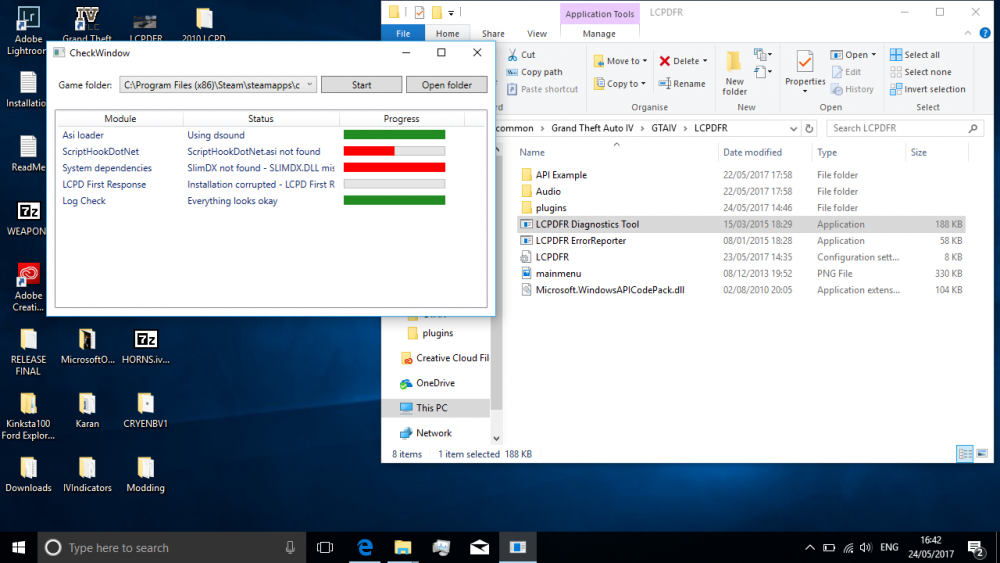
looks ok to me. Show me this screen on your side and my game runs perfectly fine, I have script hook and all the required dependencies. my tool has always been a bit screwed.
-
You need to add in the LaunchGTAIV.exe into your library as a non steam game
-
If launching without LCPDFR do you get the same result? I would advise you to use this tool as well The diagnostics tool will identify any problems with your game installation and LCPDFR components.