Skip to content
View in the app

A better way to browse. Learn more.

LCPDFR.com

A full-screen app on your home screen with push notifications, badges and more.

To install this app on iOS and iPadOS
  1. Tap the Share icon in Safari
  2. Scroll the menu and tap Add to Home Screen.
  3. Tap Add in the top-right corner.
To install this app on Android
  1. Tap the 3-dot menu (⋮) in the top-right corner of the browser.
  2. Tap Add to Home screen or Install app.
  3. Confirm by tapping Install.

L T G

Members
  • Joined

  • Last visited

  1. L T G started following Damo83
  2. OblongGaming started following L T G
  3.    OblongGaming reacted to a post in a topic: [WIP] Grand Theft Auto: Australia
  4. You should message SkylineGTRfreak for his planes. He has QANTAS 747s and Q400s, and he said he was also thinking of making some Jetstar planes.
  5.    OblongGaming reacted to a post in a topic: LSPDFR Australia Discussion Thread 2.0
  6.    Damo83 reacted to a post in a topic: LSPDFR Australia Discussion Thread 2.0
  7. L T G changed their profile photo
  8. L T G started following SNIT
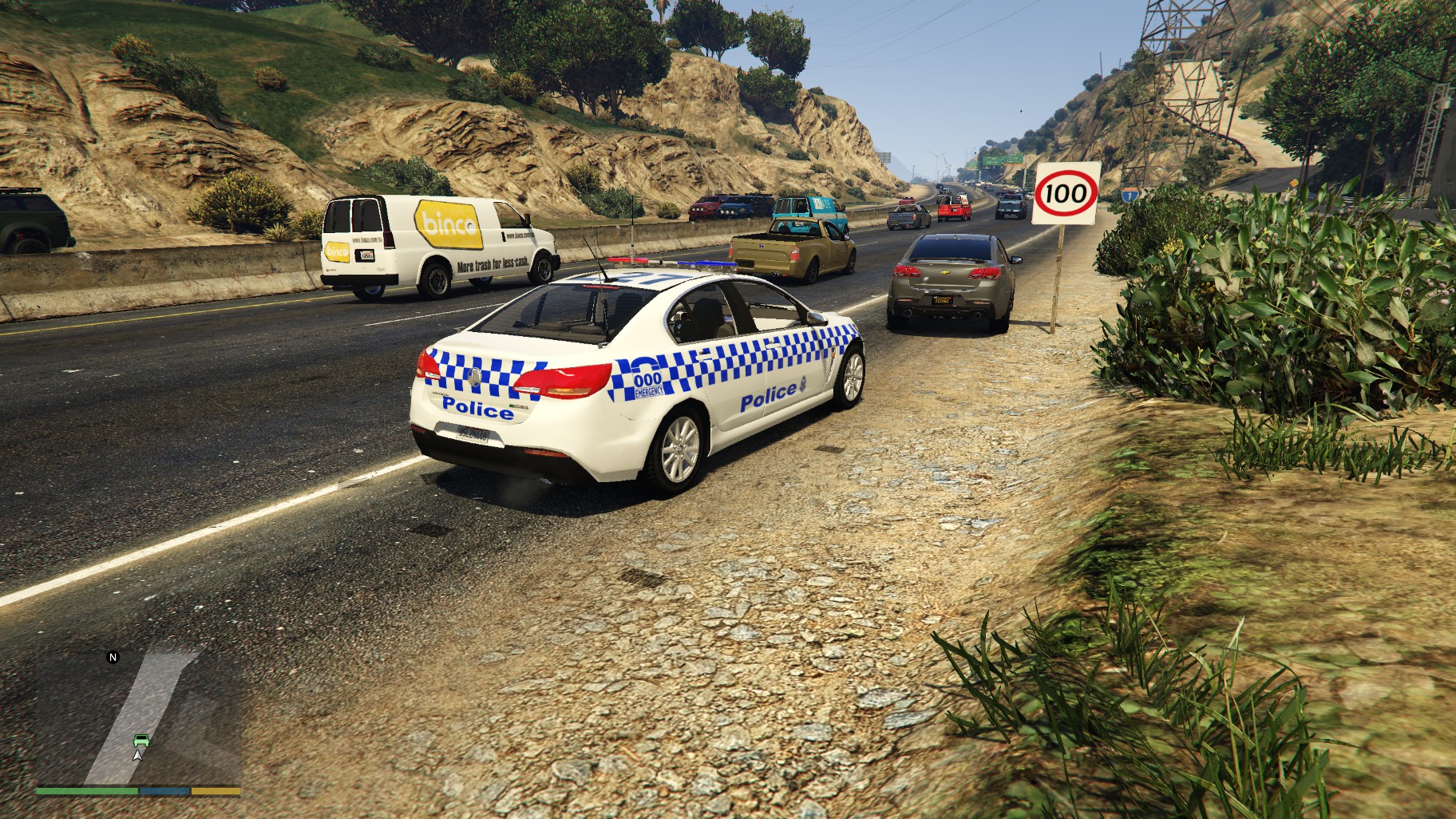
  9. Thought it would be better to type it here rather than in a Dm, so everyone can read it. If you install WOV and VEP; https://www.gta5-mods.com/misc/world-of-variety https://www.gta5-mods.com/vehicles/vanillaworks-extended-pack-add-on-oiv-tuning-liveries-vanillaworks-and-other-modders you can use them to add police vehicles that will spawn in randomly. They can also be made to spawn with LSPDFR by altering the backup file. All the vehicles can be replaced and be used with ELS. The mods are both OIV packages, so it's super easy to get them both working, but they are quite big files (~2GB), and require the mod folder to be used.
  10. L T G started following 2014 CHP BMW R 1200RT
    This is really the only police ped any Australian should even consider. Only gripe is that when I hit 4 stars, normally I'd expect the police to show up with the vest, as opposed to without. 9/10 Also, if you need a trainer the alter stuff, use Menyoos wardrobe function.

Account

Navigation

Search

Search

Configure browser push notifications

Chrome (Android)
  1. Tap the lock icon next to the address bar.
  2. Tap Permissions → Notifications.
  3. Adjust your preference.
Chrome (Desktop)
  1. Click the padlock icon in the address bar.
  2. Select Site settings.
  3. Find Notifications and adjust your preference.