
theslicingedge
Members
-
Joined
-
Last visited
Everything posted by theslicingedge
-
 So for me all of the explorers have wack handling lines. they flip if I take a corner to hard. I have tried to put them in different car slots but it does not work. PLS HELP!!!!!!
- 964 comments
- 158 reviews
-
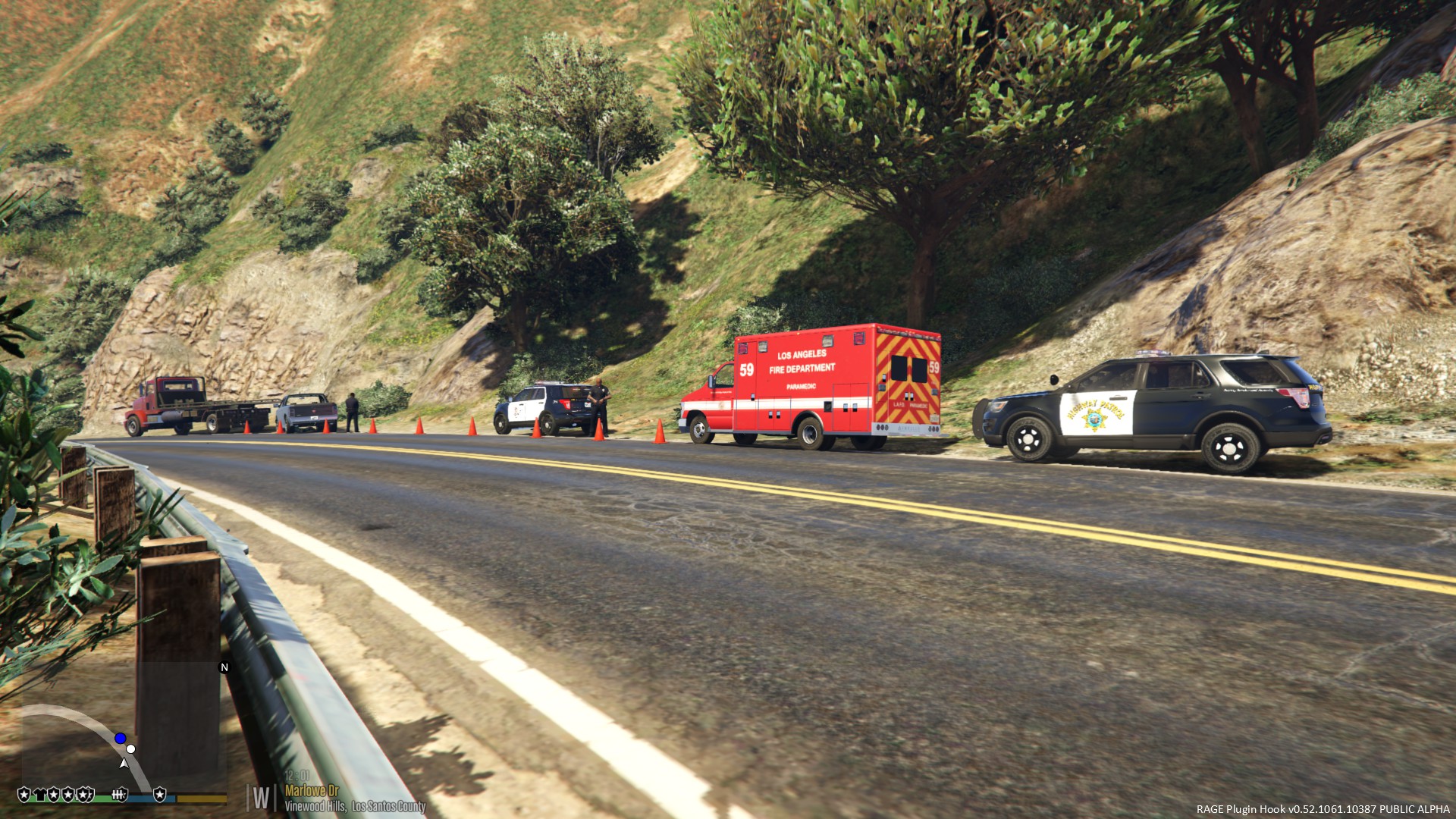
A collection of screenshots of California law enforcement. (mostly from LA area, also some pics of EMS and fire
-
From the album: CALIFORNIA LAW ENFORMENT
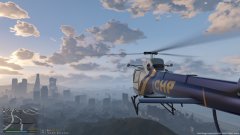
CHP helicopter over a suburban area. -
From the album: CALIFORNIA LAW ENFORMENT
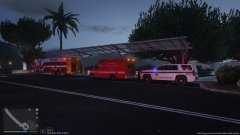
A rescue truck, a LAFD paramedic unit, and a park ranger Tahoe. -
From the album: CALIFORNIA LAW ENFORMENT
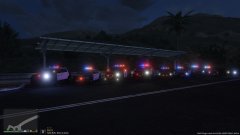
A line of cars from different law enforcement agencies. (LASD, CHP, LAPD) -
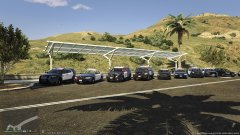
From the album: CALIFORNIA LAW ENFORMENT
A line up of cars from different law enforcement agencies.(LASD,CHP,LAPD) -
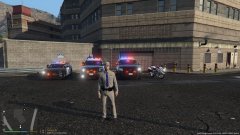
From the album: CALIFORNIA LAW ENFORMENT
Four CHP vehicles and a officer. -
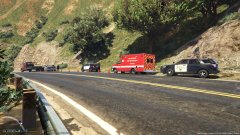
From the album: CALIFORNIA LAW ENFORMENT
A roll-over accident with CHP, LAFD, LAPD on scene -
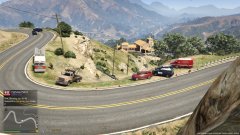
From the album: CALIFORNIA LAW ENFORMENT
A accident with CHP, LAPD and LAFD on scene -
I love it so far! When do you think you will be done with this model? I love it so far! When do you think you will be done with this model? I would make the front of the truck look like the one of the pierce (pierce fire trucks) rescues with the small bump/limp/ incline before the bumper.
-
a collection of images of some California law enforcement agencies. (mostly from LA area) (also some pics of EMS and fire)