



Arre35
Members
-
Joined
-
Last visited
Everything posted by Arre35
-
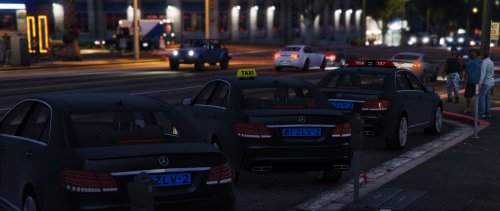 When i try to import it into zmodeler it says failure to locate black.dds, vehicle_genericmud.dds, blank_normal.dds, ens.dds and taxi1.dds and no model pops up on the screen just two small cubes, help please? Edit: Oh man i feel so stupid i forgot to press the L0 button but now its fixed atleast
 -
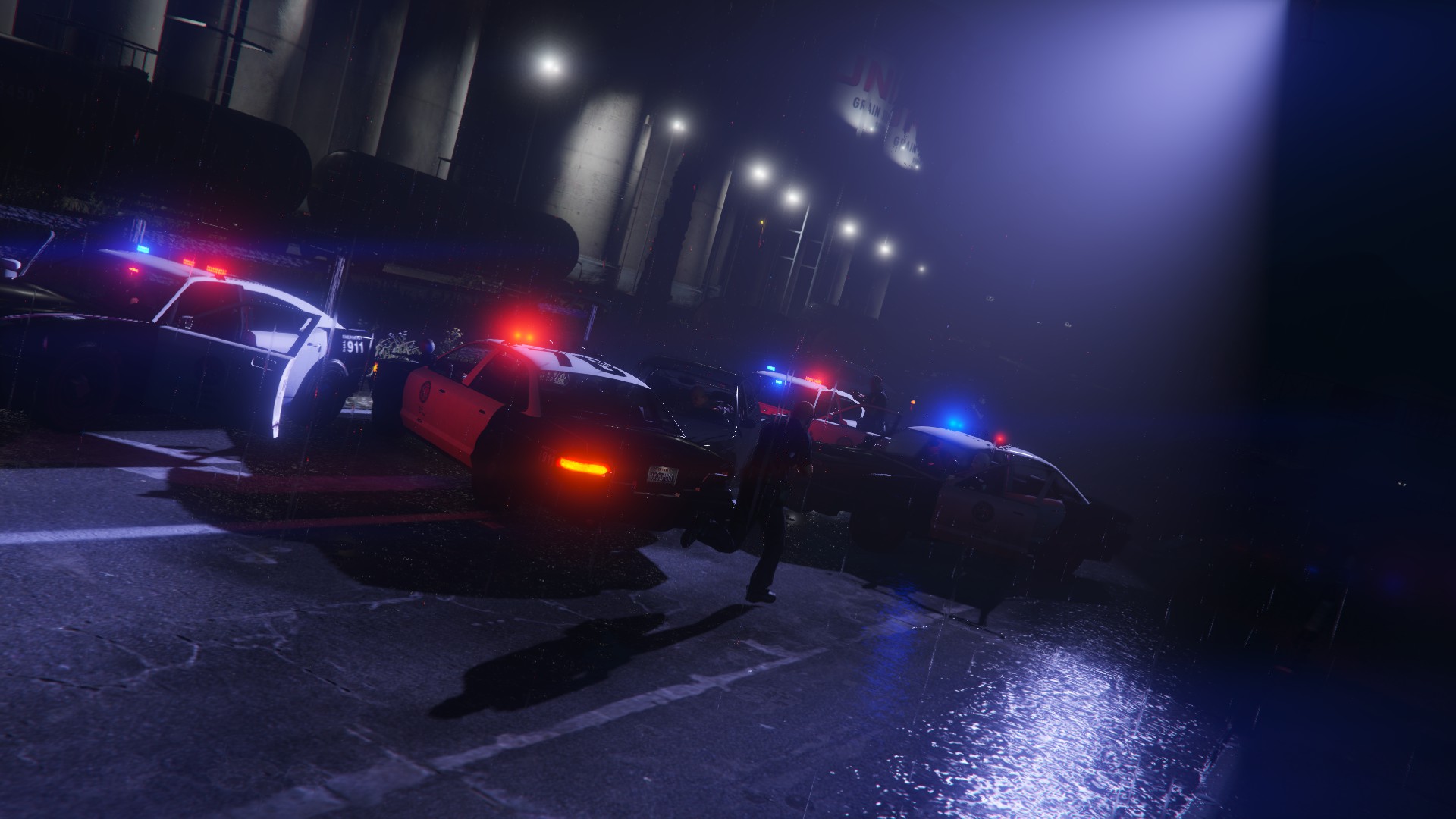
Ok so i played around a little bit with the files and now one of the cars is totally f*cked up, its all white and has the light textures on the windows and the emergency lights are flashing orange????, its really weird and i really need some help with this
-
So my police and police3 slot cars are just black, but if you look close you can kinda see the original skin but its very dark, the lights work fine and everything but the skin is really darked out, and i dont know really what is causing it. Any help would be appriciated!


