


j.brown467
Members
-
Joined
-
Last visited
Everything posted by j.brown467
-
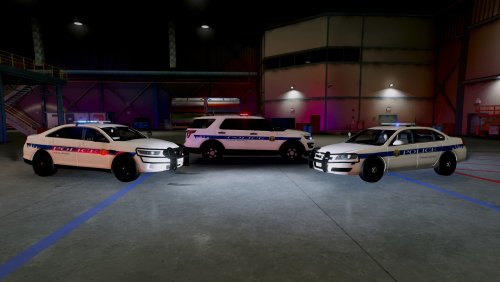 Well spot on man i live in Frederick Md ,Can you make Frederick county Md skin pack, Btw great job on the other agencies you made, there are three more in frederick alone we have thurmont pd and brunswick pd and fort derrick pd if you can add them as well that would be awsomely apreciated man.
- 4 comments
- 3 reviews

