LucasGaming2101
Members
-
Joined
-
Last visited
Everything posted by LucasGaming2101
-
Problem Solved!
-
It got updated 8 days ago.
-
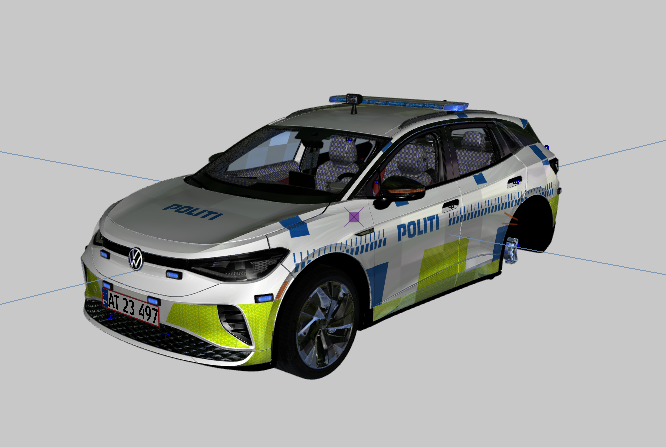
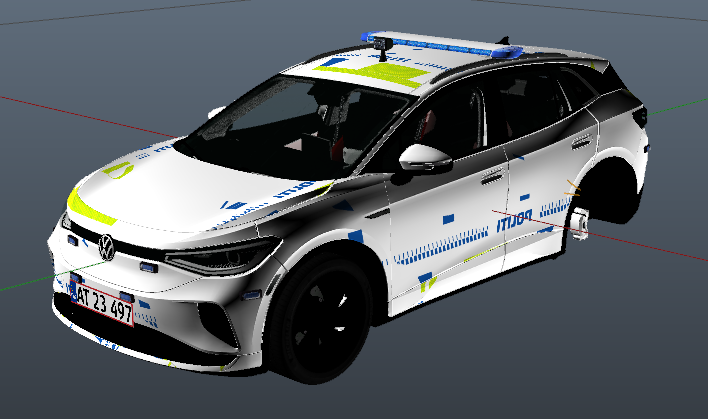
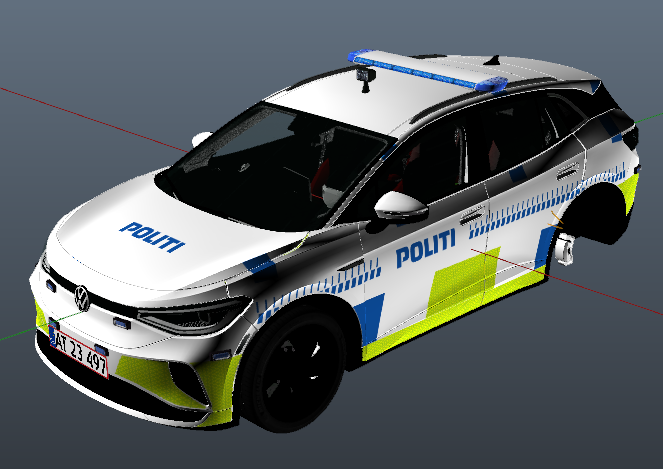
Hey! I am currently making a custom police car, and I just got done skinning it and I am almost done with it, and when I export it from ZModeler it is being exported without any problems or anything like that. But when I open it in OpenIV the textures are completely off and weird and it doesn't look like it did when I exported it from ZModeler at all, and I have tried everything and I don't know what is happening and I have ran totally out of ideas. So I really hope there is someone who can tell me what is happening, what I am doing wrong and how to fix it, because I can't continue making it before this texture problem is solved and looking like it did when I exported it from ZModeler! Thanks in advance! ZModeler: OpenIV: