


dragonwarrior462
Members
-
Joined
-
Last visited
Everything posted by dragonwarrior462
-
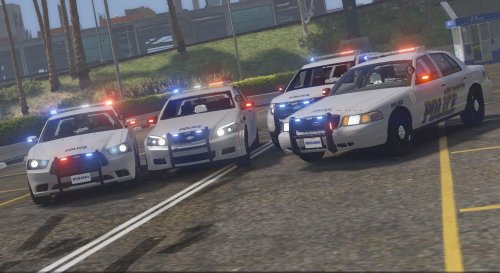 I REALLY like the look of these cars! The lighting is great! One thing I did notice tho is when I open the front doors on the caprice, the lights on the mirrors stay in place while the mirrors move, but other than that, Great Work! Edits: After looking, the other cars do the same with the mirror lights and the FPIU has the right tail light on with the lights turned off on the car.
- 13 comments
- 7 reviews
