D3FaulT
Members
-
Joined
-
Last visited
Everything posted by D3FaulT
-
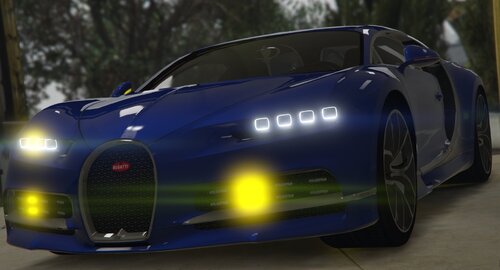 All you need to do is replace the files from the original model you have downloaded with my files. Just replace the carcols.meta with mine as well as the 16bugatti.ytd with my files and you're all good to go.
 -
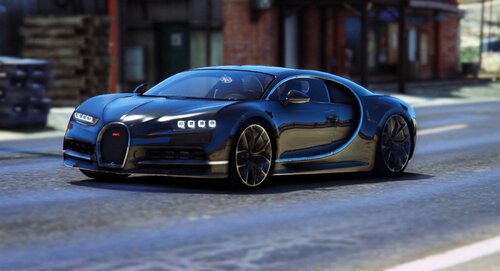 If you want to make it amber for like a pace car (like I do) I did the convert. ALL credit for the model goes to Zeakor tho. The model is not incuded in my files, just the ytd and carcols.
 -
ALL CREDITS GO TO ZeakorDesigns I did NOT make the model, I just did the amber convert, you must install the model here I am NOT including the model in this file, just the needed files to replace it with to convert it to amber. I might do yellow/white later but not 100%.