
Officerhotcup
-
Joined
-
Last visited
Everything posted by Officerhotcup
-
-
-
 Crazy pursuit for a Black Mesa. (you can see it to the right)
-
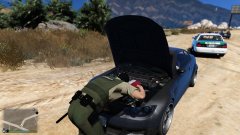 Fixing a broken down car.
-
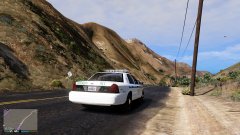 Going down to Humane Labs for a quick check.
-
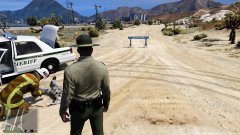 Got a report of a dead body.
-
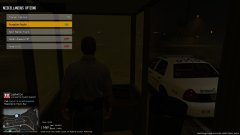 Doing the nightshift as sercuity at the Chicken Company.
-
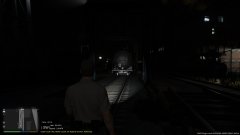 Checking the railway for youngsters or homeless.
-
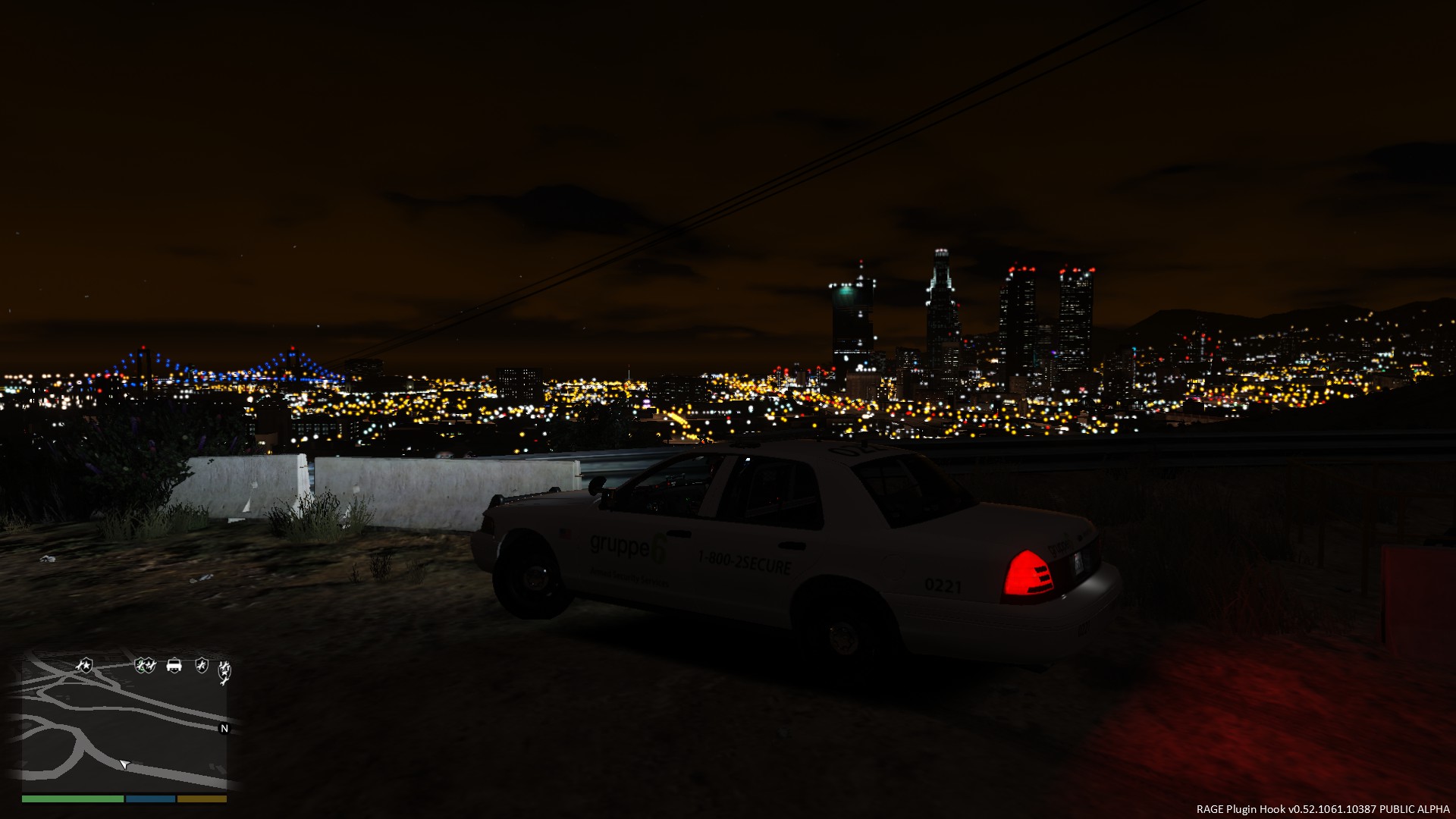
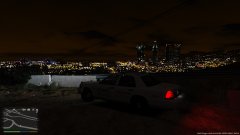 Taking a break to watch the view of LS.
-
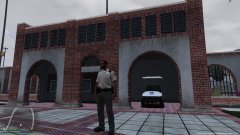 Campus Police.
-
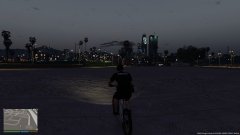 Hard to be a bicycle cop.
-
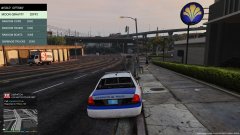 Taking a quick coffe break.
-
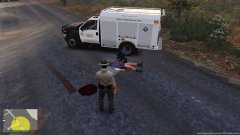 Hit and run.
-
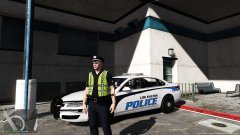 Taking a break and watching people for suspicious activity.
-
-
From the album: Security and police work.
-
From the album: Security and police work.
-
From the album: Security and police work.
-
From the album: Security and police work.
-
-
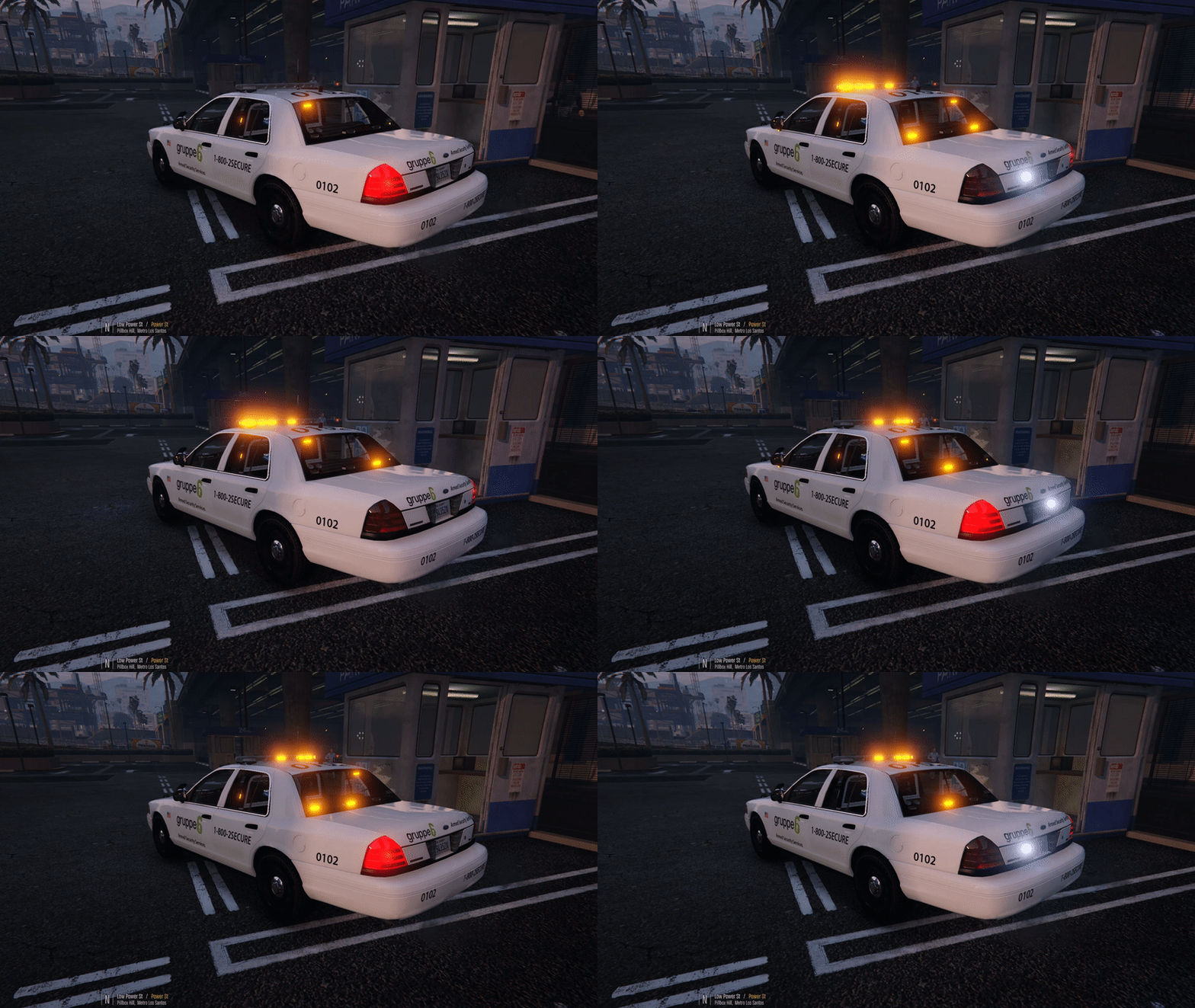 I think i found the problem. It is in the ELS. xml file. </INTERFACE> <!-- EXTRAS OVERRIDE AND ENV LIGHTING--> <EOVERRIDE> <Extra01 IsElsControlled="true" AllowEnvLight="true" Color="green" OffsetX="-0.70" OffsetY="-0.20" OffsetZ="0.50" /> <Extra02 IsElsControlled="true" AllowEnvLight="true" Color="green" OffsetX="-0.25" OffsetY="-0.20" OffsetZ="0.50" /> <Extra03 IsElsControlled="true" AllowEnvLight="true" Color="green" OffsetX="0.25" OffsetY="-0.20" OffsetZ="0.50" /> <Extra04 IsElsControlled="true" AllowEnvLight="true" Color="green" OffsetX="0.70" OffsetY="-0.20" OffsetZ="0.50" /> <Extra05 IsElsControlled="true" AllowEnvLight="true" Color="green" OffsetX="0.00" OffsetY="-0.20" OffsetZ="0.50" /> <Extra06 IsElsControlled="true" AllowEnvLight="true" Color="green" OffsetX="0.00" OffsetY="-0.20" OffsetZ="0.50" /> <Extra07 IsElsControlled="true" AllowEnvLight="true" Color="green" OffsetX="-0.40" OffsetY="-0.80" OffsetZ="0.40" /> <Extra08 IsElsControlled="true" AllowEnvLight="true" Color="green" OffsetX="0.00" OffsetY="-0.80" OffsetZ="0.40" /> <Extra09 IsElsControlled="true" AllowEnvLight="true" Color="green" OffsetX="0.40" OffsetY="-0.80" OffsetZ="0.40" /> <Extra10 IsElsControlled="false" /> <Extra11 IsElsControlled="false" /> <Extra12 IsElsControlled="false" /> </EOVERRIDE> <!-- MISC --> <MISC> And this is not the ELS file for the green lit security car. i double checked. Sorry, Sporry, Sorry to comment so much on here!!! But i found the bug. You have switched around the the two ELS.XML. (the one for the green lit security car, in the Amber lit security car. And the amber lit securitys cars els.xml in the green lit car) <--- that was painfull to write. You can just switch these two around. Also this is only a issue in the shade or at night. -Oscar Sorry again for commenting so much. I just thought i would let you know, so you dont spend your time on it.
- 14 comments
- 1 review
-
From the album: Security and police work.
-
From the album: Security and police work.
-
From the album: Security and police work.
-
From the album: Security and police work.
-
From the album: Security and police work.
-
From the album: Security and police work.
-
From the album: Security and police work.
-
From the album: Security and police work.
-
Sorry i put a support message on the review board. And thank you for helping me. -Oscar You can see my problem here.
- 14 comments
- 1 review
-
I like it. Only negative thing is the reflection of the lightbar, it is green?! Maybe make a hot-fix or is there any other way i can do it. I play as security quite a lot. - Oscar
- 14 comments
- 1 review
-
Paperwork...
-
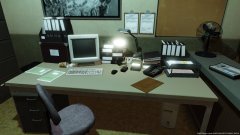
From the album: Police work Blaine County
-
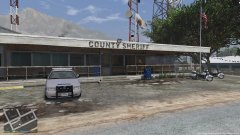
From the album: Police work Blaine County
-
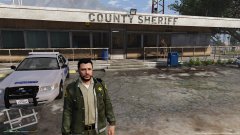
From the album: Police work Blaine County
-
From the album: Police work Blaine County
-
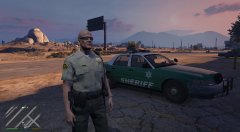
From the album: Police work Blaine County
-
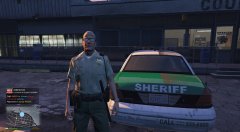
From the album: Police work Blaine County