
phan
Members
-
Joined
-
Last visited
Everything posted by phan
-
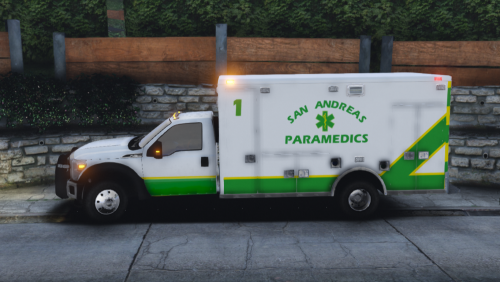 looks awesome man. thanks
 -
-
-
-
-
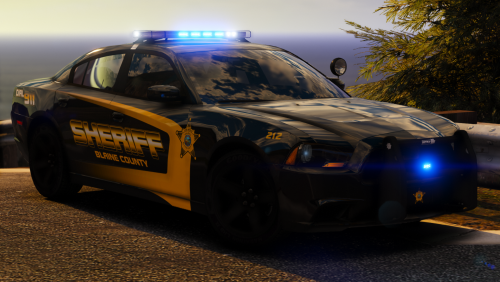
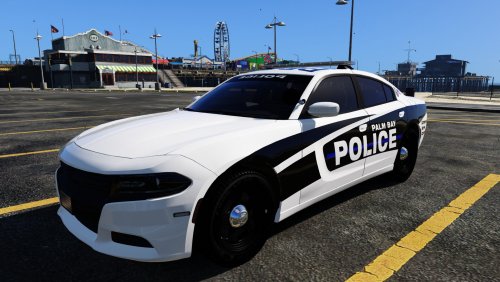 love the skin, car performs flawless at police 2, lights are perfect, not overdone. can u make same skin with white text , white stripes on all black car color with lspd name?.
- 16 comments
- 10 reviews
-
-

- 1
-
-
 great model. wish the head lights were less bright so it shows the red and blue lights near headlights better. it looks great when headlights are off.
- 31 comments
- 36 reviews

.thumb.png.debb2e8fd42b234303e9e2473fb894e8.png)