StateFarm
Members
-
Joined
-
Last visited
Everything posted by StateFarm
-
-
 How I installed it. Download Map Editor from gta5-mods.com. Use it's supplied "Custom_map" dlc. make sure to add it to your dlclist.xml Drag & drop all files EXCEPT the paths folder to: mods/update/x64/dlcpacks/custom_maps/dlc.rpf/x64/level/gta5/_citye/maps/custom_maps/ folder. Add all the paths in: mods/update/update.rpf/x64/levels/gta5/paths.rpf/
- 100 comments
- 19 reviews
-
-

- 2
-
-
-
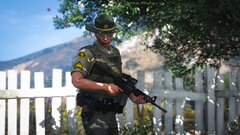 excellent photo!
 -
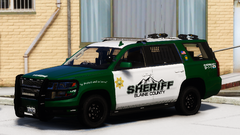 My new favorite!! I was looking for something to replace my Alameda/BCSO Sheriff skins, I've been using them for years. Great work Sergeant!
 -
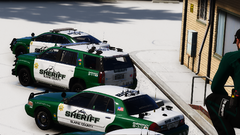 Loving these skins!
 -
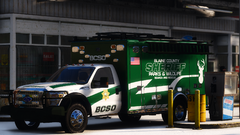 That looks great!