



CedrikSchmitz
Members
-
Joined
-
Last visited
-
-
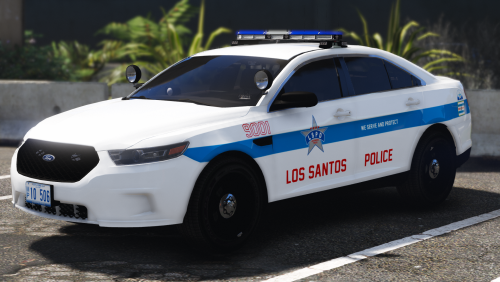 Good work man! With the Blue ELS its amazing. I have a issue with the Charger Texture... However the Texture is not 100% perfect on car, the red text Los Santos Police is cross the car and the blue streak is not next to the car... i use the 2014 charger like you say in the description... Dont know whats the issue.... Maybe you can help me
- 32 comments
- 14 reviews
-
-

- 1
-

