



Master Cheef
-
Joined
-
Last visited
Everything posted by Master Cheef
-
From the album: Georgia Law Enforcement
-
From the album: Georgia State Patrol
-
From the album: Georgia State Patrol
-
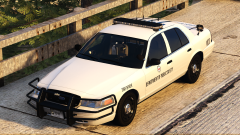
From the album: Georgia State Patrol
-
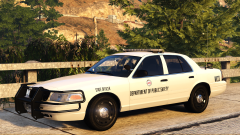
From the album: Georgia State Patrol
-
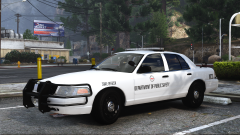
From the album: Georgia State Patrol
-
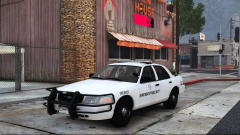
From the album: Georgia State Patrol
-
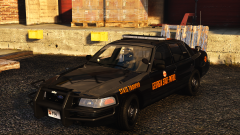
From the album: Georgia State Patrol
-
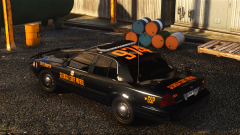
From the album: Georgia State Patrol
-
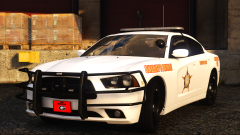
From the album: Georgia Law Enforcement
-
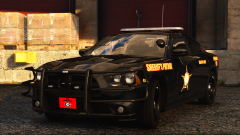
From the album: Georgia Law Enforcement
-
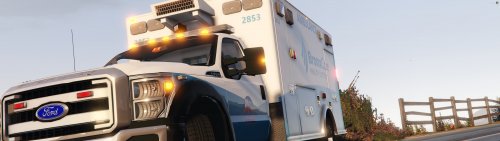 Just because you've edited textures on someone's vehicle, doesn't give you the right to re-upload the vehicle files. Vehicle liveries belong in LCPDFR's "Vehicle Textures" category. There, you should only upload the livery you've created. The creator of that ambulance clearly states in the description of his file that re-uploading is not allowed.
 -
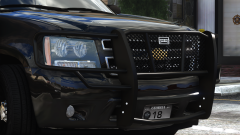
From the album: Scratch Models
-
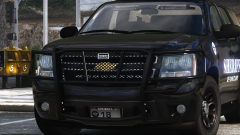
From the album: Scratch Models
-
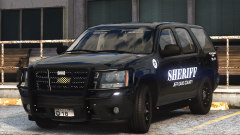
From the album: Georgia Law Enforcement
-
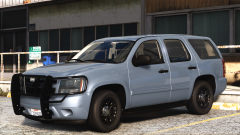
From the album: Georgia Law Enforcement
-
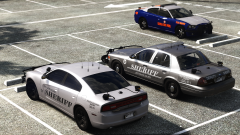
From the album: Georgia Law Enforcement
-
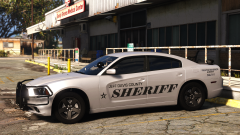
From the album: Georgia Law Enforcement
-
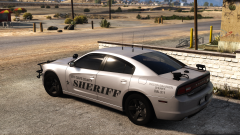
From the album: Georgia Law Enforcement
-
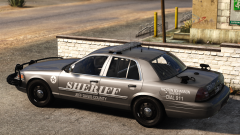
From the album: Georgia Law Enforcement
-
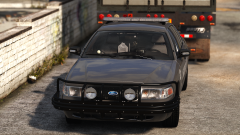
From the album: Georgia Law Enforcement
-
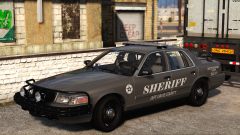
From the album: Georgia Law Enforcement
-
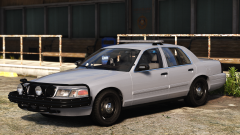
From the album: Georgia Law Enforcement
-
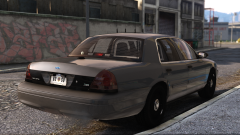
From the album: Georgia Law Enforcement
-
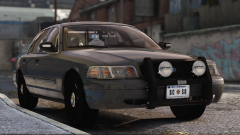
From the album: Georgia Law Enforcement


