



hgu56
Members
-
Joined
-
Last visited
Everything posted by hgu56
-
Hello all I just wanna say that this my first time posting here but I am a experienced PC modder and this forum has helped me immensely in the past. That being said I’m having a problem I haven’t been able to Solve on my own and I’m hoping someone here can help me! My GTA was working fine with mods such as WOV NVR ELS and other mods that change gore and euphoria type physics and all my police vehicle spots replaced with replacement vehicles Up till today. I should also add I don’t use lspdfr and rage TLDR version is when I step out of Floyd’s house into los Santos my game crashes however it works fine in the Blaine County and anywhere not within the city limits. I should also add that my police2 is crashing my game when spawning said vehicle. I’ve tried replacing police2 multiple times and messing with my normal fixes which include Game config’s and vehicle metas etc but feel like I’ve exhausted all my efforts. Police2 also pops up with no textures before the crash. I’ve had no crashes or issues once I remove my ASI loaders from open IV if someone has a solution to these type of issues I will be most appreciative to listen and learn how to solve it, thank you, HGU.
-
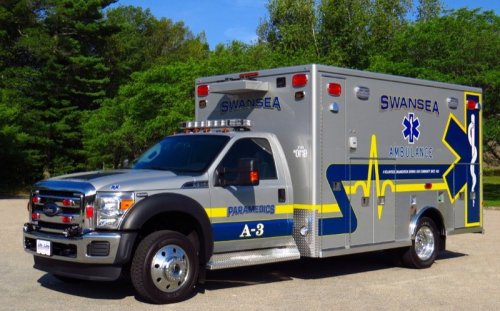 Thanks man if you need reference pictures just let me know. I work three days a week on the rig I can get you all the pics you need for the texture.
- 4 comments
- 3 reviews

