
Ooboy
Members
-
Joined
-
Last visited
Everything posted by Ooboy
-
From the album: 90s policing
-
From the album: 90s policing
-
From the album: 90s policing
-
From the album: 90s policing
-
From the album: 90s policing
-
From the album: 90s policing
-
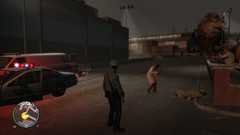
From the album: 90s policing
-
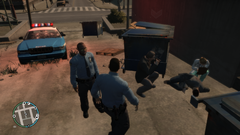
From the album: 90s policing
-
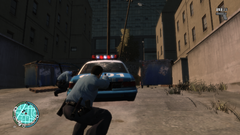
From the album: 90s policing
-
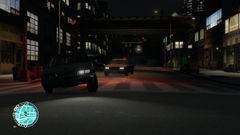
From the album: 90s policing
-
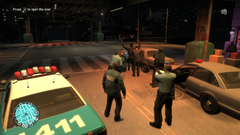
From the album: 90s policing
-
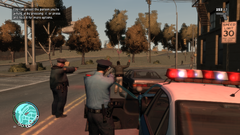
From the album: 90s policing
-

From the album: 90s policing
-
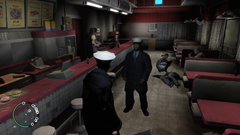
From the album: 90s policing
-
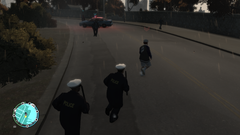
From the album: 90s policing
-
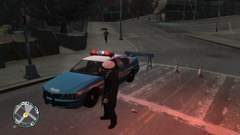
From the album: 90s policing
-
 nice!
nice! -
-
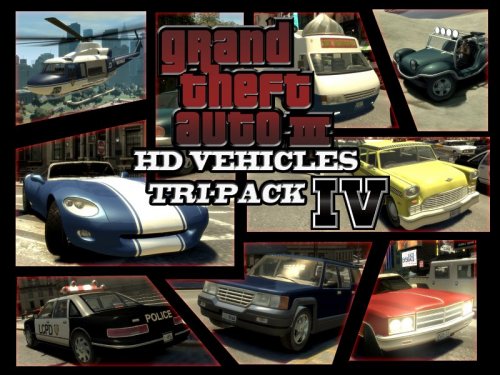 Bro this is so fucking good, excuse the word.
 -
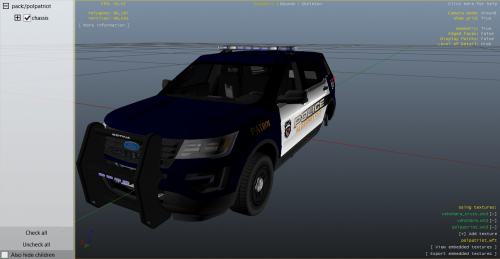 I think you need to move the axis of the tire.
 -
The pack is cool, but you need to fix Nstockade. the tires look like this: https://gyazo.com/869886b1b433b0489945bacf27dcde89 https://gyazo.com/6f67184d6f7da864ce4b02996bf3061d
-
Looks nice
-
-
-
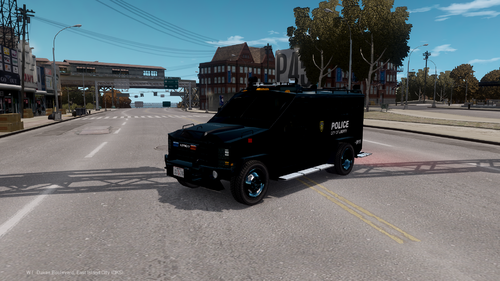 Looks cool, i'll give it a try.