



Donovans Custom Graphics
Members
-
Joined
-
Last visited
Everything posted by Donovans Custom Graphics
-
From the album: LSPDFR Patrols
-
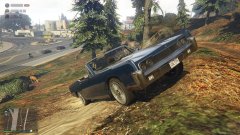
From the album: LSPDFR Patrols
© DCG
-
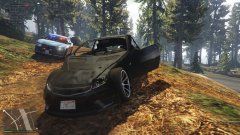
From the album: LSPDFR Patrols
© DCG
-
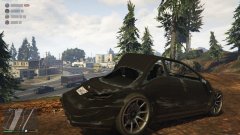
From the album: LSPDFR Patrols
© DCG
-
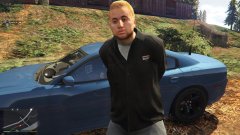
From the album: LSPDFR Patrols
© DCG
-
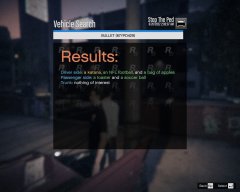
From the album: LSPDFR Patrols
© DCG
-
Donovans Custom Graphics replied to Donovans Custom Graphics's topic in LSPDFR 0.4 for Legacy Edition Supportultimate backup, prowlerradar basicparkingenforcement computelite & platecheckerremastered
-
Donovans Custom Graphics replied to Donovans Custom Graphics's topic in LSPDFR 0.4 for Legacy Edition Supportultimate backup, prowlerradar basicparkingenforcement computelite & platecheckerremastered
-
Hello. I seem to be having an issue with the LSPDFR Syncing system as my arrests, shots fired and contrabands found are not appearing under my stats, but in my activity log they show up the arrests etc Thanks
-
Donovans Custom Graphics replied to Donovans Custom Graphics's topic in LSPDFR 0.4 for Legacy Edition SupportWould it be stop the ped?
-
Hello. I noticed that on my character's profile my arrests made is 0, however, i've arrested about 20 people within the last 3 days. Is there a fix for this?
-
-
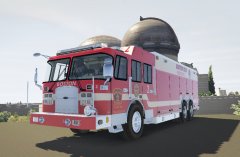
From the album: WIP Projects
-
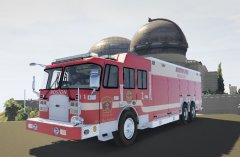
From the album: WIP Projects
-
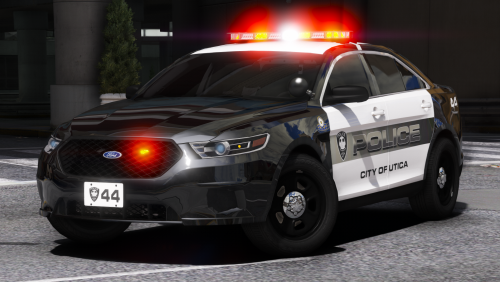 If these vehicles were allowed to be used on FiveM i would totally download and use these.
- 17 comments
- 13 reviews
-
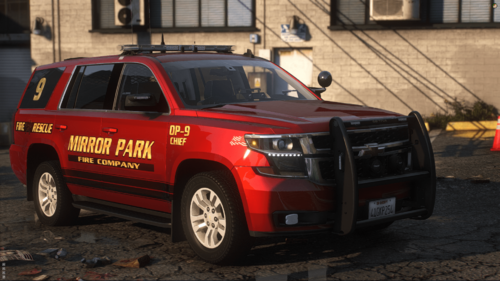 Got a suggestion for you.... Perhaps add a green command light on top of the lightbar that can be toggleable on/off for when on scenes, other than that fantastic cruiser!
- 9 comments
- 1 review
-
-

- 1
-
-
-
-
-
-
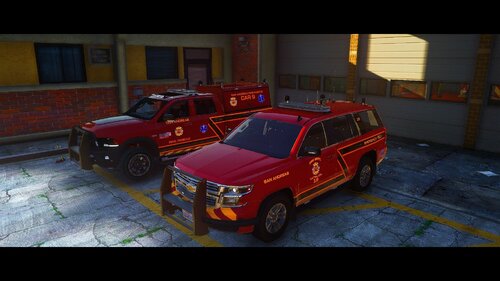
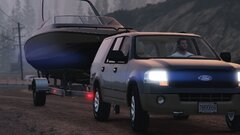 Is this nearing the releasing stage? Im new at vehicle developing and would love to be able to use this for building my city fire dept's command car. 🙂
 -
-
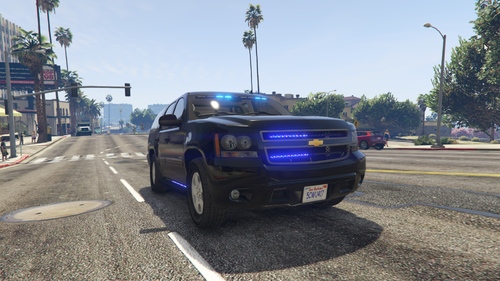 DO i have permission to use in my fivem community? This would make a great police vehicle! Thanks
 -
 Is there a specific reason on why these vehicles cannot be used in clans/fivem?!
- 283 comments
- 95 reviews
-


.thumb.jpg.7ff638437adebdc72ba9ab21b4a6f1fc.jpg)