
austingross
Members
-
Joined
-
Last visited
Everything posted by austingross
-
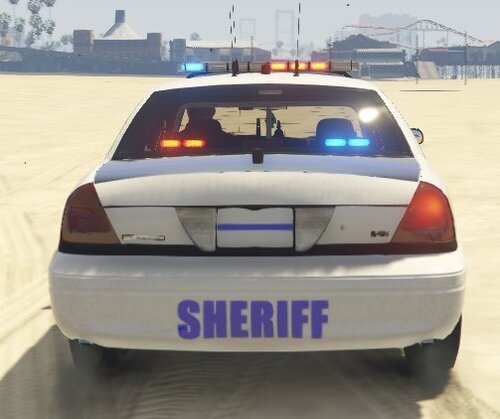 A nice little crown vic thin blue line skin! Model Included! You can find the org model from this pack!:
 -
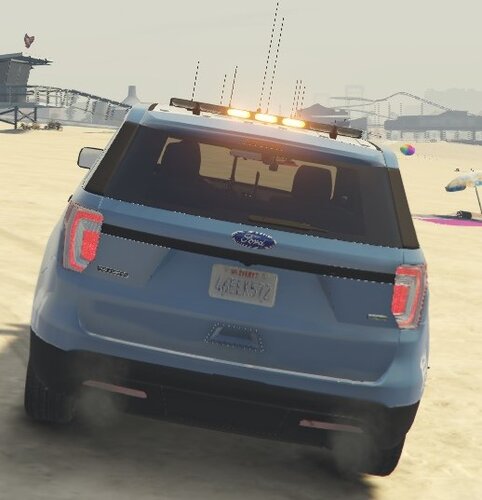 State Trooper Texture made by me! The model is included in the file. The Vehicle used was in this pack, which can be found here:
 -
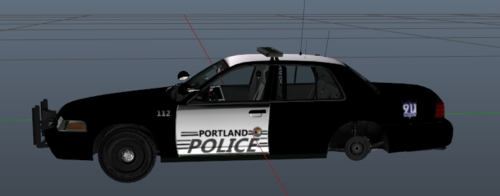 This is my second official texture released! If you want a texture made, I will attempt it! leave it down in the comments <3! Model Used Can be found here: https://www.gta5-mods.com/paintjobs/2011-ford-crown-victoria-police-interceptor-san-andreas-highway-patrol/download/16464
 -
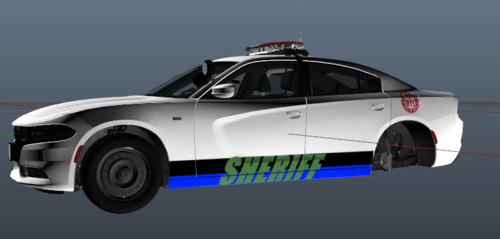 This is my first ever texture made!, Leave tips and let me know what I should work on down in the comments! thank you 🙂 I hope you enjoy the texture!! 🙂