JohnBeck
Members
-
Joined
-
Last visited
Everything posted by JohnBeck
-
-
-
cant wait for this keep up the good work
-
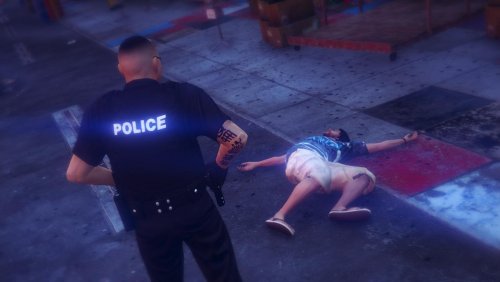 yes, and even when i do randomize med it never comes with hat or glasses. could you do a showcase video please?
- 273 comments
- 61 reviews
-
-
-
when i use the trainer it doesn't cycle thru the hats and glasses not even if i do randimize ped
- 273 comments
- 61 reviews
-
-
-
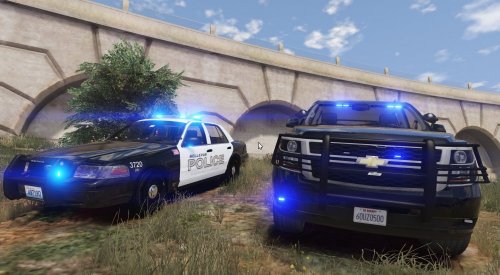 I dont live in Bellevue but i think these skins are really cool and after a quick search i came across these and if it isn't too much trouble i think these would be cool to see in your next update.
- 21 comments
- 9 reviews
-
-

- 1
-
-
-
-