
lieutenantreed
Members
-
Joined
-
Last visited
Everything posted by lieutenantreed
-
-
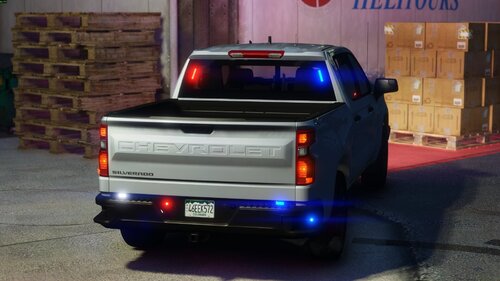 it should work. im using this chumash dls charger thats using dlsv2 and its flawless
- 27 comments
- 1 review
-
-
-
-
yes, all my other dls cars work just fine, i even have your csp chargers installed and im having the same issue
- 27 comments
- 1 review
-
have dls installed, i put the xml file in my dls folder and the lights dont work........they all come on when i press the left thumbstickin
- 27 comments
- 1 review
-
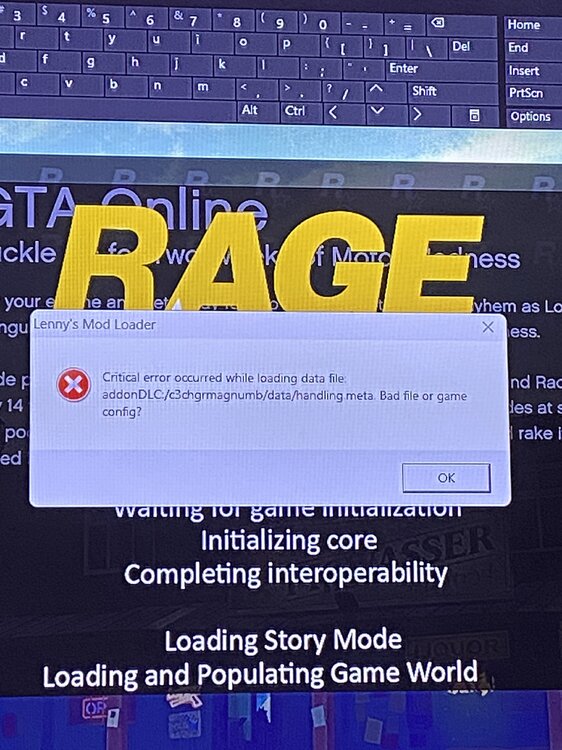
is there a way for lml to detect all bad files at once when it comes to vehicles? after this recent update alot of my cars handling metas changed automatically and they keep the game from loading The game config isn’t bad, if I delete that car then it’ll come up with a different car
-
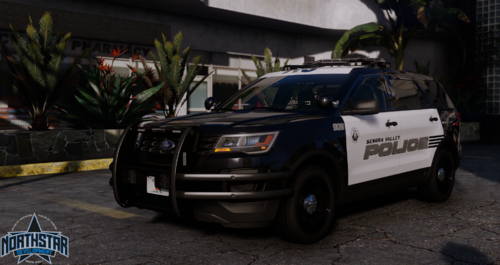 cant get anything to spawn.....whats the dlc text we use?
 -
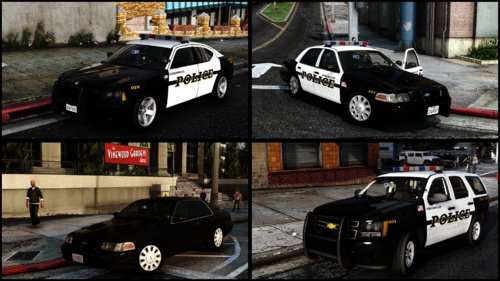 what keys do i press for the TA?
 -
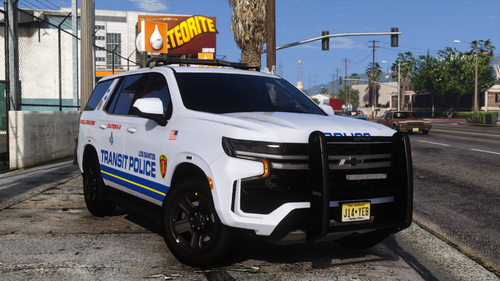 im on the legacy version
 -
he doesnt care. so many people have told him but he insists its our fault
-
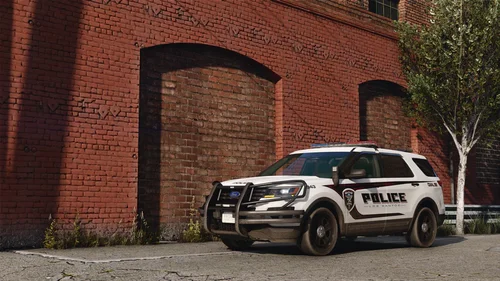 also am i able to use multiple vehicles
 -
-
and all i have to do is put the vehicle name and the park and drive #s and it should work?
-
seee he keeps saying its on my end, thats 3 so far thats having crashing issues
-
-
the dlc line is whats making it crash like i said i added a dlc car right before i tried your tahoe and it worked just fine i just tried the tahoe again and its still crashing
-
exactly. i told him i just installed a pack right before i downloaded his with no issues
-
see so im not the only one then
-
legacy what are we putting for the dlc.txt line?
-
defenitly do, just installed a packa couple minutes ago
-
crashes my game on startt up. installed it like any other add on and nothing
-
i have a ton ofulc packs. im just confused on where to put the cars model name in the pattern ini
-
can you show me an example? what ini am i looking at