




GameandChill
Members
-
Joined
Everything posted by GameandChill
-
I'd rather you just explain on here how to fix it... not a big fan of teamviewer, and letting random people access my pc.
-
For?
-
Hey Guys, I've been having an issue with my gta for the past 2 days and I can't for the life of me figure it out. The issue I'm having is my game is crashing when loading in, when AdvancedHook, and dinput8.dll are in my directory. If I take either one out, my game is fine. My game worked about 2 days ago, no issues, the next day it started doing this. I've completely reinstalled, and actually just completely reinstalled windows as well, and I'm still having the issue. I'm getting way to frustrated, but really want my game to work again so I can get back to skinning!
-
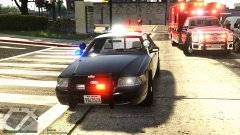 Sounds like the 2nd option to me. Haha.
 -
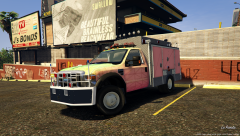
Only saying its lame.. cause what is a Sandy Shores Ambulance doing in Los Santos? Haha.
-
That ambulance skin is Lame. lol
-
-
It's probably a keybind in your trainer, if you go into game and open up your trainer, there should be an option to turn keybindings off.
-
-
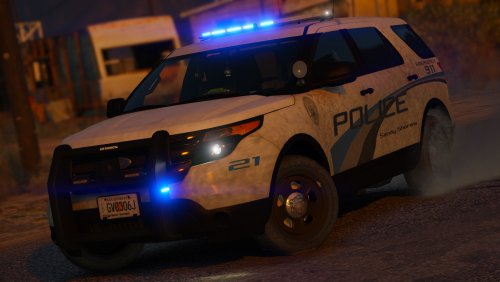
Comes standard with the FPIU/Valor setup, haha.
-
It's just that new technology, so the officer is always on dash cam. It's for the departments that can't afford body cams.
-
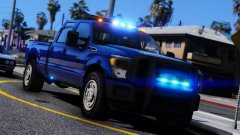 Yes yes yes yes!
 -
Did you check and see if the skin is also in the +hi.ytd if it has one?
-
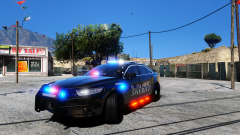
From the album: Screenshots of GTA V
-
You could use RDE 3.1 for extra slots as well , that's all I really use it for.
-
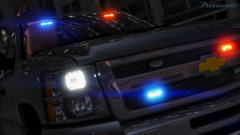 If you don't mind me asking, what graphical mods do you use?
 -
Your screenshots, and visual mods/settings are beautiful! haha.
-
I believe the PA640's came out around 2008/2009 .
-
Sounds like a Federal Signal PA640 to me.
-
Well I sold the Orion, to get something a little newer.. found this CDM1250 for a steal so I picked it up.
.thumb.JPG.4f4fe73b721b90ec6724f4a0d3b0324f.JPG)
-
AMD has ReLive, and Nvidia has Shadowplay, not sure what GPU you have.
-
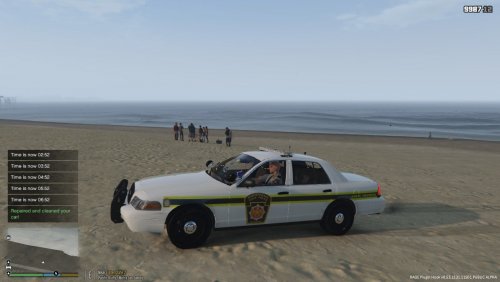 If you don't mind me asking, where did you get the PSP ped from?
 -
 I believe I was using the Whelen Cencom, from Modern Siren Pack.. I change my sirens so much I forget what I'm using, and where it's from.
- 110 comments
- 33 reviews
-
CPU: Intel i5 6400 @ 2.7ghz RAM: 2x 8GB DDR4 GPU: Nvidia GTX1060 Founders Edition 6GB Storage: 500GB SSD, 1TB HDD, 3TB HDD OS: Windows 10 Home Monitors: 25" I-Inc IH253DPB, 22" Dell 2208WFP Controllers: Logitech G27 Wheel, Thrustmaster Pro Hotas X Joystick, Xbox one controller. Keyboard: Logitech G510 Mouse: Logitech G603 Headset: Logitech G633 Wired 7.1 Headset
-
 Drooling.


.JPG.4f63cff7a637455ddcc8a7ec08c6e0a4.JPG)
