Skip to content
View in the app

A better way to browse. Learn more.

LCPDFR.com

A full-screen app on your home screen with push notifications, badges and more.

To install this app on iOS and iPadOS
  1. Tap the Share icon in Safari
  2. Scroll the menu and tap Add to Home Screen.
  3. Tap Add in the top-right corner.
To install this app on Android
  1. Tap the 3-dot menu (⋮) in the top-right corner of the browser.
  2. Tap Add to Home screen or Install app.
  3. Confirm by tapping Install.

crimj1985

Members
  • Joined

  • Last visited

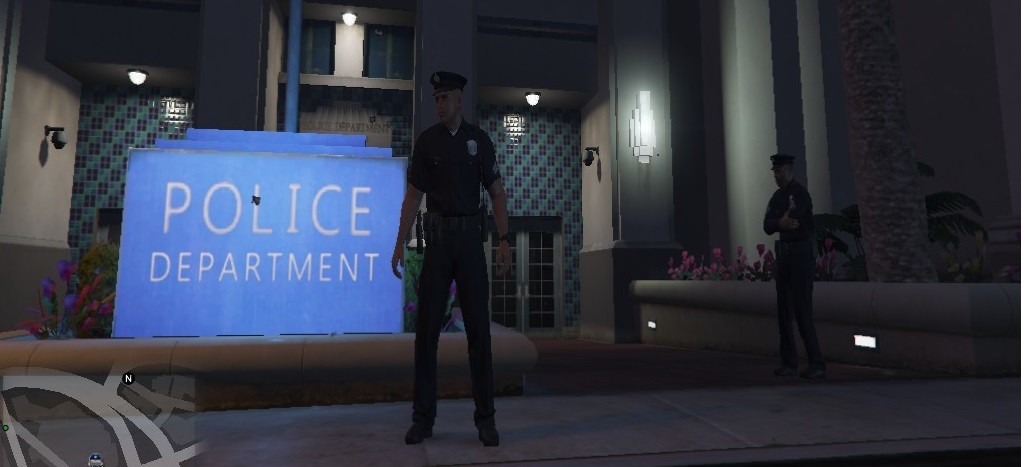
  1. Hi guy's Vocaldispatch was telling me I haven't changed my name, so I changed it and got the call out config mod so I can change my name and my unit number aswel I was getting nothing at first so I went back and read the install better and I'm on Windows 10 but I had do download eng Us language and set it to default and train my computer to heir my vocie better with the mic I wanted to use, after I did that it started working for me

Account

Navigation

Search

Search

Configure browser push notifications

Chrome (Android)
  1. Tap the lock icon next to the address bar.
  2. Tap Permissions → Notifications.
  3. Adjust your preference.
Chrome (Desktop)
  1. Click the padlock icon in the address bar.
  2. Select Site settings.
  3. Find Notifications and adjust your preference.