Voit Turyv
Members
-
Joined
-
Last visited
Everything posted by Voit Turyv
-
 https://www.gta5-mods.com/users/Voit Turyv You're welcome.
 -
From the album: Voit's Garage
-
From the album: Voit's Garage
-
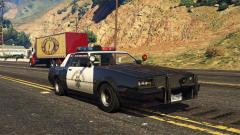
From the album: Voit's Garage
-
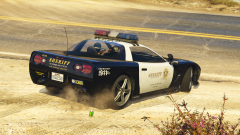
From the album: Voit's Garage
-
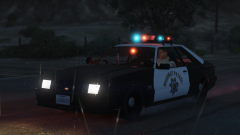
From the album: Voit's Garage
-
It is mine, as you could guess. You should pay a visit to GTA5-Mods.
-
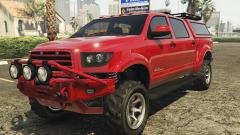 No Vapid badge at the front. You gotta improve the model.
 -
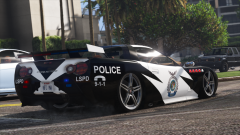
From the album: Voit's Garage
-
Those corn dogs won't be warm anymore if you're gonna roll for them in that jalopy. I recommend using this instead:
-
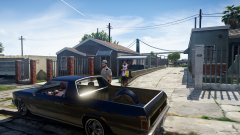 Picador Loco would be a better choice. Also, no ELS/10.
 -
 I understand it's just a tribute kind of livery, but the vehicles could be more accurate. For instance, any Jeep Grand Cherokee from around 2004 would be a better choice for an SUV. Same thing about the car that is to bear the Rockport State Police livery - in this case, 2005 Pontiac GTO instead of Charger. The texture quality also looks questionable. A bit more work and it could be a good real-life model alternative for my lore-friendly Rockport PD pack.
- 3 comments
- 1 review
-
-

- 2
-
-
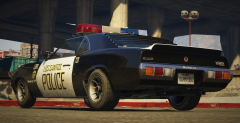
From the album: Voit's Garage
Rear shot of the reshaped Vigero, showcasing an all-new rear bumper. -
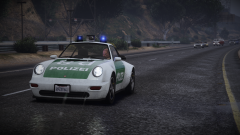 The Comet has been in the game for nearly a year and only now has someone decided there should be a classic Polizei version of it. And it's dope.
 -
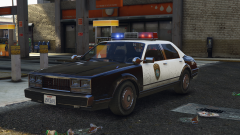 One of retro lightbars that matter. Great job as usual.
 -
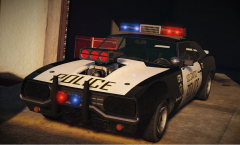
From the album: Voit's Garage
The Vigero reshaped to look like the Carson Annihilator from Burnout Paradise, with Paradise City Police Department-styled livery and equipment. Lightbar model and screenshot by @11john11. -
@GunnDawg You're missing a quicker unit or two.
-
I use my own content.
-
 Retro cop thingy.
 -
-
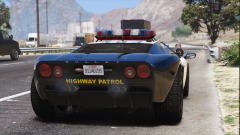 I suggest you visit GTA5-Mods more often. No. You can grab the 7-rotator version of the lightbar from these cars: https://www.gta5-mods.com/vehicles/rockport-police-pack-addon
 -
From the album: Voit's Garage
-
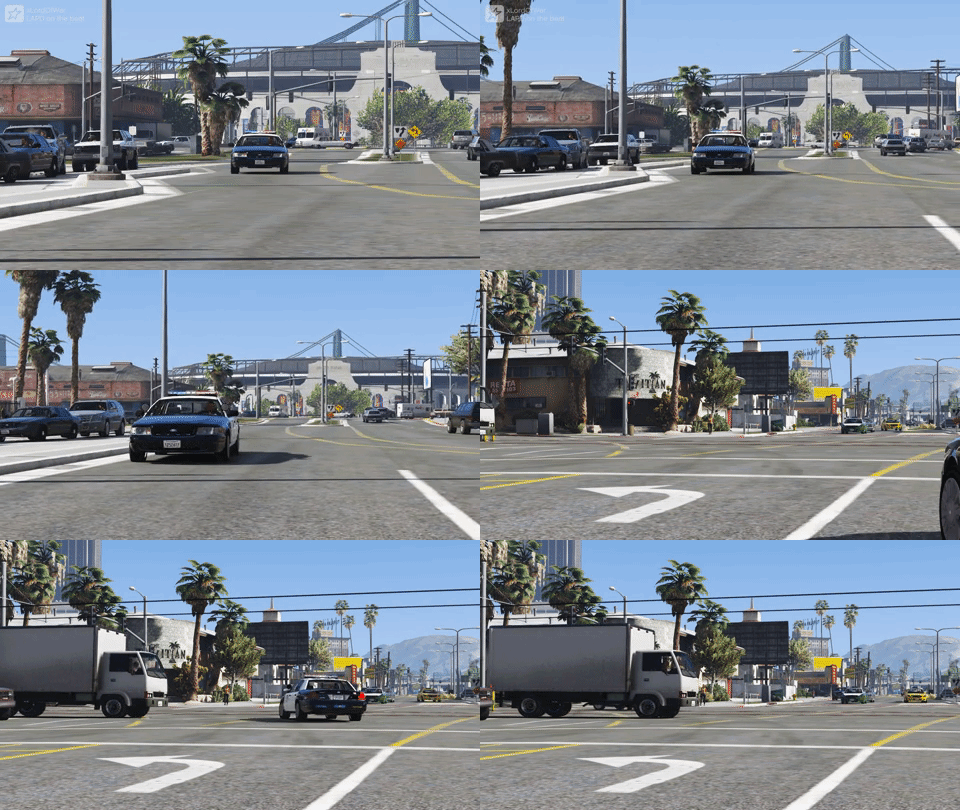 lol, cvpi
 -
 Me love some lore-friendly equipment.
 -
That's not NYSHP. It's NYSP.