


schneider303
Members
-
Joined
-
Last visited
Everything posted by schneider303
-
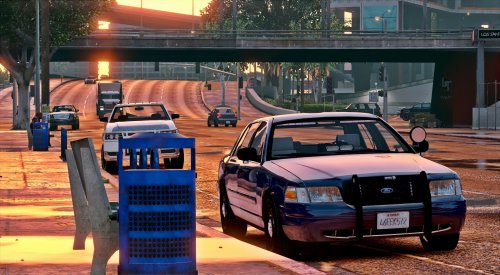 Hey guys, New to LSPDFR and modding. I installed everything as stated in the read me file however the lights don't flash when I hit the sirens. The rear brake lights flash but the interior lights that should flash are not. Not exactly sure what went wrong in the setup...the ELS.XML folder contains "police 4" but the read me instructions do not mention this...not sure exactly where to place this if it's in fact the missing piece for the lights. Thanks for the help.
- 71 comments
- 24 reviews
