
Loopers
Members
-
Joined
-
Last visited
-
Loopers changed their profile photo
-
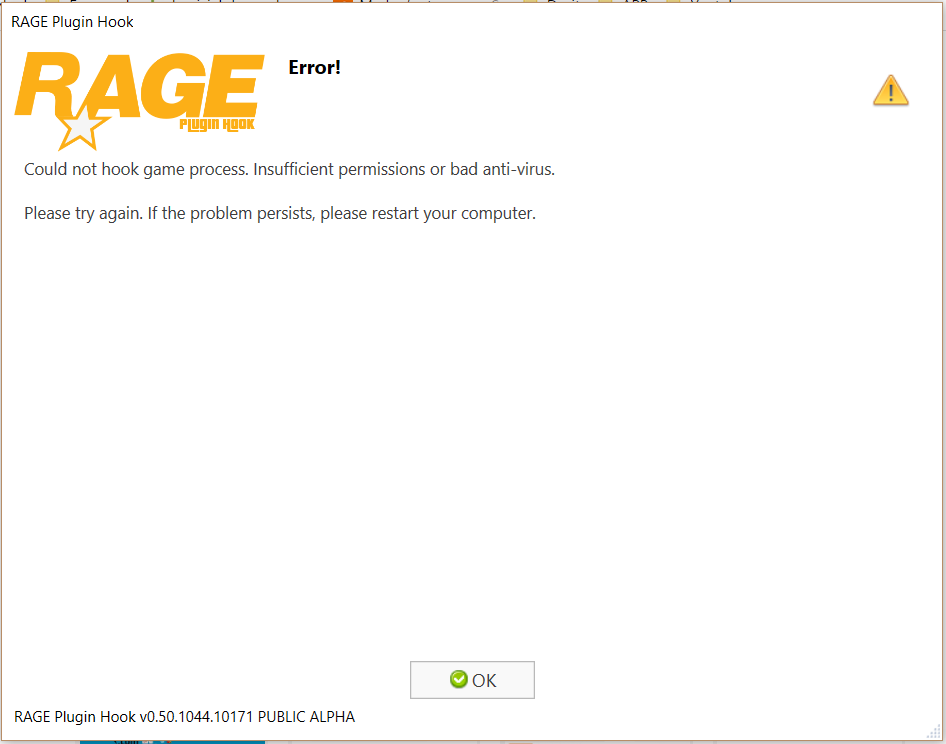
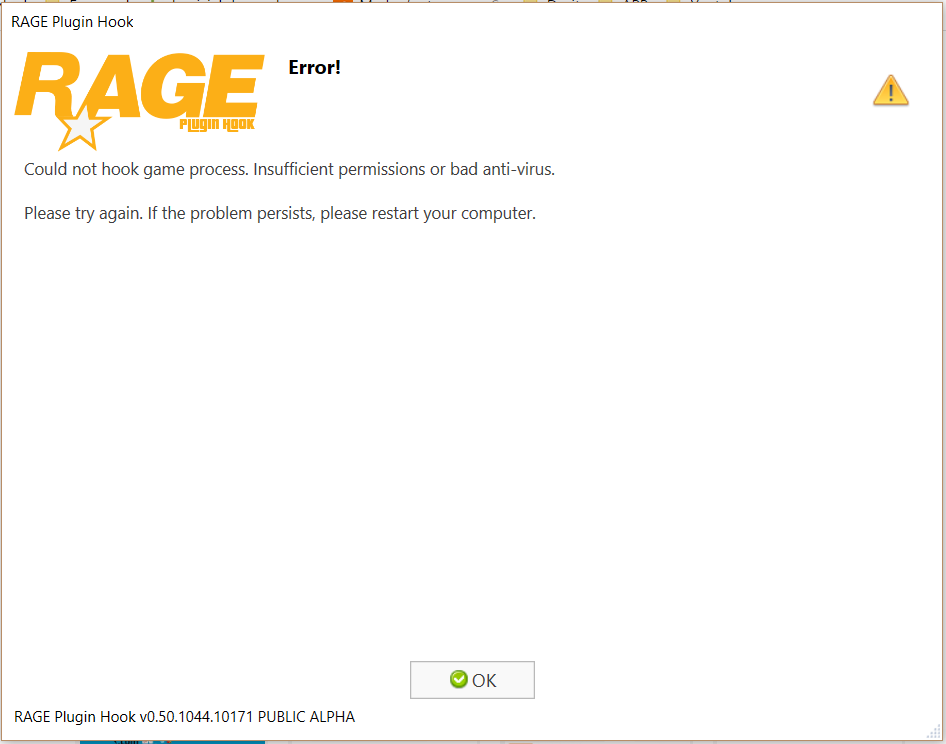
Hello everybody, I have to install the mod LSPDFR and everything that goes with it, everything work except that in the launch of RagePlugInHook, this page appears while I open (it) there "to Execute as administrator" and what I deactivate my antivirus... Anybody can help me? Thanks !
-
Version Française : Salut tout le monde, J'ai installer le mod LSPDFR et tout ce qui va avec, tout fonctionne sauf qu'au lancement de RagePlugInHook, cette page apparait alors que je l'ouvre en "Exécuter en tant qu'administrateur" et que je désactive mon antivirus ... Quelqu'un peut m'aider ? Merci English Version : Hello everybody, I have to install the mod LSPDFR and everything that goes with it, everything work except that in the launch of RagePlugInHook, this page appears while I open (it) there "to Execute as administrator" and what I deactivate my antivirus... Anybody can help me? Thanks !