



JBuzz826
Members
-
Joined
-
Last visited
Everything posted by JBuzz826
-
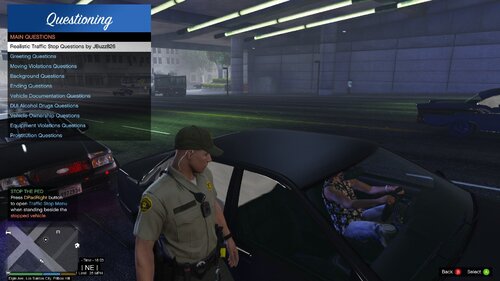 @RustyHarper It is against rules to provide the file by other means than to download. You can grab STP 4.8.9.7 here. https://bejoijo256.wixsite.com/bejoijo You may have to exclude the file through your AV. I had to.
- 53 comments
- 9 reviews
-
Yeah I only have simple callout manslaughter. I don’t have agency callout as it conflicted with another plugin I have
- 53 comments
- 9 reviews
-
I will definitely push this out in the next update. I was watching the first 48 as well. Got some good Q&A from it. I know of only one callout that has a homicide that works for the current LSPDFR versions. I will definitely work this into the next update. 😉
- 53 comments
- 9 reviews
-
-
So I have the update am about to push the update out. Got busy for a few minutes.
- 53 comments
- 9 reviews
-
-
-
-
I do have to ask one question. Are you running the newest lspdfr 4.7? If so the STP and UB won’t work. Just wanted to double check.
- 53 comments
- 9 reviews
-
-
Hmmm the code should be correct. Let me double check here in a little bit. I’m sorry that you’re having issues. Is it with the updated one today?
- 53 comments
- 9 reviews
-
-
-
-
Cyan, I can’t get a screenshot uploaded. But it’s definitely occurring.
-
It’s there. I’m on mobile right now and will upload a screenshot It says the website port 80 and I just got one that says port 433 isn’t responding. The website is up but the ports aren’t responding. I’ve restarted my modem and WiFi router
-
Hey lcpdfr team, So when I’m on WiFi I can’t connect to your website. It says port 80 it can’t connect to. Just wanted to make you all aware it’s on your all’s end. Thank you,
-
-
So I myself am not from the UK originally. I’m from the US born and raised. I do have some friends that are from the UK and I can definitely look into this for the future.
- 53 comments
- 9 reviews
-
-

- 1
-
-
-
-
-
-
-



