Skip to content
View in the app

A better way to browse. Learn more.

LCPDFR.com

A full-screen app on your home screen with push notifications, badges and more.

To install this app on iOS and iPadOS
  1. Tap the Share icon in Safari
  2. Scroll the menu and tap Add to Home Screen.
  3. Tap Add in the top-right corner.
To install this app on Android
  1. Tap the 3-dot menu (⋮) in the top-right corner of the browser.
  2. Tap Add to Home screen or Install app.
  3. Confirm by tapping Install.

JosiahPlays

Members
  • Joined

Everything posted by JosiahPlays

  1. Yeah i found out it was Make Peds Calm Again
  2. So, When I hold down E for a takedown the subject will get on the ground hands out all that but when I get close they get up and start punching me. No matter how long I hold down E they will not get back on the ground, the only way to get them to stop is to pull out the flashlight and hold down E and it'll put them in cuffs... I just don't get it... Video:
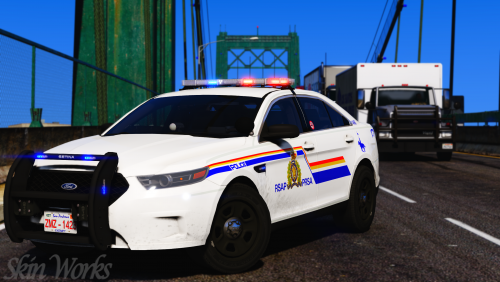
  3. Do you think you'd be able to make San Bernardino Police Los Santos Police style skins for Captain 14 packs?
  4. Can we get LSPD Next?

Account

Navigation

Search

Search

Configure browser push notifications

Chrome (Android)
  1. Tap the lock icon next to the address bar.
  2. Tap Permissions → Notifications.
  3. Adjust your preference.
Chrome (Desktop)
  1. Click the padlock icon in the address bar.
  2. Select Site settings.
  3. Find Notifications and adjust your preference.