
Vanny
Members
-
Joined
-
Last visited
Everything posted by Vanny
-
-
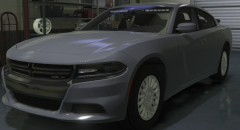 It is the dev 2018 charger and i put lights and edited it 🙂 It is someones dev model and i put lights and edited it 🙂
 -
-
-
-
-
From the album: Vans Non ELS Cars
-
-
-
-
-
-
 This update looks so much better then it did with a ram bar! Keep up the good work.
- 93 comments
- 17 reviews
-
Silverado Video Silverado Video2
-
From the album: Vans Private Cars
-
From the album: Vans Private Cars
-
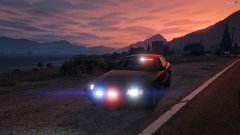
From the album: Vans Private Cars
-
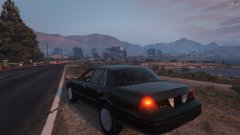
From the album: Vans Private Cars
-
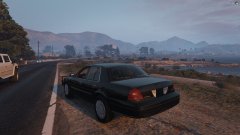
From the album: Vans Private Cars
-

From the album: Vans Private Cars
-

From the album: Vans Private Cars
-
I fixed it thank you Admins you can lock this topic
-
-
I was working on a lifted silverado. i found a fix what i did is i lifted the body on the y axis but all you have to do is lift the wheelsn and all dummys including colissions down the y axis and it works perfectly.
-
I was reading the forums i have to put an id for it 7 for left and 8 for right. I applied the setting and it still is solid like so. I was also told to Do the external id in polygon mode but when i select the light in polygon mode it doesnt show any external id and idk where to put the id.