


DinkieDonuts
Members
-
Joined
-
Last visited
Everything posted by DinkieDonuts
-
-
-
-
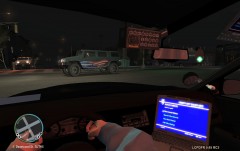
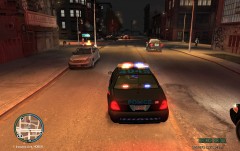
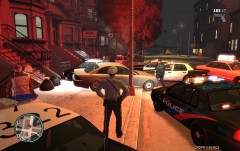
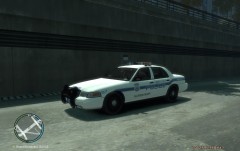 thanks kjel, for the textures i downloaded the texture pack done by dottgamma i believe it was. bxbugs also has a texture pack as well.
 -
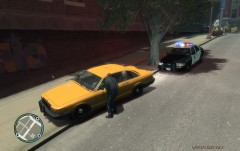
-
From the album: On the job
© sictransitjosh
-
-
Ok, I've been using .91 for a while, on the basic 1.0.7.0 GTA IV and never had any problems. I recently installed .95 beta and i ran into a couple problems. First off, i would like to say that .95 is nothing less than amazing, except for the one problem i am having. When the message at the top left of the screen comes up about how you can join a random police chase or a ped causing a disturbance etc, the game freezes then crashes. EVERY time. I used to get the smpa40 or whatever its called for missing framework or whatever it was missing. I did have about 40 modded civilian cars in the game as well as all modded police cars, choppers, boats, ELS, trainer, first person mod. SO- i uninstalled gta iv completely, and did a completely clean install. I ONLY modded my police cars, put els in them, a whelen siren, baton instead of bat, first person mod and trainer. It is STILL freezing when that message pops up. is there a way to disable the message or something? My computer shouldn't be the problem either considering it runs the game maxed out.
