
Mike Anderson
Members
-
Joined
-
Last visited
Everything posted by Mike Anderson
-
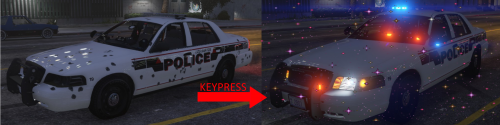
 With this script, we no longer approach armed suspects in the same way ! 😂 Very good script ! 💯
- 633 comments
- 56 reviews
-
-

- 2
-
-
Hey guys ! I have a little problem, My RPH crashes everytimes after a few minutes of playing and I don't understand why because everything is up to date: -LSPDFR, -RPH, -Graphics Driver, -Anti-Virus Disable, -Set RPH.ini to 6000 milliseconds, ect .. But it's still crashing. I don't have specific error exept a crash report, but I don't understand how to find the problem in my crash report, so maybe someone can help me? I don't use a lot of plugins: -EUP, -DeadlyWeapons, -ComputLite, -Ultimate Backup, and StopThePed. I have the impression that my game crashes when I call A.S.U with utlimate backup, but sometimes even without making a call. In mods I just have John11 LSPD Pack and Natural Vision Evolved as well. Thanks 🙂 RPH Crash Report.txt
-
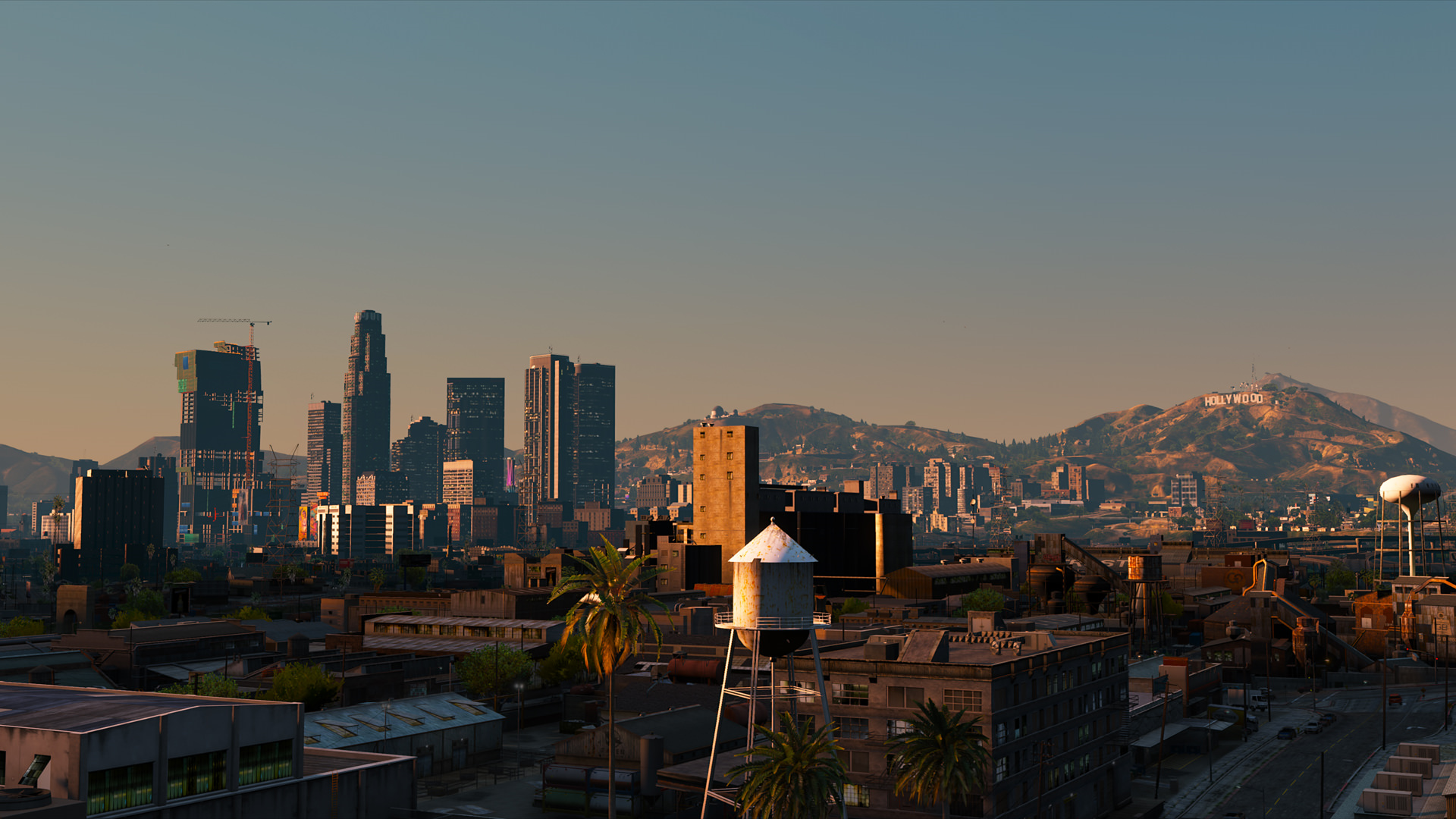
I recommend you naturalvision evolved: ($10 on patreon, but very easy installation and with addons ect.. for good or low pc)
-
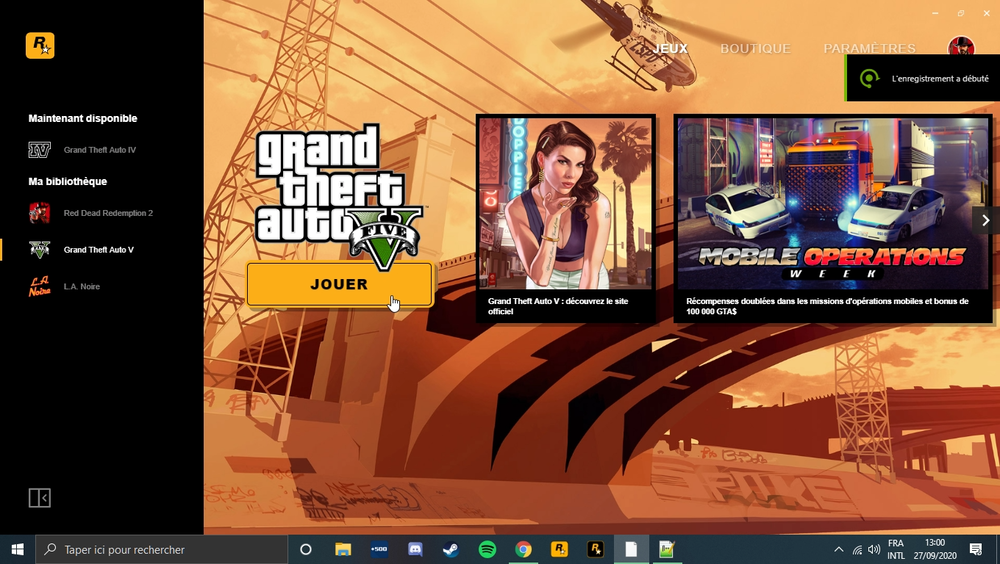
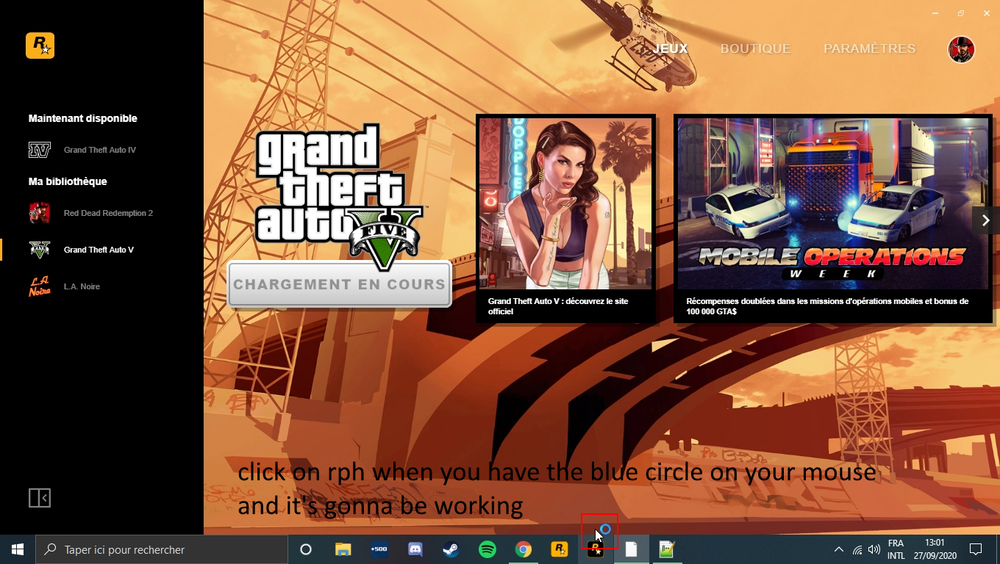
I may have a "solution" I have the same problem since yesterday, except I have not made any particular modification in the meantime. So, to load rph, I first run GTA from the social club, I wait for the little round of loading on my mouse and then I run rph. For me it works 🤷 1: launch game 2: launch rph
-
-
-
-