BrewCityBass
Members
-
Joined
-
Last visited
Everything posted by BrewCityBass
-
So guys, first off make sure you have an account with AppVeyor. Then you'll be able to download the zip for it 🙂 https://ci.appveyor.com/project/alexguirre/vehiclegadgetsplus
-
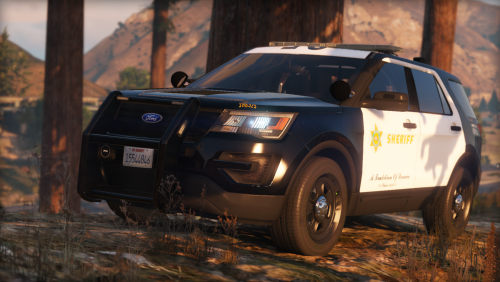 Response from the author: It's a non-els vehicle so lights don't move at all, you can't have lights that follow the opening of doors, trunk etc. It's an advantage of ELS if I believe well. Thanks for your review! This is an untrue statement, if you were to attach the module/lights to the boot instead of the chassis itself the lights will move and still work with the trunk.
- 24 comments
- 7 reviews
-
-

- 1
-
-