fastevader
Members
-
Joined
-
Last visited
Everything posted by fastevader
-
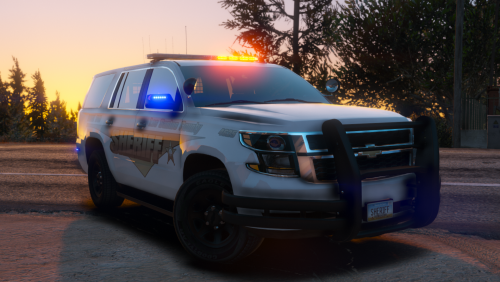 why cant i seem to get the all blue lights to work? Both xml files are exactly the same and are one line which is totally different from others i have. I can only get red and blue, im sure im doing something wrong but help would be appreciated, thanks.
- 11 comments
- 21 reviews
-
-

- 1
-