


JamesLockworth
Members
-
Joined
-
Last visited
Everything posted by JamesLockworth
-
 I LOVE YOU ALBO!!!! I always have trouble when modding LSPDFR! I loaded the mods and started the game via RPH when it crashed. Before this tool, I would have deleted all mods and started again! But the Troubleshooter not only found it, but fixed it too! BEST TOOL FOR GTA V MOD MAKERS SINCE GTA V!
- 379 comments
- 113 reviews
-
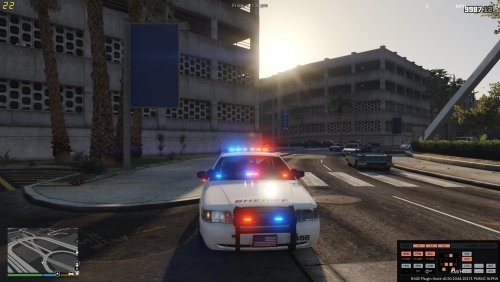 I just have to say that not only is this a great mod, but your game with all of the custom items looks great!
 -
 For me, when I open gta using Rph, it stops loading as soon as it hits Traffic Control.
- 338 comments
- 46 reviews


