HeyImSquiggles
Members
-
Joined
-
Last visited
Files posted by HeyImSquiggles
-
This file replaces the standard LSPDFR radio intro and outro tone from the radio crackle, to the current three-tone blip used by the Met Police right now as heard in their videos. It seems there isn't an outro for their radios so I just used the generic radio blip as the outro noise.
TIMESTAMP 8:44 FOR A DEMO OF WHAT IT SOUNDS LIKE!!!!
- 175 Downloads
Updated -
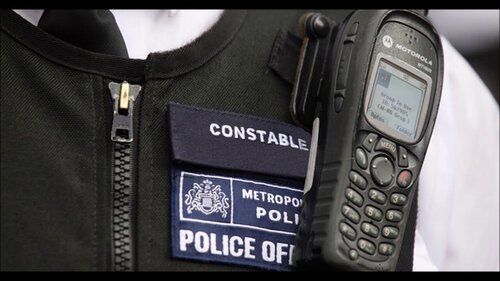
Welcome to version 1.0 of the British Police SmartRadio skin, which replaces the default
Radio texture into a Motorola MTH800 skin(Screenshot included)
Please note that this is V1.0, and the buttons are a small bit off, but that will be changed soon.
Credits:
festivalmatt(for creating the radio texture)
Liquid HeyImSquiggles(for editing the texture and making it compatible with PSR)
- 957 Downloads
- 7 Comments
Submitted -
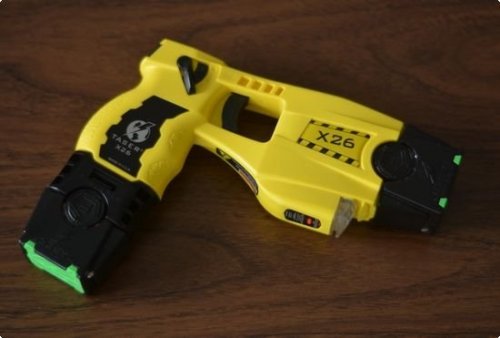
This sound modification replaces the default taser sound with a more realistic taser deployment(Preview at
- 992 Downloads
- 9 Comments
Updated