Skip to content
View in the app

A better way to browse. Learn more.

LCPDFR.com

A full-screen app on your home screen with push notifications, badges and more.

To install this app on iOS and iPadOS
  1. Tap the Share icon in Safari
  2. Scroll the menu and tap Add to Home Screen.
  3. Tap Add in the top-right corner.
To install this app on Android
  1. Tap the 3-dot menu (⋮) in the top-right corner of the browser.
  2. Tap Add to Home screen or Install app.
  3. Confirm by tapping Install.

MatthewRandone

Members
  • Joined

  • Last visited

Everything posted by MatthewRandone

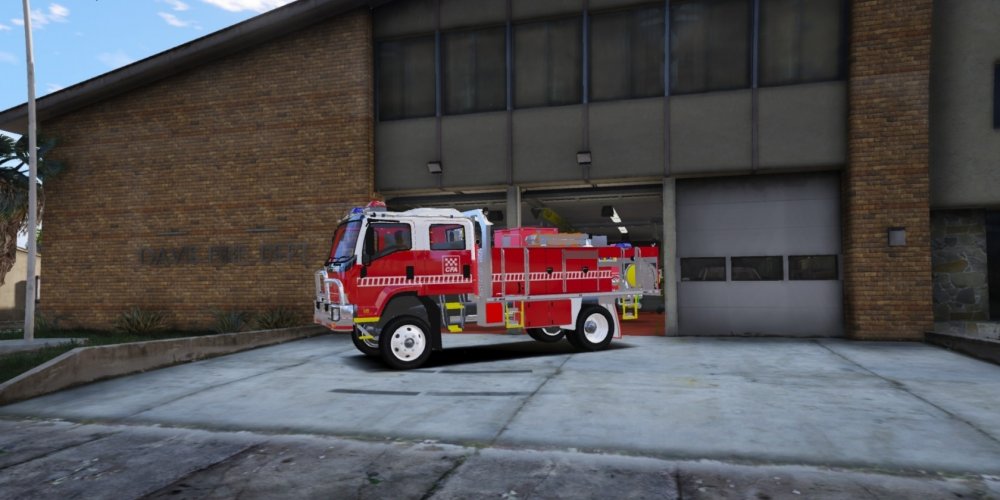
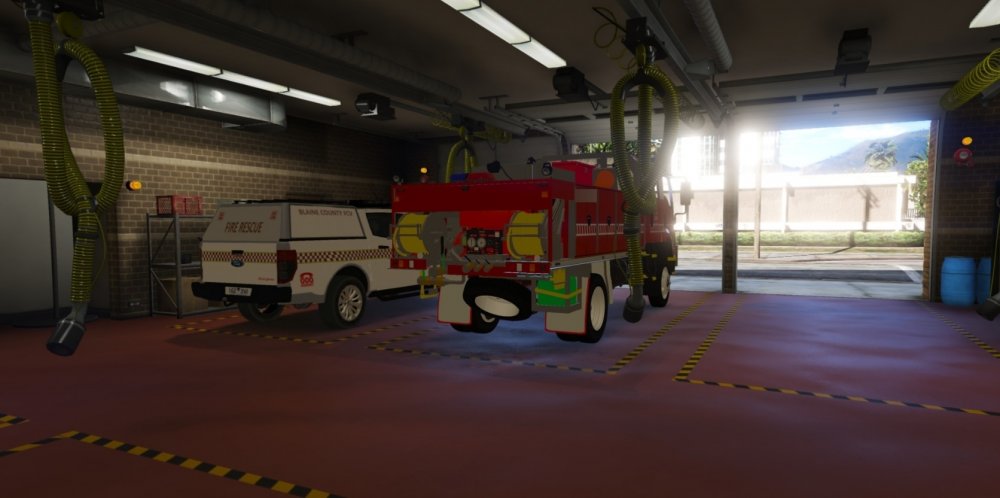
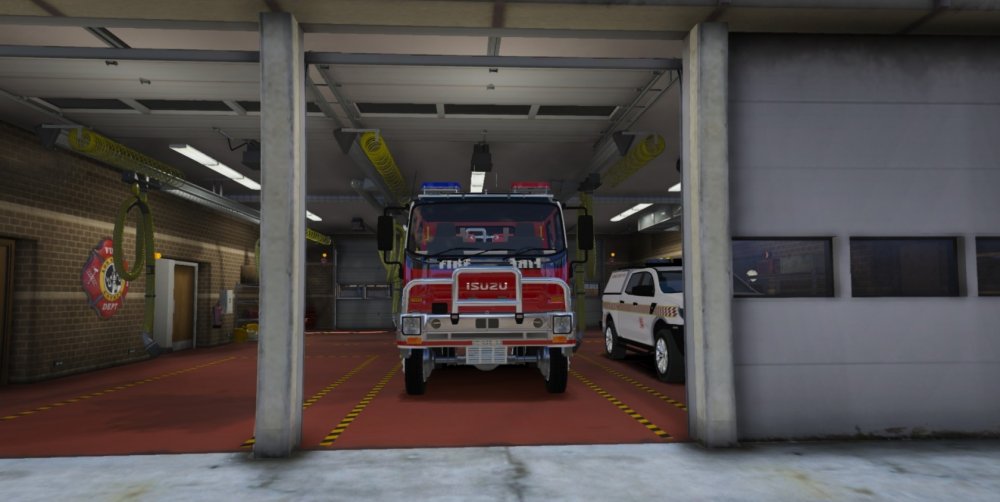
  1. Yeah that’s fair enough, I am using the pattern now because I am re creating my brigades Tankers.
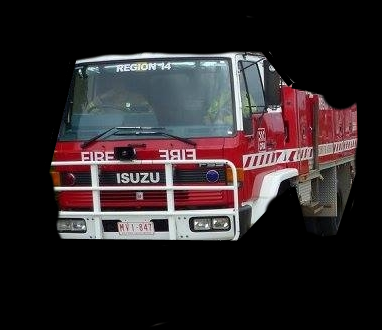
  2. District 14 Has a Isuzu Spare as well as 1 of our brigade trucks. We also have the white and red chequered stripes. Also Merry Christmas to you to, I will be definitely checking that divi van out!
  3. Not to be rude or anything, but i do not understand why you guys dont allow us to use your models for FiveM servers.


Account

Navigation

Search

Search

Configure browser push notifications

Chrome (Android)
  1. Tap the lock icon next to the address bar.
  2. Tap Permissions → Notifications.
  3. Adjust your preference.
Chrome (Desktop)
  1. Click the padlock icon in the address bar.
  2. Select Site settings.
  3. Find Notifications and adjust your preference.