


fschd1
Members
-
Joined
-
Last visited
Everything posted by fschd1
-
-
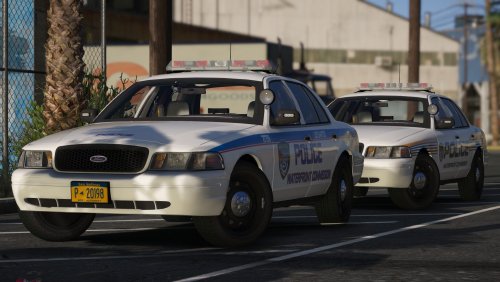 Hi Mate, I figured how to change the Jetstream dds texture to all blue but wanted to ask how you should edit the texture to red and blue? I’ve tried using your cvpi in the pack using the mx7000 light bar but the lights are not near as bright as this model.
- 21 comments
- 8 reviews
-
-
-
-
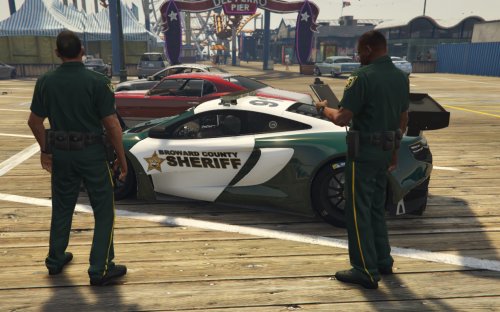 please release the peds
 -
 Nice
Nice -
-
 wow amazing
 -
 Could you make a cvpi with double beacon lights
 -
when can i try it out and slso could you make a version with double beacon
-
i like it
-
Please make 1998 version
-
any
-
-
Would love this beacon on a cvpi
-
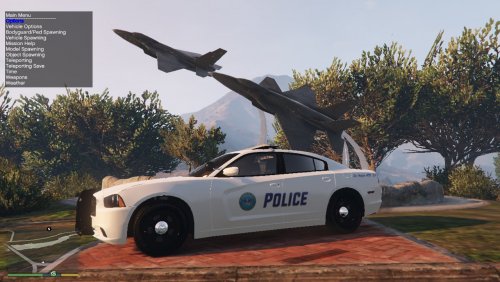 Could you please make this for a cvpi
 -
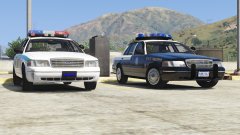 Thank you 😜
 -
Could i test these 2 before you release
-
wow
-
-
-
-
-
 i think it could be that scripthook dot net needs updating ive updated scripthookV , it could also maybe mean that the gameconfig.xml file needs updating
- 1,515 comments
- 85 reviews




.thumb.jpg.25841fa76940e7d8b1d858b0d61960ae.jpg)
