



AdrianMonk28
Members
-
Joined
-
Last visited
Reputation Activity
-
 AdrianMonk28 reacted to RyanGait14 for a file, GTV ENBThis is the new version of THE GTV ENB
DO NOT UPLOAD THIS FILE ANYWHERE ELSE WITHOUT MY PERMISSION!
What's New?
Improved building textures
Better reflection
Better ELS
No red or white sky bug
Updated ENB from 0.082 to 0.163
Problems
Cloud bug (Best option out of that and red/white sky bug)
Nothing else I know of as of now
To install just drag everything out of the rar file into your GTA IV directory replace everything!
This ENB can also be used for people with an optimal GPU
-
AdrianMonk28 reacted to Empire for a file, Empire Improved Configuration ENB (EFLC)Empire Improved Configuration ENB
Just an improvement to gaming experience which is based of icenhancer 2.1 for patches 1.0.7.0 and 1.1.1.0, this configuration is compatible with ELS V8 and multiplayer, Empire (that’s me) decided to share my improved individual's will have different taste for things.
Difference between the default icenhancer 2.1 to my configuration that it’s designed for better ELS V8 and just did not like the default as it’s dark at nights. The location, surrounding lights, and surrounding shadows has been tweaked to my liking for better Environment values for Direct Lighting Intensity. And there are no red sky’s. Only one down full witch you will receive an error mma10 after you close down your game, it’s perfectly normal and don’t worry about it.
This configuration is designed for a high end PC (average of 25+ fps), keep in mind that low to mid end PC will work as tested by Jack on a Low end system. So what are you waiting for join me and have the expensive
of your life. My configuration is done thought the iCEnhancer config tool.
Download Today
http://youtu.be/B3rF2Rmyez4
*WARNING* This is a very powerful ENB I am not responsible for EFLC, GTAIV or PC issues. Download at your own Risk!
===========================
*Compatibility*
===========================
1.0.7.0
EFLC (1.1.1.0)
ELS v8
Multiplayer
===========================
*PACKAGE CONTENT*
===========================
-Images (total 14)
-Readme "Installation for beginners" instructions and recommended mods.
-Files folder option, iceconfig, icebloom.fx, iceshader.fx.
-visualSettings.dat
-DayL 3.0 Version of Icenhancer 2.1
-ELS preset plus ELSCredits.ini
===========================
*Recommended Mods*
===========================
iCEnhancer 2.1 by iCELaGlacE http://goo.gl/10zh7T
New Headlights by empire24453 http://goo.gl/FuCuGs
HD Metallic Car Paint by icelaglace: http://goo.gl/YMykOE
HD Road Textures by seb-le-dingue: http://goo.gl/jaQre3
Coronas V-Style 2.1 by Josemar Santos: http://goo.gl/PHBIL4
===========================
*Additional Infor*
===========================
YouTube channel: https://www.youtube....re2445/featured
twitter Page: https://twitter.com/empire24453
PC Specs (I get around 40 fps with this):
CPU: Intel Core i7-3930 - 3.20 GHZ
Graphics Card: ASUS GTX 680 (2GB)
RAM: Corsair Vengeance - 4x4GB DDR3 1399MHz
Operative system: Windows 7 Ultimate 64-bit
===========================
*Credits*
===========================
iCELaGlacE For the ENB 2.1,
DayL for Version of Icenhancer 2.1,
ELS is coded by Lt.Caine
Boris, DKT70, Fabriciuz, Buzz Icenhancer settings,
Jack and BRAVO 9 ACTUAL for testing.
===========================
*Copyright*
===========================
IceLaGlace, DayL 3.0, Lt.Caine, Empire24453
Give credit to the Recommended Mods above.
*****************************************************************
****************Empire24453 productions*************
*****************************************************************
-
AdrianMonk28 reacted to Fabriciuz for a file, CryENB V3 (1.0.7.0/EFLC)CryENB V3 by Fabriciuz:
_____________________________
*UPDATED 30-11-2014*
-Added external config files for easier configuration.
-Added "Motion Blur" Optional preset.
-Added High, Mid & Low quality modes for Static DOF.
-Improved direct lighting, direct lighting colors, sky & azimuth, sun brightness & color, clouds brightness, car & city lights, ELS lighting, overall saturation, exposure, godrays settings, sharpening and tree colors.
-Improved night ambient lighting and sky.
-Improved Low-End and Very Low-End settings.
-Improved "If it doesn't work" instructions.
-Improvements to the archive.
-Updated some text files.
-Fixed low-end motion blur and added an "off" option.
-Fixed few timecyc values that would cause bugs.
_____________________________
Made for patch 1.0.7.0 & EFLC, compatible with ELS & multiplayer. ENBSeries 0.163 + dax1 shaders edit. Before installing, i really recommend you to set your Shadows Quality in-game setting on High or lower, Very High causes lag and too sharp shadows. Don't freeze time via a trainer or via other mods, that will make your game very bright. I've made very detailed text instructions, so just be sure to read all the text files before asking. If the ENB doesn't work for you, go to _Options/If it doesn't work/ and choose the folder that fits your problem and read the .txt. Enjoy!
I highly recommend you to install DKT70's HD roads & trees here: http://goo.gl/P3GDqk
_____________________________
PACKAGE CONTENT INFO:
Install: All the main files.
Options: Here you can get "If it doesn't work" instructions, "Installation for beginners" instructions, SweetFX (Anti-Aliasing) and recommended mods.
Settings: Here you can choose the fitting settings for your hardware, there is: Very Low-End, Low-End, Mid-End, High-End (Default), Ultra-End and the new Insane-End.
ELS preset: Here you can find all the necessary files to get ELS v8 working.
Optional presets: Here you can find Depth of Field, Godrays, Anamorphic Lens Flare, Motion Blur options, Lens Dirt Texture options and more.
_____________________________
CEV3 FEATURES:
SSAO
Skylighting
Adaptation
No red sky & no other bugs
Dynamic & highly polished timecyc created from scratch
Auto-Focus DOF & Static DOF (optional)
Realistic ELS
Lens dirt texture (thanks to IceLaGlace)
Godrays (optional)
Lens Flare
Motion Blur
SweetFX & FXAA
And much more...
_____________________________
CHANGELOG:
New optional very fast auto-focus DOF (thanks to IceLaGlace)
New optional static bokeh DOF (thanks to gp65cj04)
Moving clouds (thanks to IceLaGlace)
Optimized files for better performance
All weathers renewed & heavily improved
Much more balanced lighting
Reworked clouds
Better amb0, amb1 & direct colors
Better skylighting
Better post-effects
Better environment & car reflections
Better SSAO settings
Better bloom at both day & night
Better overall saturation
Better overall contrast
Better & faster godrays
Better ELS settings and emmesives
Better adaptation
Better looking sky & azimuth
Better sun color & intensity
Better sunrises & sunsets
Better motion blur
Better interior lighting
Better car & ped shadows
Better city lights
Better dirt lens settings
Better rain effect
Better smoke effect
Better specular peds
Better water colors
Better distant smog
Heavily improved all car lights
Thicker and heavier fog for Foggy weather
Heavier fog for all Rainy weathers
Reworked Foggy weather
Edited the lights_occluders with custom textures
Added Anamorphic lens flare as an optional preset
Added Blue Headlights as an optional preset
Added an "Insane-End" setting
Bigger difference between each settings
Fixed bright peds
Fixed distant smog at 7am and 7pm in all sunny weathers
Fixed black clouds reflections
Fixed water transparency
Improved transition between day & night
Increased far clip
And alot more...
_____________________________
COMPATIBILITY:
1.0.7.0
EFLC
ELS
Multiplayer
_____________________________
INPUTS:
In-game config tool - press Shift-Enter
On/Off SSAO - press pausebreak
On/Off FPS counter - press NUM slash
On/Off FPS limit - press scroll lock
Screenshot - press print screen
Reload config - press NUM star
_____________________________
RECOMMENDED MODS:
DKT70's HD roads & trees: http://goo.gl/P3GDqk
HD Metallic Car Paint by icelaglace: http://goo.gl/wlN5Br
TrafficLoad by ikt: http://goo.gl/NngERT
Simple Trainer 6.5 by sjaak327: http://goo.gl/75mgiX
Cam-Control by thaCURSEDpie: http://goo.gl/EUrwDz
EditIV by MysTer92: http://goo.gl/wD2OfD
_____________________________
COPYRIGHT:
Boris Vorontsov, IceLaGlace, gp65cj04, Dpeasant3, Dax1, Buzzbass & Fabriciuz.
Give credit to everyone listed above if you upload any files from this ENB.
_____________________________
BIG THANKS TO:
-Boris Vorontsov for making ENBSeries.
-IceLaGlace for the DOF, moving clouds, other codes and for helping.
-Dax1 for fixing the latest patches with his shaders.
-Carrythxd for testing EFLC and helping.
-DOCTORGTA for testing and helping.
-SuperAria18 for helping with codes.
_____________________________
ADDITIONAL INFO:
Facebook page: https://www.facebook.com/fabriciuzgraphics
Website:
http://fabriciuz.wix.com/fabriciuz
Youtube channel:
http://www.youtube.com/user/MsDmad?feature=mhee
PC Specs (I get around 45 fps with this):
CPU: Intel Core i7-3770 - 3.40 GHz
Graphics Card: MSI GTX 660Ti Power Edition
RAM: Corsair Vengeance - 2x8GB DDR3 1600MHz PC3-12800 CL10
Operative system: Windows 7 Home Premium 64-bit
_____________________________
VIDEO:
https://www.youtube.com/watch?v=BKySHGICT9k
-
AdrianMonk28 reacted to Leogerritsen for a file, GMODS_Power ENBGreat quality Power enb! :yes:
-
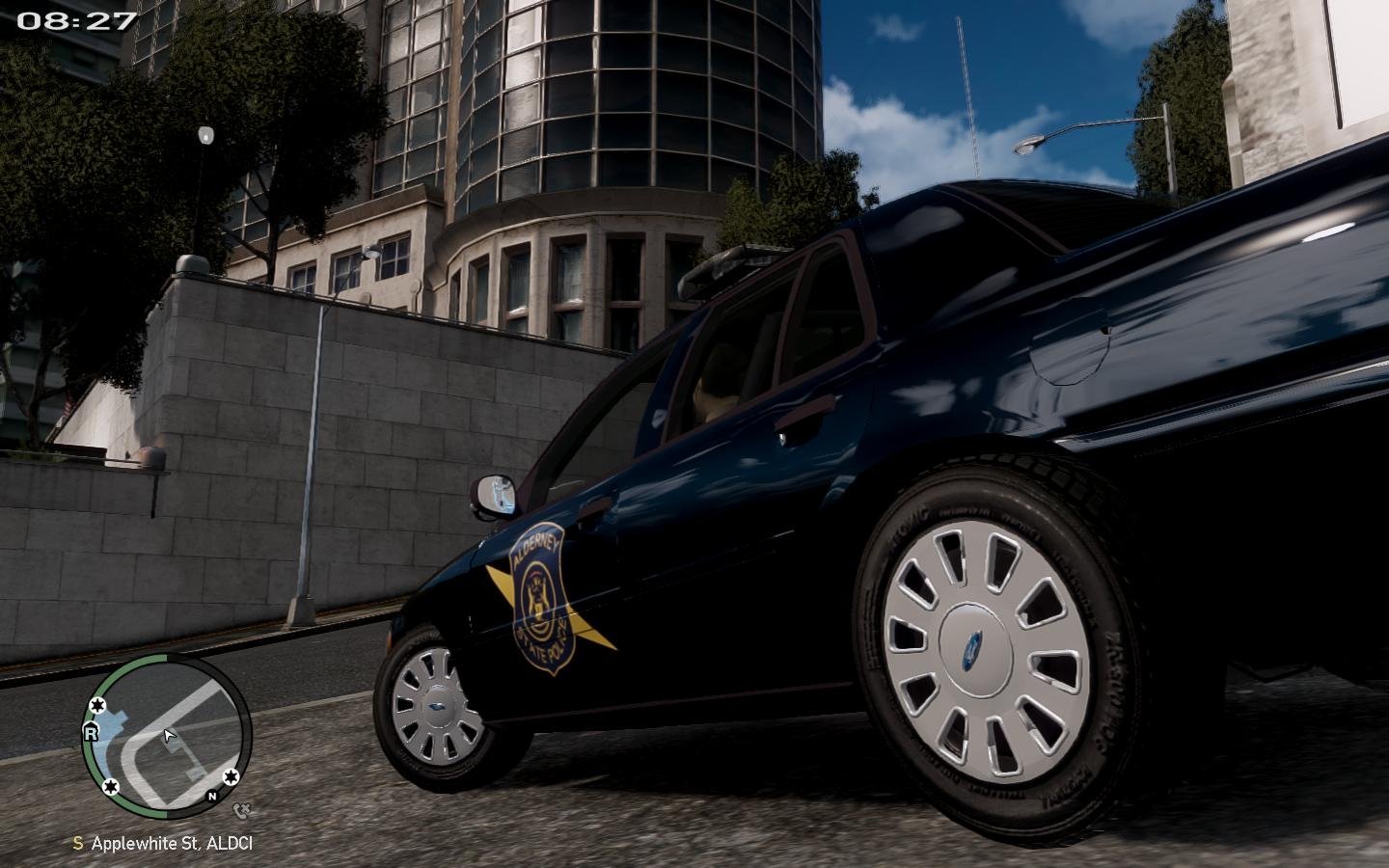
AdrianMonk28 reacted to Gump for a file, Alderney State Patrol Alloy ChargerI decided to do a non Christmas tree Charger. The livery is based very lightly off a Pennsylvania State Patrol livery. I kind of just added my own mix to it. I hope you guys enjoy it! I do recommend that you turn on your wig wags in your ELS file just for a little bit more lighting ;)
Credits:
- 2011 Dodge Charger R/T from Real Racing 3, ripped by DMN.
- Converted and edited into a 2013 Dodge Charger Pursuit by GeorgieMoon.
- Template by GeorgieMoon.
- Taillights by Forza.
- Seats and Steering wheel from Simraceway.
- 2006-14 Dodge Charger Mopar PPV Hubcaps made by Fartknockr.
- Mopar PPV Rim made by GerryStudio, Edited & converted for GTA IV by Bxbugs123.
- Rim & Hubcap textures by Bxbugs123.
- Watchguard and Toughbook 19 by CAP N' Crunch
- Stalker by jasonct203
- Janyung CB Antenna by tomcat8492
- Antenna on trunk extracted by DMN, textured and converted by TheGTAMitch.
- Unity spotlight and Whelen Justice by BxBugs123
- Whelen Ion by Lccop
- Console by Sheriff Van Dyke
- Partition by Kygo
- Pictures by BFRS-FAN
Enjoy guys!
-
AdrianMonk28 reacted to Black Jesus for a file, LCSD Car Pack (Ventura County)Liberty County Sheriff Pack
Based off Ventura County Sheriff (the skins, lighting is fictional) Features 5 cars ELS Configs(v8.5) Spotlights work as takedowns Tahoe has partition spawning randomly Can't think of anything else -
AdrianMonk28 reacted to Black Jesus for a file, LCSD Ped PackBased off Ventura County Sheriff, includes detectives, male and female patrol deputies from gta 5, evi's ped and short uniforms.
Thanks to EVI and Evanscornelius for the perms!
-
AdrianMonk28 reacted to Sgt.Kanyo for a file, 2007 Chevrolet Tahoe NYPD Highway Patrol unmarkedDescription:
- This is an unmarked Chevrolet Tahoe from the NYPD Highway Patrol CIS.
- This car trys to be as close to the real one as possible.
- ELS v6 settings: E-01C
- ELS v8.5 settings are included
- I suggest using light enhancing mods for a better look in game.
- You MUST use the provided handling, otherwise the car will roll over in game.
Credits:
- Model from free 3D site, author unknown
- Converted and edited by GeorgieMoon, further edited by Sgt.Kanyo
- Rims by Bxbugs123
- Interior by 4x4 Hummer merged and textured by GeorgieMoon
- Whelen Talon decklights by Bxbugs123
- Whelen Slimlighters by Traumapak
- Toughbook C19 by PFCBarefoot
- Whelen Box made by sheriff Van Dyck.
- Paintjob by Sgt.Kanyo
Known Bugs:
- Windows don't break
