



jguti
Members
-
Joined
-
Last visited
Everything posted by jguti
-
From the album: SMPD
-
 already done lol, btw this is not the final result, im working on a super update
- 21 comments
- 3 reviews
-

From the album: WIP
New tail light texture -
 We already have the earlies hubcaps by Hanako
 -
It's a joint project with @KristianWilk, a 98-11 Crown Vic accurate base, which comes with new improves as headlights, new wheels, better parking lights and more details.
-
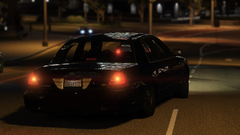
From the album: WIP
Added rear plate light -
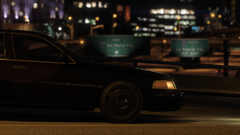
From the album: WIP
-
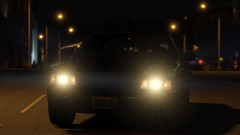
From the album: WIP
-
From the album: WIP
-
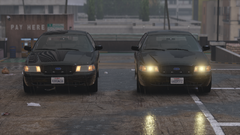
From the album: WIP
-
-
-
make sure you changed the name slot from the .meta to the slot you want to use
- 21 comments
- 3 reviews
-
-
-
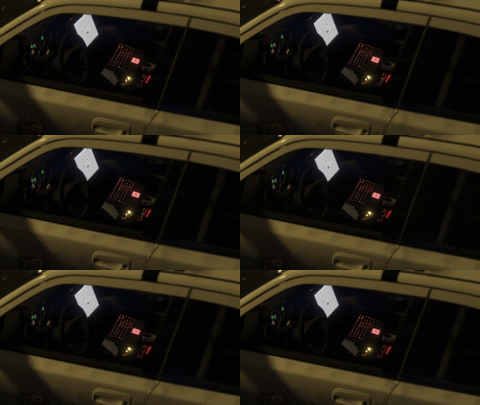 ezgif.com-gif-maker.gif
-
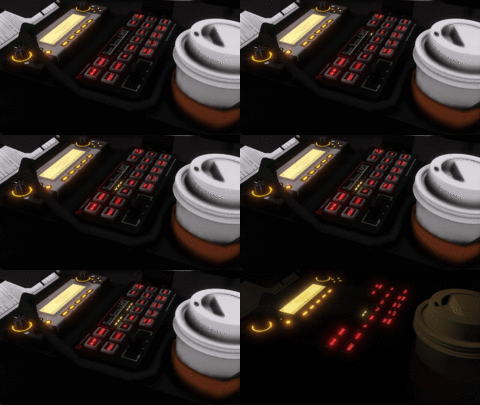 ezgif.com-gif-maker.gif
-
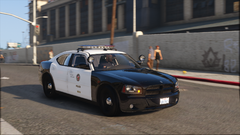 Grand Theft Auto V Screenshot 2021.08.04 - 13.49.12.62.png
-
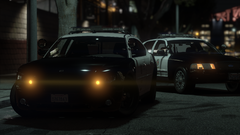 Grand Theft Auto V Screenshot 2021.08.04 - 13.48.02.73.png
-
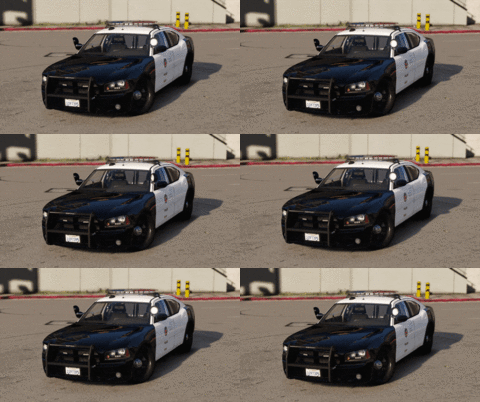 Demo video
-
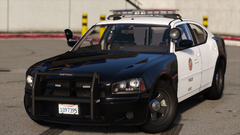 Grand Theft Auto V Screenshot 2021.07.30 - 13.41.32.05.png
-
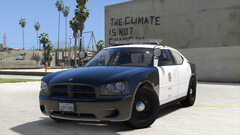 Grand Theft Auto V Screenshot 2021.07.28 - 13.55.27.99.png
-
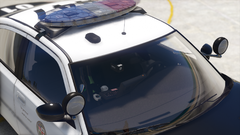 Grand Theft Auto V Screenshot 2021.07.28 - 13.55.07.34.png
-
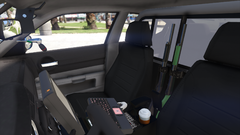 Grand Theft Auto V Screenshot 2021.07.28 - 13.54.46.94.png
-
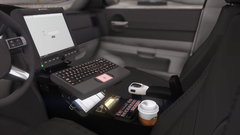 Grand Theft Auto V Screenshot 2021.07.28 - 11.00.32.57.png
-
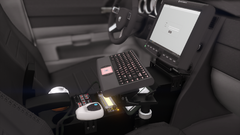 Grand Theft Auto V Screenshot 2021.07.28 - 11.00.21.44.png
-
 Grand_Theft_Auto_V_Screenshot_2021.07.26_-_14.37.24.96.png
-
 Grand_Theft_Auto_V_Screenshot_2021.07.26_-_14.37.01.70.png
-
-
From the album: 2010 Charger LAPD
-
From the album: 2010 Charger LAPD
-
From the album: 2010 Charger LAPD
-
From the album: 2010 Charger LAPD
-
-
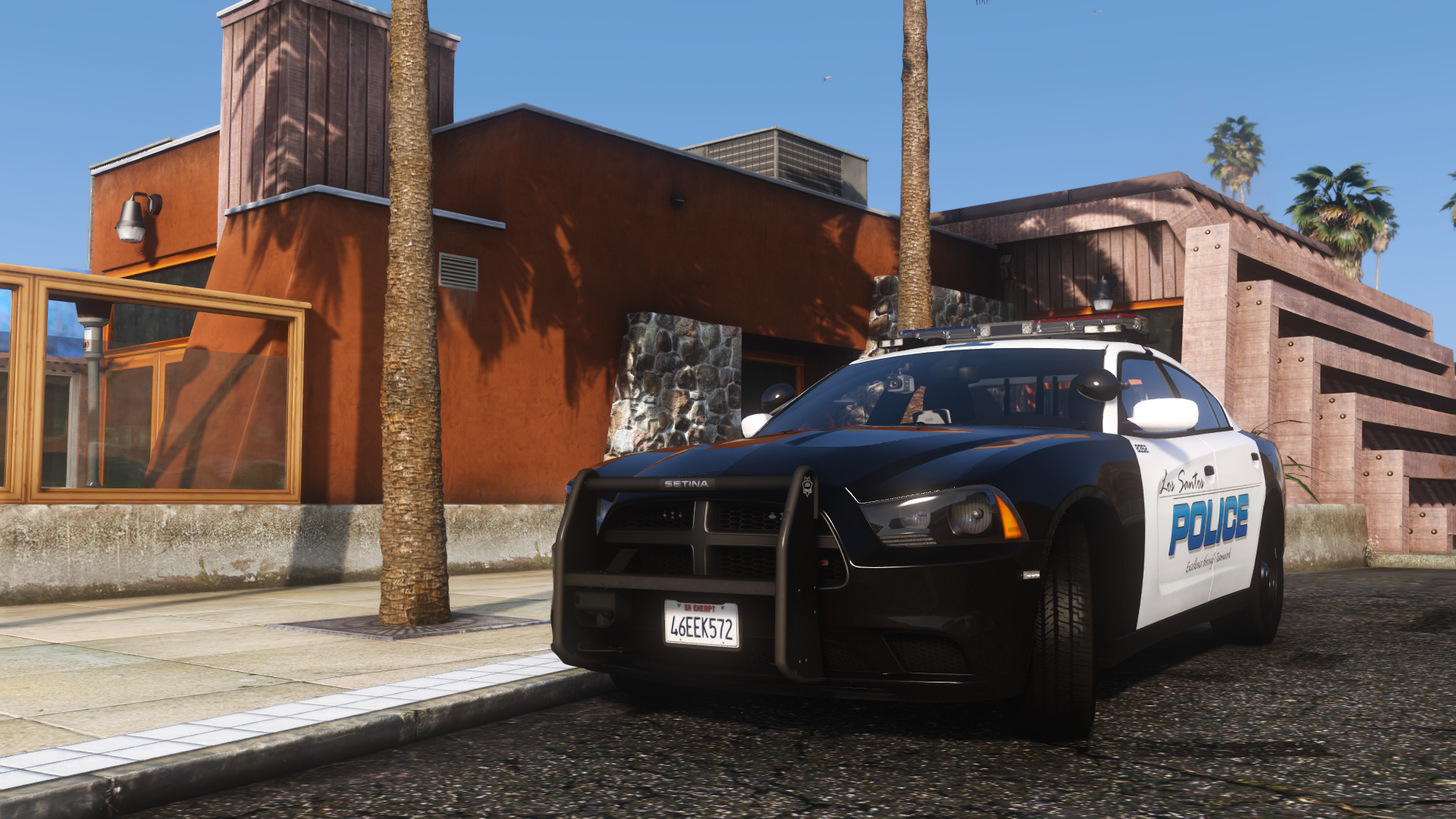
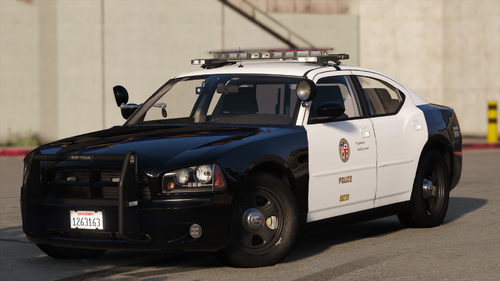
TERMS OF USE -1. Do not unlock any vehicle / part -2. Do not sell any vehicle / part -3. Do not distribute this work on any platform -4. To use the skins, check with me first -5. It is allowed to use this work in videos / stream while being credited as the author and linking the work By downloading this file, you accept and promise to abide by them, in case the terms 1-2-3 are breached, all corrupted copies must be destroyed. Please respect the work. ------------------------------------------------------------------------------------------------------------------- My releases will no longer be updated or have my current quality standards. Don't ask me for help about how to install this, or if this crashs, this is tested and works on different PCs. ------------------------------------------------------------------------------------------------------------------- INFORMATION The pack contains two 2010 Dodge Charger. This project is focused on new features such a rotative spotlight, reflective liveries and more accurate interiors. ·Features. - Rotative spotlights - Reflective liveries - Parking lights - Interiors - Realistic liveries - Workable dials - Realistice wheels with flex ------------------------------------------------------------------------------------------------------------------- INSTALLATION ·Addon Installation. 1) Drag and drope '2010chargerlapd' on gamefolder/mods/update/x64/dlcpacks/ 2) Type '<Item>dlcpacks:\2010chargerlapd\</Item>' on gamefolder/mods/update/update.rpf/common/data/dlclist.xml/ 3) Drag and drope the xml files on gamefolder/ELS/pack_default. ·Replace Installation. 1)Extract the vehicles files from the dlc 2)Rename it to whatever slot you want 3)Rename the xmls and drag and drope them on gamefolder/ELS/pack_default. You need to install these files for addon version https://www.gta5-mods.com/misc/gta-5-gameconfig-300-cars https://www.gta5-mods.com/tools/heap-limit-adjuster-600-mb-of-heap
- 21 comments
- 3 reviews
-
-

-

-

- 20
-
-
2020 FPIU project is fogotten at the time because of the base quality, CVPIs project is paused till i learn more about the new feature coming with the charger
-
Not as many as the cvpi, just one with pushbar and one without, both with no hubcap. This project is more focused on new features and interior details.
-
From the album: 2010 Charger LAPD
Added new tires, wheel flex and rotative spotlight -
From the album: 2010 Charger LAPD


