


Lieutenant Dan
Members
-
Joined
-
Last visited
Everything posted by Lieutenant Dan
-
Try pressing "J" three times.
-
Does it work now?
-
No. First install ELS, then once you have ELS itself installed, place the .xml files included with the cars into "Grand Theft Auto V/ELS/pack_default".
-
Did you put your ELS VCF files in "Grand Theft Auto V/ELS/pack_default"?
-
Do only the rear end brake lights go off? If so, make sure you follow the instructions of the ELS VCF files and install ELS if you haven't already.
-
-
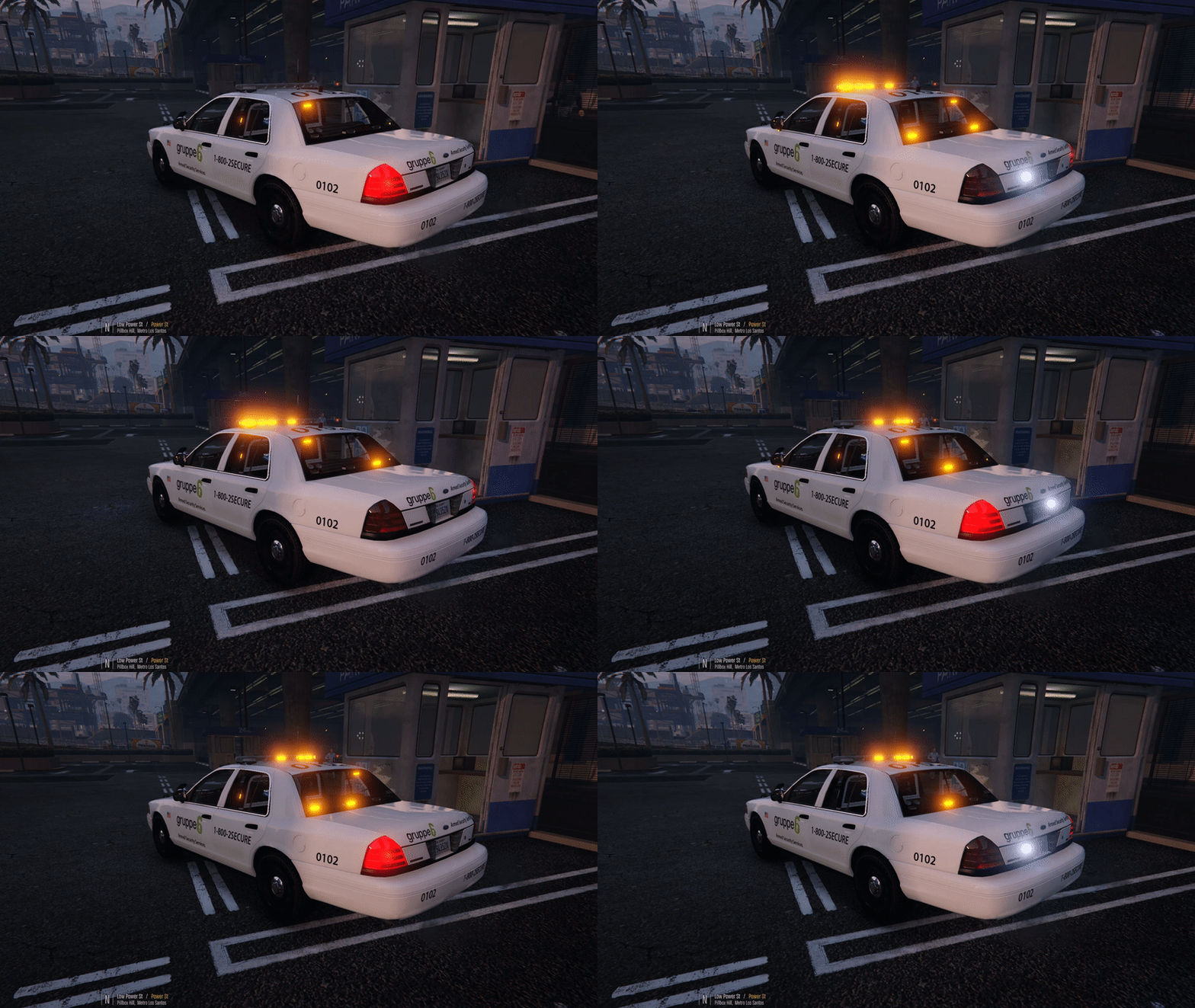
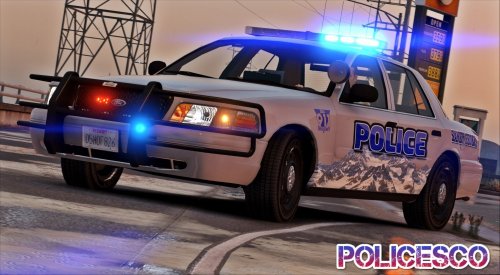 Also, on the lightbar, when the blue lights are active, red environmental lighting appears on the other side, and when the red lights are active, blue environmental lighting appears on the other side.
- 32 comments
- 14 reviews
-
-
 Pros: - Nice looking lights - Nice flash patterns - Bumpers have 99% perfect collision Cons: - Environmental reflections are a bit off (e.g yellow light appearing under the 2014 charger) - Some glass doesn't break
- 208 comments
- 59 reviews
-
-

- 1
-
-
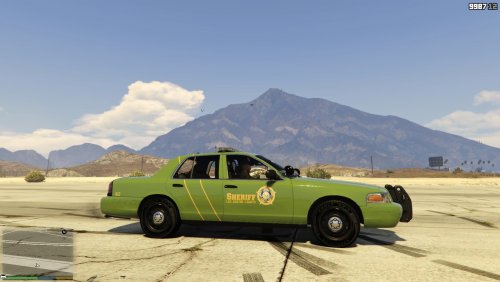 Thank you sir, I will definitely fix the license plates, after I posted this I kind of thought the same as you. I'll try to make a better license plate group.
 -
BCSO & LSSD Liveries for all CVPIs made by Bxbugs123 This livery pack provides you with 8 CVPI liveries, 4 of which are BCSO and the other 4 LSSD. -------------------------------------------------------------------------------------------------------------------------- Required: - Legal copy of Grand Theft Auto V - OpenIV - Any Bxbugs123 made CVPI Recommended: - Menyoo for GTA V (Allows you to switch liveries and spawn in the car) -------------------------------------------------------------------------------------------------------------------------- Installation Instructions: Step 1: Go to where your CVPI is installed (example: "mods/update/x64/dlcpacks/patchday13ng/dlc.rpf/x64/levels/gta5/vehicles.rpf/"). Step 2: Enable "Edit Mode" in OpenIV. Step 3: Double click on the .ytd file of your model (example: "sheriff.ytd") Make sure you're opening [XXX].ytd and not [XXX]+hi.ytd! Step 4: Click on the "(+) Import" button on top of the window. Step 5: Select all ".dds" files inside of the "Livery Files" folder and import them. Step 6: Press "OK". Step 7: Press "Save". Step 8: Close OpenIV. Done! -------------------------------------------------------------------------------------------------------------------------- Credits: - Bxbugs123 - For providing the template. - Bxbugs123 - For creating the CVPI. WARNING: You may edit this livery to anything you please, as long as you ASK PERMISSION, and are not directly re-uploading this livery. PLEASE LEAVE ANY QUESTIONS OR RECOMMENDATIONS IN THE COMMENTS SECTION BELOW, I WILL TRY TO RESPOND TO THEM ALL. ALSO LEAVE YOUR REVIEWS IN THE COMMENTS BELOW, I AM INTERESTED IN WHAT YOU GUYS THINK. --------------------------------------------------------------------------------------------------------------------------
-
-
 It's ok though, I'm still going to get the car. I can just change the liveries slightly if it ends up bothering me anyway :)
- 14 comments
- 1 review
-
-
-
.thumb.jpg.53e6566fc11617e23f7fb13f2792cbbe.jpg) I wonder when we will get a 2014 Dodge Charger ELS. Really looking forward to it!
I wonder when we will get a 2014 Dodge Charger ELS. Really looking forward to it!- 132 comments
- 63 reviews
-
-
- 2
-
-
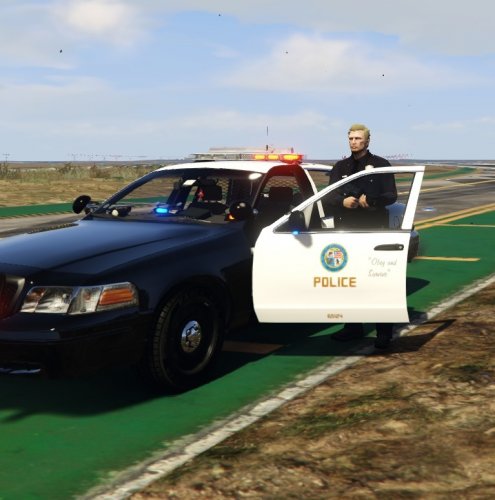 Well, it seems that the livery does really work on every CVPI Bxbugs has made, thank you for pointing that out. Well, it seems that it does really work on every bugs CVPI, thank you for pointing that out :)
 -
Hi, I was recently making a skin for the 2009 ELS Dodge Charger, and I put a slab of reflective tape on the car. Now I've been wondering, how do you put actual working reflective tape on a vehicle skin? Is there a way, and if there is, please let me know. Thank you!
-
Really? I will test that theory out, and change the description accordingly. Thank you.
-
Alright sir, thank you for noticing! I will fix it right away.
-
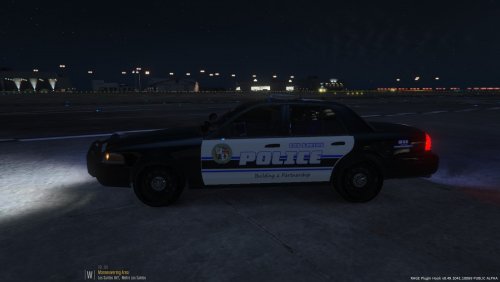 I've uploaded the file, feel free to download it!
 -
LAPD Style LSPD Livery for all CVPIs made by Bxbugs123 This livery attempts to replicate the black and white LAPD livery seen on Los Angeles Police Department CVPIs, but with a fictional LSPD twist. -------------------------------------------------------------------------------------------------------------------------- Required: - Legal copy of Grand Theft Auto V - OpenIV - Any Bxbugs123 made CVPI Recommended: - Menyoo for GTA V (Allows you to switch liveries and spawn in the car) -------------------------------------------------------------------------------------------------------------------------- Installation Instructions: Step 1: Go to where your CVPI is installed (example: "mods/update/x64/dlcpacks/patchday13ng/dlc.rpf/x64/levels/gta5/vehicles.rpf/"). Step 2: Enable "Edit Mode" in OpenIV. Step 3: Double click on the .ytd file of your model (example: "police.ytd") MAKE SURE YOU'RE OPENING [XXX].ytd and not [XXX]_hi.ytd! Step 4: Click on the "(+) Import" button on top of the window. Step 5: Select "vicz_sign_4.dds" inside of the "Livery File" folder and import it. Step 6: Press "OK". Step 7: Press "Save". Step 8: Close OpenIV. Step 9: Launch GTA V, spawn in the CVPI and switch to Livery 4 by any means (preferably Menyoo). Done! -------------------------------------------------------------------------------------------------------------------------- Changing Livery Slot: To change the livery slot this livery replaces, simply replace the "4" in "vicz_sign_4.dds" to any number between 1 and 8. -------------------------------------------------------------------------------------------------------------------------- Note: This livery will appear at random among all the other liveries this car has, unless you change it using Menyoo or any other means. -------------------------------------------------------------------------------------------------------------------------- Credits: - Bxbugs123 - For providing the template. - Bxbugs123 - For creating the CVPI. - NightOwl3 - For providing a base, from which I could work off of. This livery was made using "LSPD Skin for CVPI (Based on Lexington PD)" by NightOwl3, as a base/template. WARNING: You may edit this livery to anything you please, as long as you ASK PERMISSION, and are not directly re-uploading this livery. PLEASE LEAVE ANY QUESTIONS OR RECOMMENDATIONS IN THE "COMMENTS" SECTION BELOW, I WILL TRY TO RESPOND TO THEM ALL. ALSO LEAVE YOUR REVIEWS IN THE COMMENTS BELOW, I AM INTERESTED IN WHAT YOU GUYS THINK. --------------------------------------------------------------------------------------------------------------------------
-
Cheers, mate!
-
I'm going to add the 911-Emergency sticker, as well as the domestic violence sticker and D.A.R.E sticker. I will also fix up some of the paint. After I'm done that, I will post it with credits to you :)
-
I'll credit you in my post. And I'm in the process of sending you some screenshots. Here are the screenshots of my livery: (It still needs some editing)


.thumb.jpg.53e6566fc11617e23f7fb13f2792cbbe.jpg)
