


dtoxgaming
Members
-
Joined
-
Last visited
Everything posted by dtoxgaming
-
-
-
-
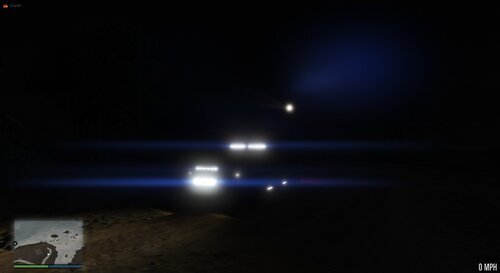 This is part 2 of my for mini pack, you can find the first part of the download here --> The vehicles included in this pack are the 2011 CVPI and the 2013 FPIS Known Issues: -Taurus has a mat texture to it, will be fixed soon ***YOU MAY NOT REDISTRIBUTE THIS PACK***
- 12 comments
- 2 reviews
-
-

- 2
-
-
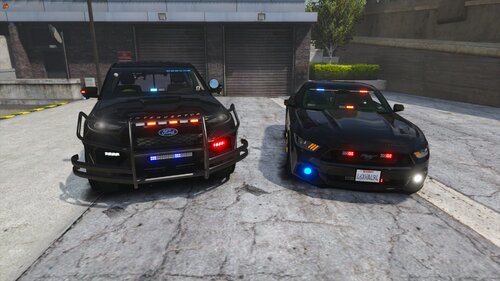 https://gyazo.com/0c7c8046d33ac4f8a2ad6336f5f0b967 and ya just showing its mostly done, still some things i wanna add/tweak
- 46 comments
- 4 reviews
-
-
- 1
-
-
-
-
The reason they are unmarked is because the templates are extremely broken on both models If you wanna try the mustang there you go but i cannot provide the FPIU as the template is very messed up, example stuff you put on the door will show up on the pillar etc
- 46 comments
- 4 reviews
-
-
I am working on fixing both of these issues The FPIU was made many many months ago and I couldnt find my save file on it so unfortiunately I cant really mess with it ive had some hard drive failures with my computer so i lost that file however the mustang is still a work in progress and i plan to have an update for it today
- 46 comments
- 4 reviews
-
-
- 2
-
-
Thanks for the feedback I appreciate the positivity They were all taken in FiveM but were tested in singleplayer, The menu in the pic is vMenu however I use the simple native trainer in single player
- 46 comments
- 4 reviews
-
-
- 1
-
-
No plans as of now but it’s always on the table. I suppose I could throw one together.
- 46 comments
- 4 reviews
-
These files are setup both for single player and FiveM. They are setup as a replace for Singleplayer and an Add-on for FiveM. ***YOU MAY NOT REUPLOAD TO ANY WEBSITE*** Extra 12 on the FPIU adds wrap arounds for the pushbar
- 46 comments
- 4 reviews
-
-
- 9
-
-
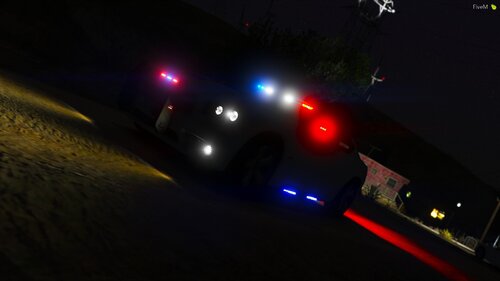 noted ill see what i can do to fix that
 -
Yes you can
-
the lua file is for FiveM if you arent using fivem just use the normal xml yft and ytd and vehicle meta files, also yes there is not a hi yet as it is still a WIP it is also not necessary for the car to be used in game
-
This model is still continuing to be worked on however it may be a while before i can release another update for it, please let me know of anything I can do to fix any issues you may have with the model.
-
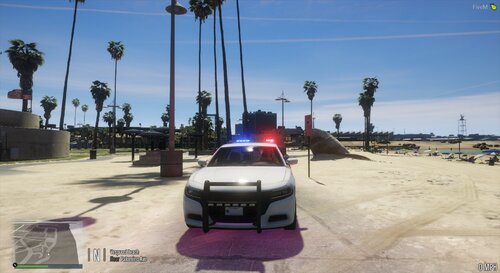 I made the model over a year and a half ago. If I remembered where I got everything I would credit it but the issue is I don’t. Also wasn’t trying to sound like a jerk by saying that I was pointing out it was my first model. I have moved on from it I know there are issues and I corrected them with my models I’ve created since then.
- 12 comments
- 1 review
-
-
You may use this vehicle in your servers just please provide the credit when do. Enjoy!
- 12 comments
- 1 review
-
-
-
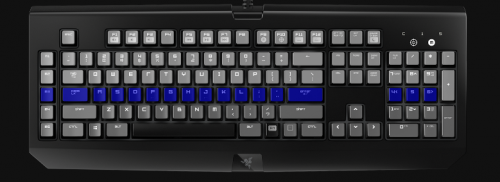 Unfortiunately I cannot due to the fact that I do not own the keyboard the only razer keyboard I have is the Blackwidow Chroma
- 9 comments
- 2 reviews
-
-
Thanks for the feedback. I'll add you to the beta list when i update compatability for more Razer Chroma Products
- 9 comments
- 2 reviews


