thechaunet
Members
-
Joined
-
Last visited
-
-
-
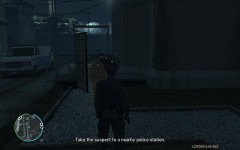 GTAIV 2012 08 10 16 10 16 00
-
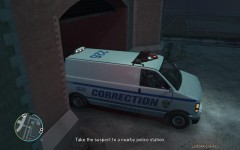 GTAIV 2012 08 10 16 09 18 67
-
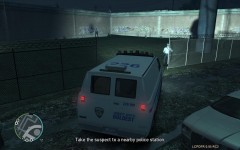 GTAIV 2012 08 10 16 06 10 15
-
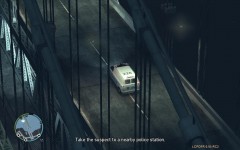 GTAIV 2012 08 10 16 00 41 59
-
 GTAIV 2012 08 10 15 59 33 59
-
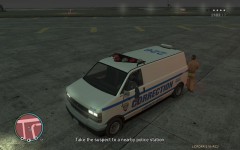 GTAIV 2012 08 10 15 54 43 72
-
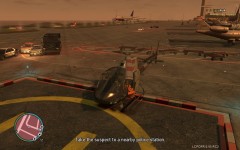 GTAIV 2012 08 10 15 53 36 18
-
 GTAIV 2012 08 10 15 52 36 25
-
 GTAIV 2012 08 10 15 50 58 90
-
 GTAIV 2012 08 10 15 48 09 64
-
 GTAIV 2012 08 10 15 47 09 13
-
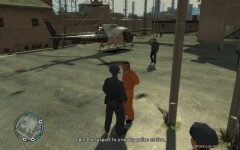 GTAIV 2012 08 10 15 46 44 14
-
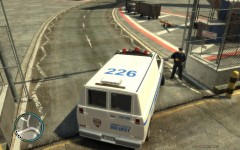 GTAIV 2012 08 10 15 31 11 84
-
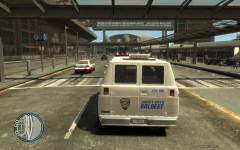 GTAIV 2012 08 10 15 30 43 03
-
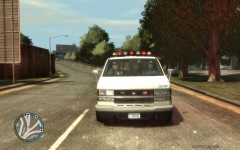 GTAIV 2012 08 10 15 30 11 09
-
-
direction of path you can help me how to settings are not? me has settings but their play vay up
-
thank you ! i know it's i use it spaw driver and task drive to waypoint but the driver not drive the may waypoint that drive their discretion.
-
yes i want my car to run on a clip escort vip thank you ! please tell me SNT ?
-
-
Everyone can help me how to add the game to its driver to drive a car to follow me?
-
-
-
I find the clip, but I would love to find forever radar gun that everyone can share for me? Thanks http://www.youtube.com/watch?v=58V2199yHG8
-
ok thank you
-
ok can you give me link this siren !?
-
oh yes i want that gives a blast of the wail from wind up to wind down
-
I want to do this then how http://www.youtube.com/watch?feature=player_embedded&v=OQ9HqbGMLik
-
let me ask how can use manual siren !? thank
-
ok I'll try it thank you