Skip to content
View in the app

A better way to browse. Learn more.

LCPDFR.com

A full-screen app on your home screen with push notifications, badges and more.

To install this app on iOS and iPadOS
  1. Tap the Share icon in Safari
  2. Scroll the menu and tap Add to Home Screen.
  3. Tap Add in the top-right corner.
To install this app on Android
  1. Tap the 3-dot menu (⋮) in the top-right corner of the browser.
  2. Tap Add to Home screen or Install app.
  3. Confirm by tapping Install.

Arne1334

Members
  • Joined

  • Last visited

Everything posted by Arne1334

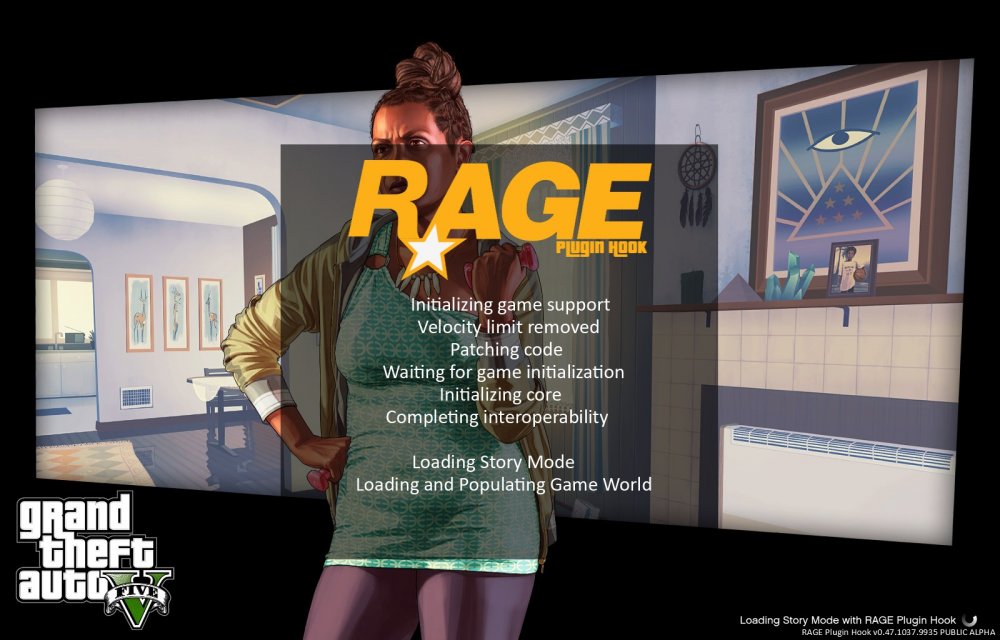
  1. Hi guys, I had some problems installing the new update of RHP but eventually I succeeded Updating. I tried launching RHP with and without LSPDFR but nothing seems to work. Every time I start it it does it's normal things but then it just stops at loading and populating game world. I tried waiting to see if it would eventually work but it didn't. I hope u guys can help me because I really want to play LSPDFR again. -Arne
Account

Navigation

Search

Search

Configure browser push notifications

Chrome (Android)
  1. Tap the lock icon next to the address bar.
  2. Tap Permissions → Notifications.
  3. Adjust your preference.
Chrome (Desktop)
  1. Click the padlock icon in the address bar.
  2. Select Site settings.
  3. Find Notifications and adjust your preference.