


jordanswavel
Members
-
Joined
-
Last visited
-
jordanswavel changed their profile photo
-
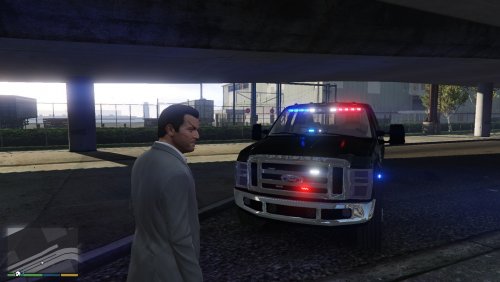 The front turn signals are not in the right spots. they are in the dash somewhere. I dont know if you can do anything about it. but with using (spot light mod). something is in the way from the front to the right. Would be nice in the next update, the dash have a back light and computer will have a display and back light for the night shifts. overall, great looking truck.
- 12 comments
- 3 reviews

