
brixkay
Members
-
Joined
-
Last visited
Everything posted by brixkay
-
I did that an after i load the plugin from lspdfr I load duty force an than it crashs
-
So hy and thanks for reading my text so i have the probleme in game while i start to go on duty than my game crashs and a message comes up that the plugin is blocking an it cause the game to freeze so i cant go on duty:(
-
Ich habe das problem das wenn ich gta 5 lspdfr starte ich die meldung bekomm nach dem ich aus dem polizeirevier fahre dass lspdfr crasht und dann kommt folgende meldung : blocking plugin lspdfr game freeze bitte um hilfe lg
-
Ich habs endlich hin bekommen ich muss nur gta 5 launcher starten und dann raghook dann geht es danke trotzdem für den support lg
-
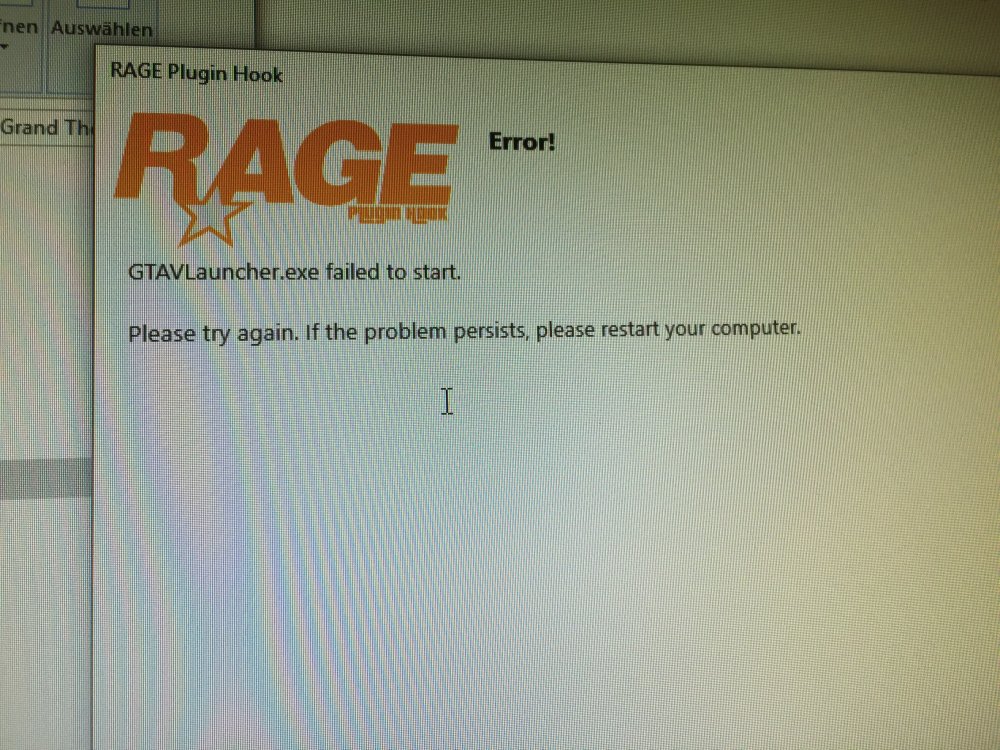
Hallo ich habe noch immer das problem wenn ich ragehook starte dass das programm nicht startet und ich die meldung bekomme dass der launcher nicht starten konnte bittw um hilfe lg
-
Dank für die antwort jedoch hab ich ragehook schon als administrator ausgeführt und ich weiß nicht wie ich dies mit dem antivirus tun soll ( benutze avira) lg
-
Seit 3 tagen bekomme ich immer wieder die meldung wenn ich raghook starte dass der launcher nicht gestartet werden kann und hab schon alles versucht ( gta 5 neu installiert , ragehook neu installiert und lspdfr neu installiert bitte um hilfe:(